

Guide
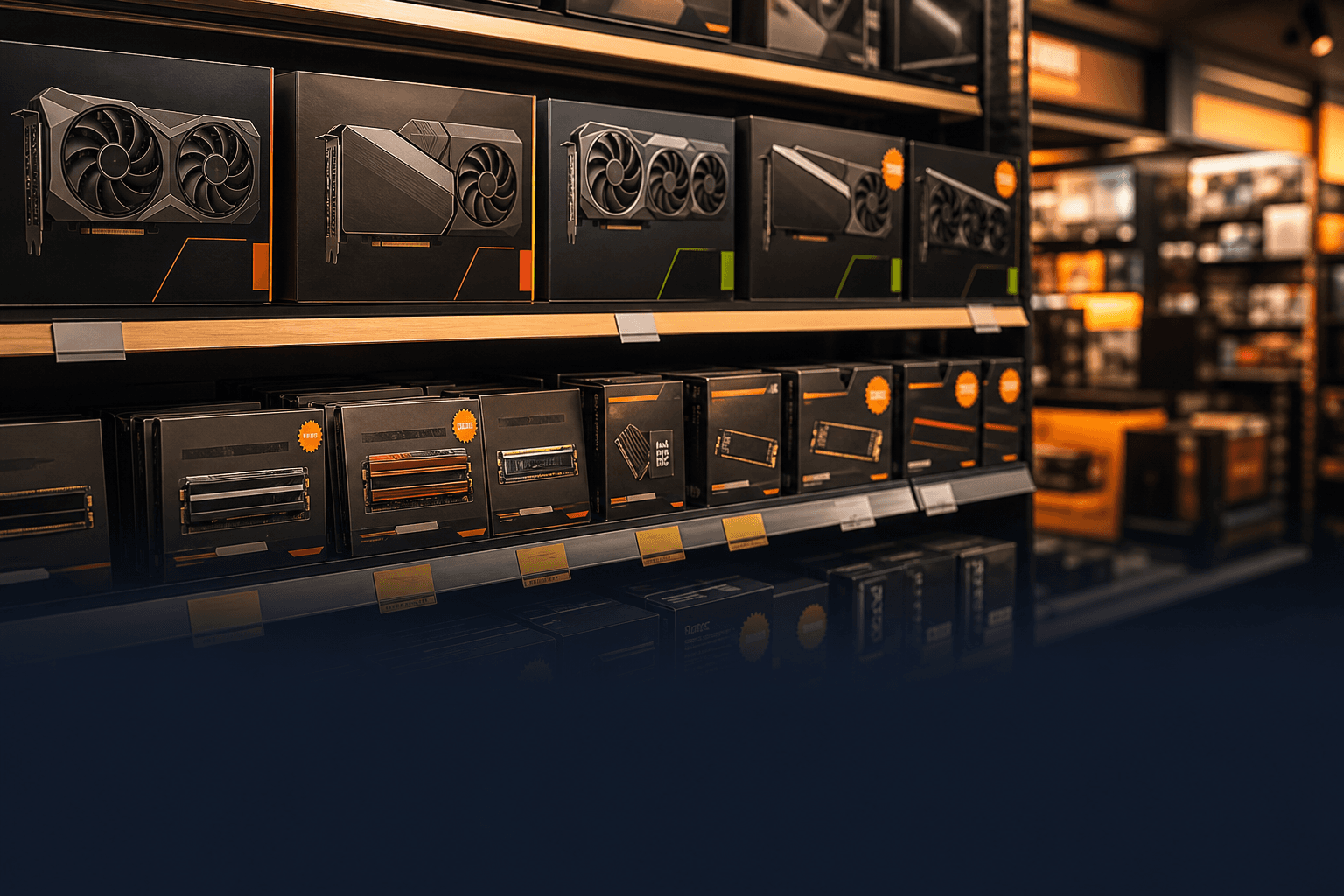
PC gaming market briefing — May 12, 2026
Mid-May 2026 is a familiar US pattern: graduation gifts, Memorial Day ads warming up, and r/buildapc threads asking whether to pull the trigger before Prime Day. On May 12, RTX 50 and RX 9000 are on shelves — but sticker prices often sit above launch MSRP on 16 GB GDDR7 cards while 8 GB SKUs hug MSRP. This is a dated baseline snapshot, not our May 21 weekly ledger or the evergreen how to choose a gaming PC guide. Before you open Newegg, Amazon.com (sold by Amazon), Best Buy, or Micro Center: lock your budget, monitor resolution, and three Steam games. Dollar figures below are before state sales tax unless noted — verify the cart on checkout day.
Find your ideal PC on PC4Games
We match your games and budget with prebuilt Amazon PCs to surface the best-fitting configs.
How it works
Add your games
Your Steam library or a manual pick — you're in control.
Set your budget
From €400 to €2,000, you decide how much to spend.
Compare PCs
Score, specs and Amazon link — everything to choose with confidence.
US May calendar: school wrap-up, Ocean Fest, and Memorial Day runway
Between May 12 and Memorial Day weekend, US retailers push gaming desktop SKUs harder — Newegg, Best Buy, iBuyPower, and Skytech lead with RTX 5070 badges while burying PSU and SSD details. It is not peak season yet: the Steam Summer Sale historically lands in late June and cuts game prices, not GPUs.
Steam Ocean Fest (May 18–25, 2026) is a game showcase, not a hardware sale — but it nudges people toward « refresh the rig » impulse buys. Good move: write down target resolution and three games before a banner promises $200 off. A discounted tower with a weak GPU and flashy CPU is still overspending.
GPU shelves on May 12: what Newegg and Micro Center actually list
The US catalog in mid-May 2026 is transitional: RTX 50 and RX 9000 dominate new listings while RTX 4060/4070 Super fade to clearance or open-box. Launch MSRP anchors still matter: RTX 5060 $299, RTX 5070 $549, RTX 5070 Ti $749, RX 9070 XT $599 — but partner cards with 16 GB VRAM often list 10–30% above those numbers as GDDR7 supply tightens (Tom's Hardware and TrendForce flagged memory cost pressure in Q2 2026).
Micro Center frequently undercuts Newegg on RTX 5070 when stock appears (~$479–529 on Ventus-class models in May checks). Amazon third-party GPU listings are hit-or-miss — +$75–150 over MSRP is common on thin-inventory weeks. Track buildapcsales and Micro Center restock threads instead of wishlist refresh spam.
Practical rule: compare FPS in your games and resolution, not VRAM alone on the spec sheet. 8 GB on RTX 5060 can work for 1080p esports; 1440p texture-heavy AAA leans toward 12–16 GB (RTX 5070, RX 9070 XT). Long-term curves live in the GPU price study.
RTX 40 clearance, RTX 50 new, or used eBay — US decision tree
« Wait for RTX 50 » stopped being abstract in the US — cards are here. The question is whether MSRP-adjacent pricing exists on the SKU you want, not whether Blackwell launched.
RTX 5060 / 5060 Ti make sense when your GPU budget is $325–$575 and you play 1080p–1440p with DLSS. A clearance RTX 4060 near $280–320 (sold by reputable Newegg/Best Buy channels) still works as a GTX 1660 / RX 580 upgrade if PSU and CPU keep up.
Waiting « until it drops » only works if your current PC still delivers acceptable FPS. If CS2, Valorant, or Fortnite already stutter, saving $80 on a GPU rarely beats months of bad play. See upgrade your gaming PC or a ~$875 complete lane before endless deferral.
Micro Center bundles vs Newegg vs Amazon — three US buying paths
US buyers usually land in one of three lanes: DIY (Micro Center / Newegg parts), online prebuilt (Newegg systems, Best Buy, brand storefronts), or Amazon « Gaming PC » listings with vague specs.
Micro Center wins when you live near a store: CPU + motherboard + RAM bundles often beat piecemeal Amazon by $40–80, and the GPU aisle can beat Newegg by $50–100 on RTX 5070 restocks. Newegg is the default for ship-anywhere builders — watch sold-by-Newegg vs marketplace markup.
Amazon.com sold-by-Amazon is reliable for PSUs, SSDs, and RAM; GPUs need price discipline. Prebuilt $1,700–1,900 RTX 5070 towers (CyberPowerPC, MSI Aegis, iBuyPower) cluster in May promos — fine if the exact GPU model and NVMe boot drive are spelled out, not just « 12 GB GDDR7 ».
Amazon and Newegg prebuilt red flags — May 2026 edition
The same three skews Tom's Hardware and PC Gamer repeat every Q2 still show up in May 12 listings:
CPU in the title, GPU in the shadows — « Core i7 / Core Ultra 9 » with RTX 5060 sells marketing, not FPS. At equal spend, a better GPU tier beats two extra CPU cores in most games.
RAM as the hero spec — 32 GB without dual-channel proof (often one stick) or speed (DDR5-6000 vs JEDEC). RAM upgrades rarely fix GPU-bound stutter.
Storage word soup — « 1 TB storage » split across 256 GB slow boot + HDD hides load-time pain. Windows and games belong on NVMe — see NVMe vs SATA for gaming.
PSU with no brand — no-name 500 W units under RTX 4070-class GPUs are a longevity risk. Full trap list: gaming PC buying mistakes.
CPU, RAM, and storage — what balanced US builds look like in 2026
On AM5 and Intel 14th/15th gen, the question is GPU balance, not brand tribalism. Ryzen 5 7600 / 9600X or Core i5-14400F paired with RTX 5060–5070 is the healthy mid-May template in $900–1,400 DIY spreadsheets on r/buildapc.
16 GB DDR5 dual-channel remains credible for many 1080p setups; 32 GB earns its premium for 1440p, heavy Discord + browser stacks, and OBS on a single PC. Single-channel configs silently cap FPS — confirm 2×16 GB, not 1×32 GB, on prebuilts.
Storage: 1 TB NVMe is the comfortable Steam library default in 2026. 512 GB bargain towers fill up after two modern AAA installs. Budget SSD vs HDD before accepting « 512 GB + 1 TB » marketing.
Three US budget lanes: $600, $950, and $1,425 (before tax)
Not single-day Newegg prices — lanes where US hardware guides and r/buildapc recommendations cluster in mid-May 2026. Always verify the cart before paying.
| Lane | Profile | Typical stack |
|---|---|---|
| ~$600 | 1080p high / esports 144+ Hz | Ryzen 5 7600 / i5-14400F + RTX 5060 / RX 9060 XT · 16–32 GB DDR5 · 1 TB NVMe · 650 W 80+ |
| ~$950 | 1440p 144 Hz, AAA medium–high | Ryzen 5 7600 / 9600X + RTX 5070 / RX 9070 XT · 32 GB DDR5 · 1 TB NVMe · B650 / B760 |
| ~$1,425 | 1440p ultra / light stream | Ryzen 7 / Core i5 top + RTX 5070 Ti class · 32 GB · 750 W Gold PSU · monitor budget separate |
Buy on May 12, wait for Memorial Day, or hold for Prime Day?
Steam Summer Sale (historically late June) discounts games, not graphics cards. Wait for it when your backlog is the problem — not when your GPU is the bottleneck on new releases.
Memorial Day week can move prebuilt RTX 5070 towers (~$1,700–1,900 bands on Newegg in late May per deal trackers) — but only when the SKU matches your plan. No guarantee your exact GPU model drops.
May 12 is reasonable when: specs are transparent, the GPU tier fits your resolution, and price sits inside budget with $150–250 headroom for tax/shipping/monitor. Rule: run the PC4Games comparator (games + budget) before any « 32 GB DDR5 » headline convinces you.
Checkout checklist and what we publish next
1. Three games + resolution on paper — not in the seller's marketing copy. 2. Full GPU model name (e.g. MSI Ventus 2X RTX 5070), not « 12 GB graphics ». 3. PSU brand + wattage — 650 W 80+ Gold minimum for RTX 5070; more for Ti/5080 class.
4. Boot drive — NVMe capacity listed; games not relegated to HDD. 5. Cross-check Newegg vs Micro Center vs Best Buy for the same tier. 6. Comparator pass — does the prebuilt actually fit your Steam library?
Next reads: best graphics card 2026, GPU price study, Amazon gaming PC guide. We publish a **May 21 market briefing nine days later with week-over-week price moves** — use this page as the « early May » baseline.
Frequently asked questions
Is May 12, 2026 a good time to buy a gaming PC in the US?
Yes — if your budget, resolution, and three target games are set, and the listing spells out the exact GPU model and NVMe boot drive. Do not wait for a magic date; wait for a balanced SKU. The Steam Summer Sale cuts game prices, not GPUs.
What do RTX 5070 cards actually cost in mid-May 2026?
Launch MSRP is $549, but partner cards often list higher on Newegg when inventory is thin. Micro Center restocks sometimes land $479–529. Flash deals on prebuilt RTX 5070 towers cluster around $1,700–1,900 before tax — verify the GPU is desktop-class, not mobile.
Newegg, Micro Center, or Amazon — where to start?
Micro Center if you are near a store (bundle + GPU aisle pricing). Newegg for ship-anywhere DIY (prefer sold-by-Newegg). Amazon.com sold-by-Amazon for PSUs/SSDs; treat GPU and vague « Gaming PC » listings with extra scrutiny.
Should I buy RTX 50 or wait for RTX 40 clearance?
RTX 50 is already on US shelves. RTX 4060 near $280–320 from reputable channels can work as a budget upgrade. At $430–650 GPU spend, target RTX 5060/5070 or RX 9060 XT / 9070 XT — compare FPS in your games, not generation marketing.
How much RAM does a gaming PC need in 2026?
16 GB DDR5 dual-channel minimum for many 1080p setups; 32 GB for demanding 1440p, streaming, and heavy multitasking. A RAM headline without dual-channel proof is a common prebuilt trap.
How does PC4Games help after reading this briefing?
The comparator scores prebuilt Amazon configs against your Steam library, budget, and resolution — before you buy a « gaming » tower that misses your actual games.
Sources & methodology
How we wrote this guide
PC4Games US market briefing (May 12, 2026). Shelf bands from Newegg, Micro Center, and Amazon.com checks; MSRP anchors from NVIDIA/AMD launch materials; prebuilt patterns cross-checked with Tom's Hardware and r/buildapc — verify cart price on checkout day.
- GPU MSRP vs shelf: Newegg, Micro Center, Amazon.com (sold by Amazon) — excl. state sales tax.
- Prebuilt deal bands: Newegg system listings and Memorial Day promo coverage (PC Guide, Tom's Hardware).
- Calendar: Steam Ocean Fest (May 18–25, 2026); Steam Summer Sale historically late June.
- Editorial update: May 12, 2026 — see May 21 briefing for week-over-week moves.

Similar articles
 Buying tips14 min read
GTA 6 news September 2026: Extended Look, Twitch, and pricing
GTA 6 Sept 2026: Extended Look on Netflix (Aug 27), Twitch outage, YouTube gameplay, official trailer, $79.99 pricing, console launch November 19.
14 min readRead article Buying tips16 min read
How to choose a gaming monitor in 2026: 1080p vs 1440p
How to choose a gaming monitor in 2026: 1080p 144 Hz from $180 for esports, or 1440p from $280 for AAA. Match Hz to your GPU before you buy.
16 min readRead article Buying tips28 min read
Best free PC games in 2026 (Steam, Epic, Riot)
Best free PC games 2026: 28 official F2P (Fortnite, CS2, Valorant…). US 1080p budgets $450–875, store links and a free PC picker. September 2026.
28 min readRead article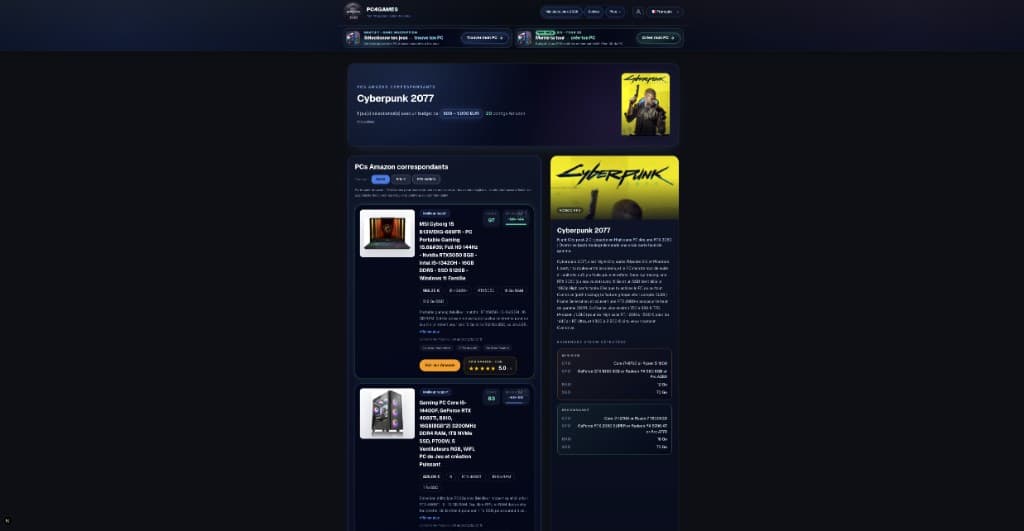 Buying tips15 min read
How to choose a gaming PC in 2026 (US): method by player profile
Best gaming PC 2026: how to choose by FPS, 1440p, streaming, CPU/GPU/RAM and budget. US method with Amazon, Newegg and PC4Games.
15 min readRead article Buying tips12 min read
Is Pokémon Champions on PC in 2026?
Is Pokémon Champions on PC? No Steam or Windows client in September 2026. Switch, Switch 2, iOS, Android only. Emulator risks and safe download sources.
12 min readRead article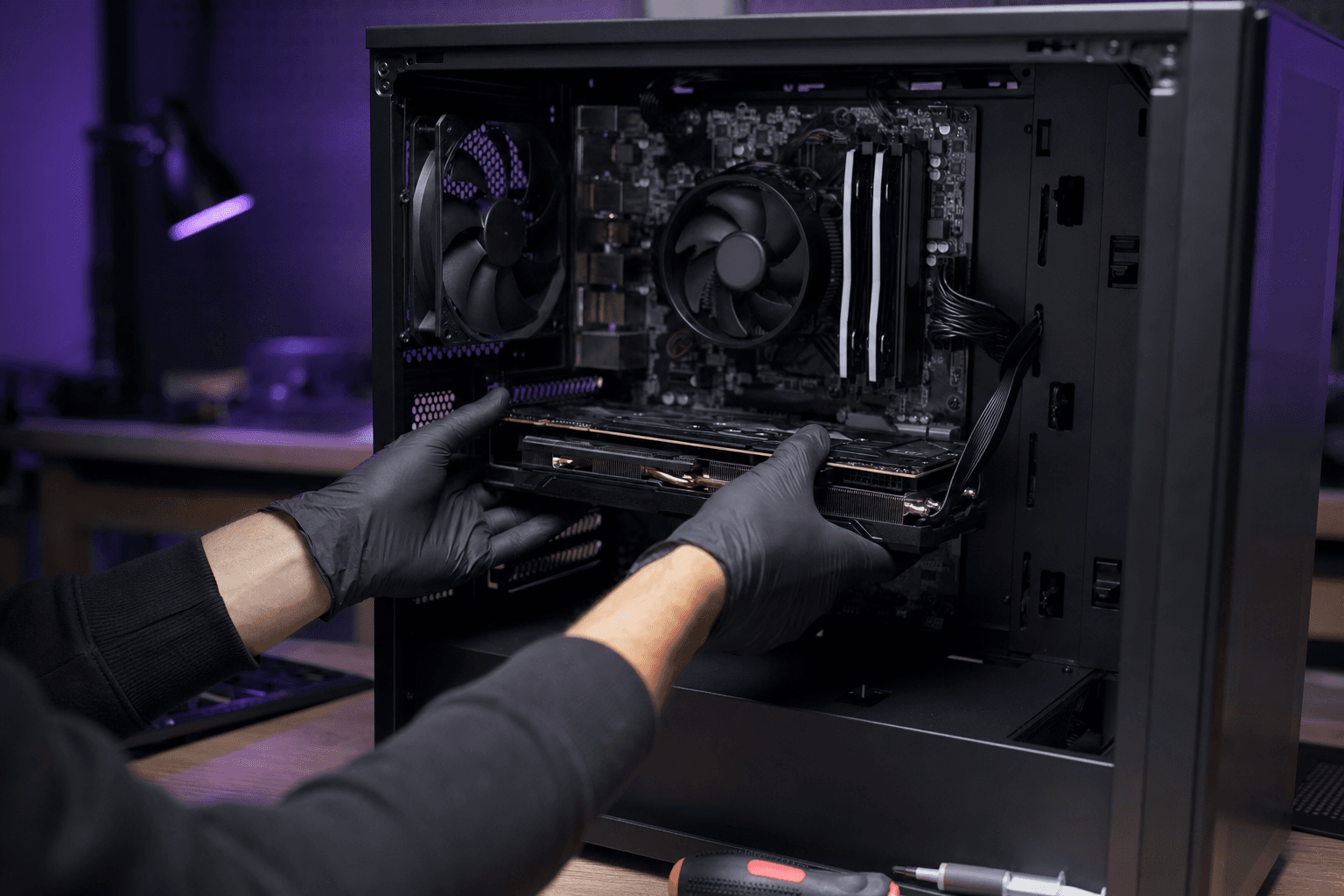 Buying tips14 min read
Upgrade a gaming PC in 2026: GPU first, then RAM
Upgrade a gaming PC in 2026: GPU first, then RAM or SSD. US parts $80–$350, socket/PSU checks, and when a new Amazon prebuilt wins.
14 min readRead article
PC4Games
Take action with the comparator: pick your games, budget, then compare PCs.


Comments
Loading…
Sign in or create an account to comment on this article.