

Guide

NVMe vs SATA for gaming: what you feel at the desk, not on the spec sheet
Retail listings love big numbers: 7,000 MB/s on a PCIe 4.0 NVMe, 550 MB/s on SATA. On Newegg, Amazon, and Micro Center shelves in September 2026, a 1 TB NVMe often sits within $10–25 of a 1 TB SATA drive — so the buying question shifted from « which is faster » to where that speed pays off. This guide maps real load-time gaps, patch and Steam-library workflows, DirectStorage exceptions, and the upgrade order most US/UK builders get wrong. If you still boot from a hard drive, settle SSD vs HDD for gaming first: that is a different decision entirely.
Find your ideal PC on PC4Games
We match your games and budget with prebuilt Amazon PCs to surface the best-fitting configs.
How it works
Add your games
Your Steam library or a manual pick — you're in control.
Set your budget
From €400 to €2,000, you decide how much to spend.
Compare PCs
Score, specs and Amazon link — everything to choose with confidence.
Benchmark hero numbers rarely match your loading bar
CrystalDiskMark measures sequential throughput — one long, contiguous read. Game loads pull thousands of small compressed packages; the CPU decompresses them before the GPU can use them. When decompression is the bottleneck, a faster SSD mostly waits in line — which is why independent game tests often show 1–3 seconds between SATA and a top Gen4 NVMe on a 15–30 second load, not a 7× cut.
Hardware Unboxed and TechSpot both report the same pattern across AAA titles: meaningful SATA-vs-NVMe gaps exist, but they're easy to miss without a stopwatch. The leap you *feel* instantly is still HDD → any SSD — covered in our SSD vs HDD guide.
NVMe pulls ahead when something bypasses that CPU path (DirectStorage) or when you're writing huge chunks of data — game patches, moving a 200 GB Steam folder, capturing 4K clips to the same drive.
Three upgrades, three different payoffs
HDD → SATA or NVMe: often 30–60+ seconds saved per load — the single biggest quality-of-life fix on an older rig. Tom's Hardware forum threads about *Black Myth: Wukong* on HDD stutter are the classic example: the game isn't unplayable, but zone transitions punish spinning rust.
SATA → NVMe (legacy titles): typically 2–7 seconds per load screen in open-world games — noticeable over a 40-hour campaign, irrelevant in round-based shooters where everyone waits on the slowest connection anyway.
Gen3 → Gen4 NVMe (no DirectStorage): frequently under one second in game loads; the money matters more for patch install time and drive-to-drive copies than for FPS.
Load screens: SATA, Gen3, and Gen4 side by side
Figures below are ballpark ranges from multi-drive game testing on modern desktops — not manufacturer claims. Competitive esports titles are omitted on purpose: they load fast on any SSD.
In TechSpot's nine-game suite, six titles showed about 2 seconds or less between entry SATA and flagship Gen4. The outlier bucket is storage-aware engines — see the DirectStorage section.
| Game / scenario | SATA SSD | NVMe Gen3 | NVMe Gen4 |
|---|---|---|---|
| Elden Ring — grace to open world | ~14 s | ~12 s | ~11 s |
| Call of Duty — Warzone map load | ~22 s | ~19 s | ~18 s |
| Final Fantasy XIV — zone transfer | ~16 s | ~13 s | ~12 s |
| Spider-Man Remastered — fast travel | ~12 s | ~10 s | ~9 s |
| Forspoken — DirectStorage (Win11) | ~7 s | ~4 s | ~2 s |
| Ratchet & Clank PC — rift jump | ~6 s | ~3 s | ~1–2 s |
When SATA is still the rational pick
Boot NVMe + bulk SATA — a common Tom's Hardware setup: 256–500 GB NVMe for Windows, 1–2 TB SATA for the Steam library. While you're in-game, the OS drive barely matters if the title lives on the game SSD and you have 16 GB+ RAM; you maximize cheap capacity instead of replacing a working boot drive.
Older boards with no free M.2 — plenty of B450 and pre-2020 Intel towers only expose SATA. A 870 EVO or MX500 crushes any HDD without a platform swap.
Secondary « cold storage » — finished campaigns, older MMOs, media. SATA's $/TB still wins when raw sequential speed isn't the job.
Gen3 vs Gen4: read the shelf tag, not the hype
Street pricing in July 2026 (US): ~$55–75 for a 1 TB Gen3 (Kingston NV2, Crucial P3), ~$70–100 for a solid Gen4 (P3 Plus, WD SN770, Samsung 990 Evo class), ~$50–70 for 1 TB SATA. SATA is no longer automatically cheaper.
Gen3 makes sense on PCIe 3.0 boards (B550, Z490) or when the second M.2 slot is lane-limited. Gen4 is the default on AM5 and LGA1700/1851 new builds — not because every game needs 7 GB/s, but because patch writes and upcoming DirectStorage titles benefit from headroom.
Gen5 in 2026: skip for gaming-only rigs — hotter, pricier, no meaningful in-game load win over a good Gen4 in current benchmarks. Buy Gen5 for pro video or huge local transfers, not for Fortnite.
Patches, Steam moves, and off-benchmark wins
Modern live-service games treat storage like a download + decompress job. Call of Duty and Destiny 2 patches can write tens of gigabytes; NVMe finishes those updates noticeably faster than SATA even when in-match performance is identical.
Moving a library between drives is the other hidden tax: copying 150 GB at 500 MB/s (SATA) vs 3,000+ MB/s (NVMe) is the difference between five minutes and under one — relevant if you juggle drives on a budget build.
Leave 10–15 % free space on whichever SSD holds active games; nearly full drives slow both reads and writes regardless of interface.
DirectStorage: games that finally stress the NVMe
DirectStorage (Windows 11 + DirectX 12 Ultimate GPU) streams compressed assets SSD → GPU, skipping the old CPU decompress path. That's where SATA's 500 MB/s ceiling hurts: loads can drop from ~6–8 s to ~1–2 s on Gen4 in supported titles.
PC examples to plan around: Ratchet & Clank: Rift Apart, Forspoken, Forza Horizon 5 (optimized mode), plus a growing set of Unreal Engine 5 AAA releases. Still a minority of Steam — but enough to make NVMe Gen4 the sane default on a new 2026 build.
No FPS miracle: benefits are shorter waits and fewer open-world hitches, not higher average frame rates. An M.2 SATA drive does not qualify — you need NVMe.
M.2 traps, prebuilts, and where to spend next
« M.2 » ≠ NVMe — Crucial MX500 M.2 is still SATA. Read PCIe NVMe in the spec. B550/B650 second M.2 slots sometimes run Gen3 x2 — check the manual before buying two « fast » drives.
Heatsink marketing: games are read-heavy; throttling shows up in long writes, not Elden Ring boss loads. Stock motherboard shields are enough for most Gen4 gaming drives.
Best Buy / iBuyPower / Amazon prebuilts often list « 1 TB SSD » without interface — you might pay NVMe money for SATA. If you're already on a healthy SATA SSD and loads feel fine, GPU or RAM beats a SATA→NVMe swap for per-dollar gaming gain — see upgrade your gaming PC. New build? 1–2 TB Gen4 NVMe primary, SATA optional for archives. Cross-check parts on PC4Games compare and SSD accessories.
Frequently asked questions
NVMe or SATA SSD for gaming in 2026?
On a new build with an open M.2 slot: 1 TB Gen3/Gen4 NVMe — the price gap vs SATA is small in the US/UK. SATA stays smart as a second drive, on boards without M.2, or for HDD → SSD upgrades on a tight budget.
Does an NVMe SSD increase FPS?
Not meaningfully during gameplay. It shortens loads, can reduce open-world hitches, and speeds up patches. For higher FPS, upgrade GPU or fix RAM bottlenecks first.
Should Windows live on NVMe or SATA?
NVMe feels snappier for boot and desktop use. For gaming only, many builders keep a small NVMe for Windows and a larger SATA for games — or the reverse if the NVMe is your game drive and RAM is ample. Match the title to the faster disk.
PCIe Gen3 or Gen4 for gaming?
Outside DirectStorage, loads often differ by under a second. Buy whichever Gen3/Gen4 1 TB is cheaper on your board. On AM5 / LGA1700 new rigs, Gen4 is the default for patch speed and future titles.
Is PCIe 5.0 worth it for gaming?
No for gaming-only in 2026 — more heat, more cost, no real load-time win over Gen4 in current tests. Consider Gen5 for pro video or massive file workflows.
M.2 SATA vs M.2 NVMe — how do I tell?
Look for PCIe NVMe or Gen3/Gen4 M.2 in the listing — not just « M.2 ». MX500 M.2 is SATA. Check your motherboard manual for each slot's protocol and lane width.
QLC or TLC for a Steam library?
For installing and playing games, QLC Gen4 drives (NV2, P3 Plus) are fine. Prefer TLC for a heavy OS + creative drive with constant large writes. Skip no-name drives without a real warranty.
Should I replace my SATA SSD with NVMe?
Not urgent if loads already feel fine. Worth it on a new PC, for DirectStorage games, or if you move huge libraries often. Otherwise put the budget toward GPU — see upgrade your gaming PC.
512 GB or 1 TB NVMe for gaming?
1 TB is the comfortable minimum in 2026 (~$55–100). 512 GB fits Windows plus 3–4 big titles — tight with *Call of Duty*, *GTA*, or multiple live-service games. 2 TB if you hate uninstalling.
Do I need an M.2 heatsink for gaming?
Usually no for play — games are read-heavy. Heatsinks help sustained writes (patching, cloning). Don't pay extra for RGB « gaming » SSD branding alone.
Sources & methodology
How we wrote this guide
PC4Games NVMe vs SATA guide (updated 14 July 2026). Load times synthesized from independent multi-drive game tests and US/UK forum patterns; street prices cross-checked Newegg/Amazon US July 2026.
- Legacy games (CPU decompress bound) vs DirectStorage titles (storage bound).
- Complements [SSD vs HDD for gaming](/guides/ssd-ou-hdd-gaming) — not a duplicate.
- Brand mentions reflect common retail SKUs, not manufacturer partnerships.

Similar articles
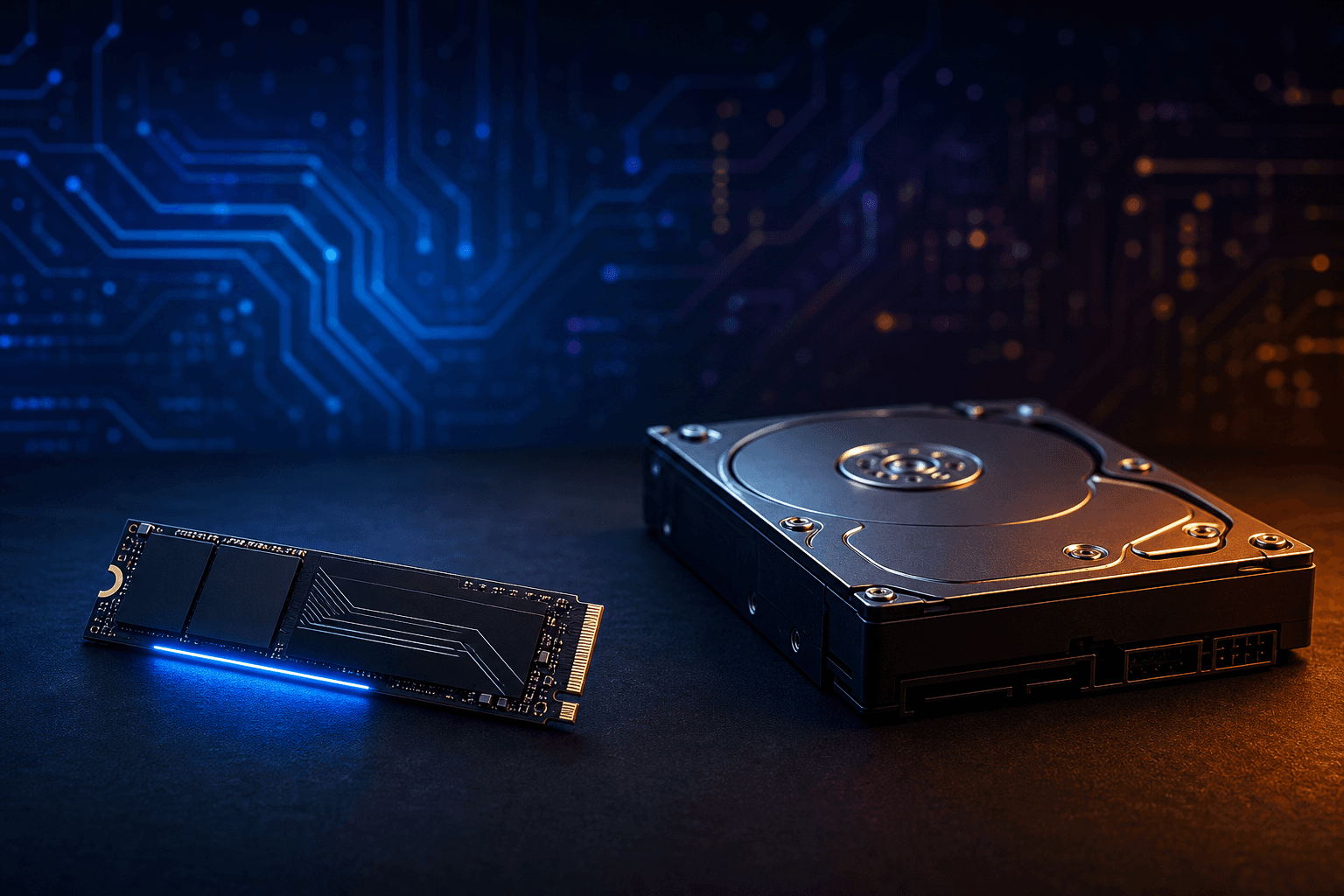 Components11 min read
SSD or HDD for gaming in 2026: what to buy first
SSD or HDD for gaming in 2026? Real load times, 1 TB NVMe US prices ($70–100), when a hard drive still helps as bulk storage, and Amazon prebuilt traps.
11 min readRead article Components12 min read
GPU gaming benchmark 2026: which cards hold 1080p, 1440p and 4K?
GPU gaming FPS tables August 2026: RTX 50, RX 9000, 1080p/1440p/4K, AAA and e-sport. PC4Games methodology, Tom's Hardware and TechPowerUp sources.
12 min readRead article- Components11 min read
CPU gaming benchmark 2026: which processor maximizes your FPS?
CPU gaming FPS tables August 2026: Ryzen 7800X3D, 9800X3D, i5-14600K, 1080p/1440p, CPU-bound games. PC4Games methodology, Tom's Hardware and TechPowerUp.
11 min readRead article  Components7 min read
What power supply do you need for a gaming PC in 2026?
What power supply do you need for a gaming PC in 2026? Wattage by GPU (RTX 4060 to RTX 5070), 80 Plus certifications, ATX 3.0, modular vs non-modular, and the mistakes that kill components.
7 min readRead article Components8 min read
Gaming PC wattage: size your PSU without the spreadsheet guesswork
How many watts does your gaming PC need in 2026? US sizing worksheet, RTX 50 / RX 9000 tables, +12V amps, ATX 3.1 spikes, GPU-only upgrades, and prebuilt traps on Amazon & Best Buy.
8 min readRead article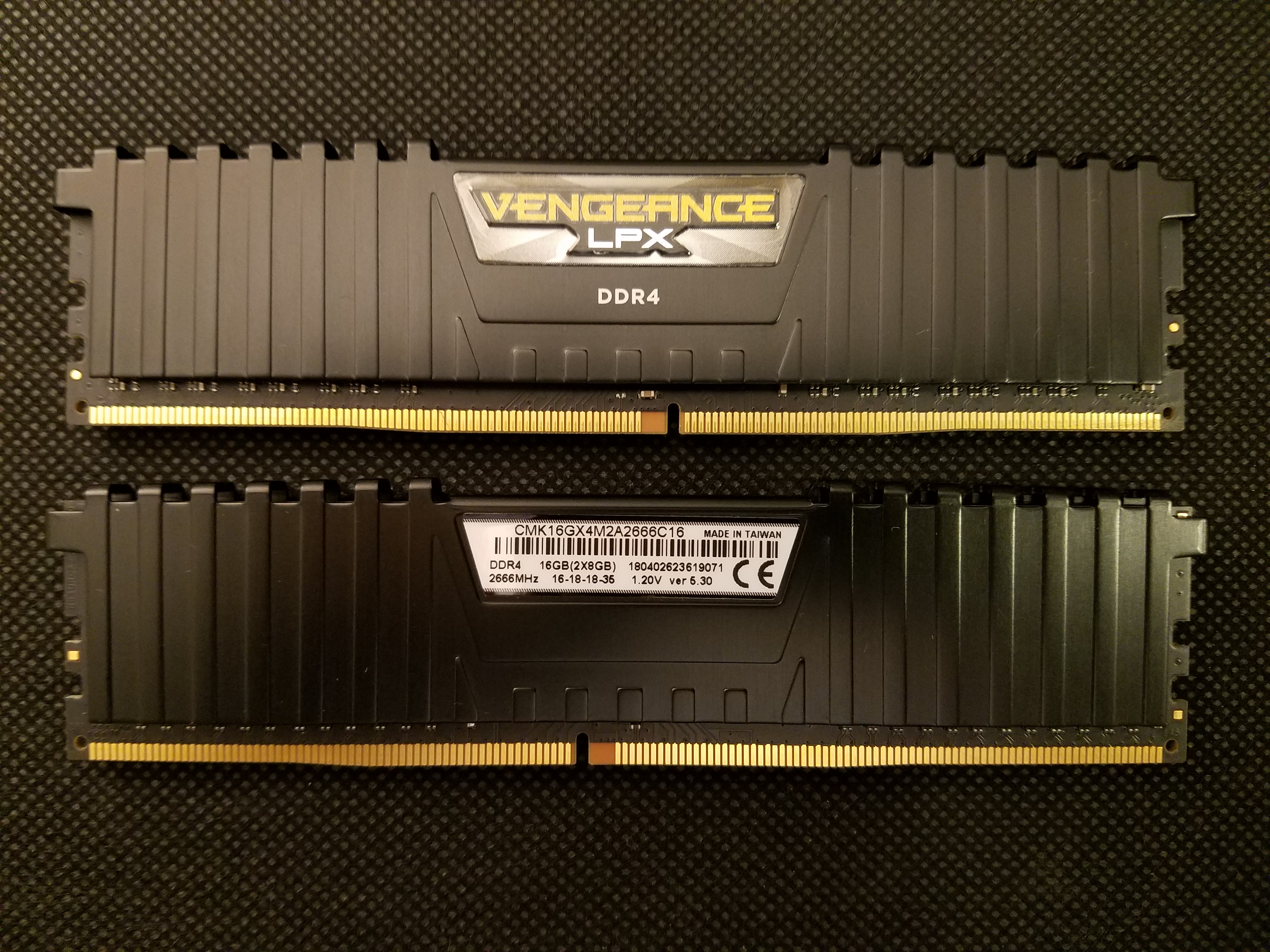 Components13 min read
How much RAM for a gaming PC in 2026: 8, 16, or 32 GB?
8, 16, or 32 GB RAM for gaming in 2026? Capacity by game, DDR4 vs DDR5, dual-channel, Amazon/Newegg prebuilt traps, XMP/EXPO, and when 32 GB pays off.
13 min readRead article
PC4Games
Take action with the comparator: pick your games, budget, then compare PCs.


Comments
Loading…
Sign in or create an account to comment on this article.