

PC4Games free gaming PC comparator
PC4Games (pc4games.com) is a free gaming PC comparator for the US, no sign-up required: match your Steam library and budget ($450–$5,450) to Amazon.com prebuilts.
You get a score out of 100 and estimated FPS so you can choose without reading every spec sheet (September 2026).
- Yourgames
- Yourbudget
- YourPC
Why use the PC4Games gaming PC comparator?
Enter your Steam games and a budget. PC4Games matches official specs to Amazon.com prebuilts and ranks them with a score /100 and estimated FPS (September 2026).
100% free
Results in seconds — no sign-up, no ads.
Innovative
Official Steam requirements matched to compatible PCs: score out of 100 and estimated FPS.
100+ games
Over 100 Steam games in our database, matched to your real library.
PC4Games
Explore the gaming PC comparator and guides
Gaming PC comparator, hardware guides, budget tiers and Steam game pages: everything to pick a US build without hand-matching specs.
- Compare by gamesMatch your Steam library and budget. Ranked results and FPS in seconds.
- Gaming PC $550Entry 1080p gaming builds for the US market — realistic FPS in 2026.
- $875 gaming PC1080p ultra sweet spot and early 1440p in 2026 (US pricing).
- Best GPU 2026RTX, RX and perf-per-dollar on the US market.
- GPU price trackerAmazon.com, Newegg and eBay: where your dollar lands in September 2026.
- How to choose a gaming PCCPU, GPU, RAM and SSD: read an Amazon.com listing without marketing traps.
- Steam game pagesOfficial Steam requirements and suggested budget per title.
Gaming PC guides 2026
Latest gaming PC guides
Builds, comparisons and buying advice updated to help you pick the right hardware in the US.
 Comparisons12 min
Can your SSD swallow CONTROL Resonant before your GPU does?
Dylan in Manhattan: required SSD, 16 GB, GTX 1070 min / 3060 Ti rec. US towers about $700–$1,700.
 Comparisons13 min
What PC do you need for Silent Hill Townfall after September 23, 2026?
Townfall: Steam specs (2060 Super→3080), Win11, 16–32 GB, 30 fps target. Towers about $800–$1,800.
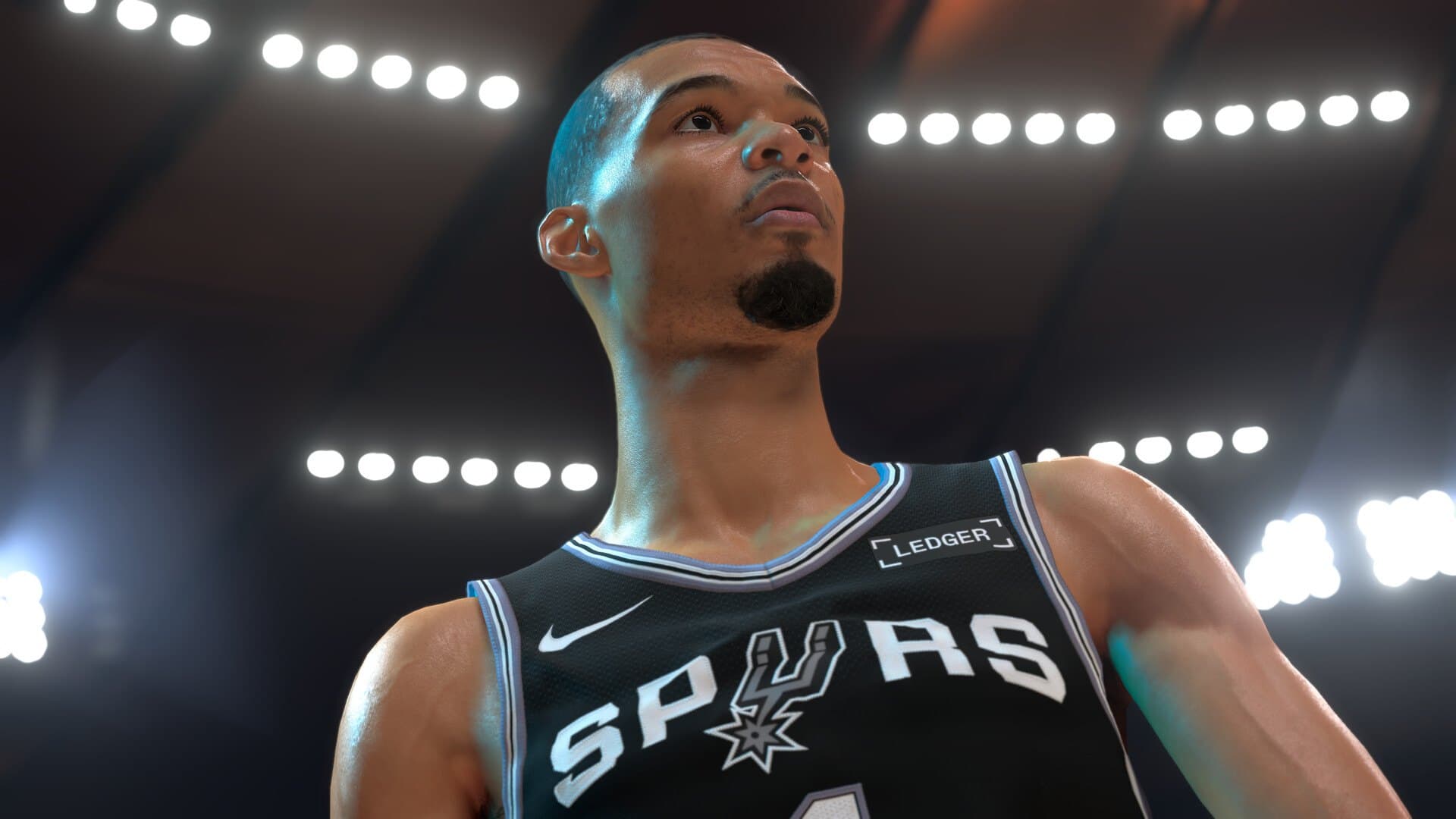 Comparisons13 min
What PC do you need for NBA 2K27 after September 3, 2026?
NBA 2K27: Steam specs (1060 5 GB→2070), 110 GB SSD, AVX2, Park vs Play Now. Towers about $550–$1,400.
Leave us your feedback!
PC4Games just launched its community — tell us what you think, what you like or what we could improve.
- 🇫🇷
Gaming PC FAQ: choosing with PC4Games
Welcome to PC4Games, the free gaming PC comparator that matches a prebuilt to your Steam library and budget in the US. Whether you are new to PC gaming or already know your hardware, you pick games and a price range: we surface coherent Amazon.com towers without hand-comparing every listing.
What is PC4Games?
PC4Games (pc4games.com) is an online gaming PC comparator founded in France in 2025 by Thomas Laize. You pick Steam games and a budget: the site ranks Amazon.com prebuilts with a score out of 100 and estimated FPS.
It is not the physical PC4GAMES.RU store in Moscow, and not the pc4gamers.eu mobile studio. No shop floor, no inventory: PC4Games compares prebuilt PCs already listed on Amazon, free and without a sign-up.
The PC4Games comparator
PC4Games cross-references official Steam system requirements with prebuilt PCs on Amazon.com, filtered by budget and form factor (desktop or laptop).
In seconds you get compatible builds with a score out of 100 and estimated FPS: free, no sign-up, no ads.
Amazon.com prices are checked daily: what you see on PC4Games matches Amazon at checkout (September 2026).
Open the comparatorGaming PC components
Every part matters for a smooth experience. Understanding their role helps you read an Amazon.com listing without falling for a marketing « i7 » paired with a weak GPU.
Processor (CPU)
It runs game logic, AI and background work. For 1080p/1440p gaming in 2026, recent Ryzen 5/7 and Core i5/i7 chips cover most needs. The CPU matters most in competitive and simulation-heavy titles.
Best gaming CPU 2026 guideGraphics card (GPU)
It renders on-screen images and sets your FPS ceiling at 1080p, 1440p or 4K. It is the most important part for AAA games. RTX 40/50 and RX 7000/9000 dominate US prebuilts in 2026.
Best GPU 2026 guideRAM
It temporarily stores data the CPU needs quickly. 16 GB is still a comfortable minimum; 32 GB is recommended for recent AAA, multitasking and memory-hungry games.
16 GB or 32 GB RAM?Storage (SSD)
An NVMe SSD speeds boot, loads and patches. For gaming, aim for at least 1 TB if you install several AAA titles. HDD-only setups feel sluggish.
SSD or HDD for gaming?Case and cooling
The case moves air and protects components. On a prebuilt, check fan quality and room for a future GPU upgrade.
Gaming laptop
Same logic as a desktop, in a compact chassis: great for mobility, with a price/performance trade-off and limited upgrades. PC4Games lets you filter desktop and laptop.
You do not need to master everything: the PC4Games comparator turns these criteria into PCs that match your games.
In-game settings
Graphics quality, smoothness, FPS, latency and resolution shape how a game feels, beyond simply « does it run ».
Graphics quality and ray tracing
Higher textures and effects load the GPU. Ray tracing and upscaling (DLSS, FSR) change the quality/performance balance: a mid-range RTX can hold 1440p with DLSS.
Smoothness and FPS
FPS is frames per second. Aim for 60+ in story games, 120–144 in competitive play on a matching monitor. PC4Games estimates FPS from your games and each build.
Latency
It combines network delay, CPU/GPU processing and display response. Stable connectivity, game mode and a low-latency monitor help, especially online.
Resolution (1080p, 1440p, 4K)
1080p remains the budget standard; 1440p is the 2026 sweet spot; 4K needs a high-end GPU. PC4Games adjusts recommendations to your target resolution.
Enter your games and budget in the comparator to see whether a build targets 1080p ultra, smooth 1440p or more.
Compare for my gamesPrebuilt or custom PC?
Building your own PC lets you customize every part and save long term, but it takes time, compatibility checks and some hardware knowledge.
A prebuilt from Amazon.com or Newegg is ready to play: no assembly mistakes and a single warranty. Often the best pick if you want to game quickly without becoming a hardware expert.
PC4Games is built for that second path: pick your games, budget and form factor. We surface the most coherent prebuilt without overselling an unnecessary i7.
Browse PCs by budgetOptimize in-game performance
Update GPU drivers, enable Windows game mode, close background apps and make sure games run from the SSD, not a full disk.
Tune graphics before buying a new card: lower shadows, anti-aliasing or enable DLSS/FSR can double FPS without changing PC.
On a prebuilt, watch temperatures and dust: good airflow keeps performance stable over time.
If you are still unsure which build fits your titles, the PC4Games comparator is the most reliable shortcut, more complete than a plain Amazon.com search.
Find my gaming PC
Bonjour ce comparateur est top j'ai pu trouver un ordinateur pour mon filis