
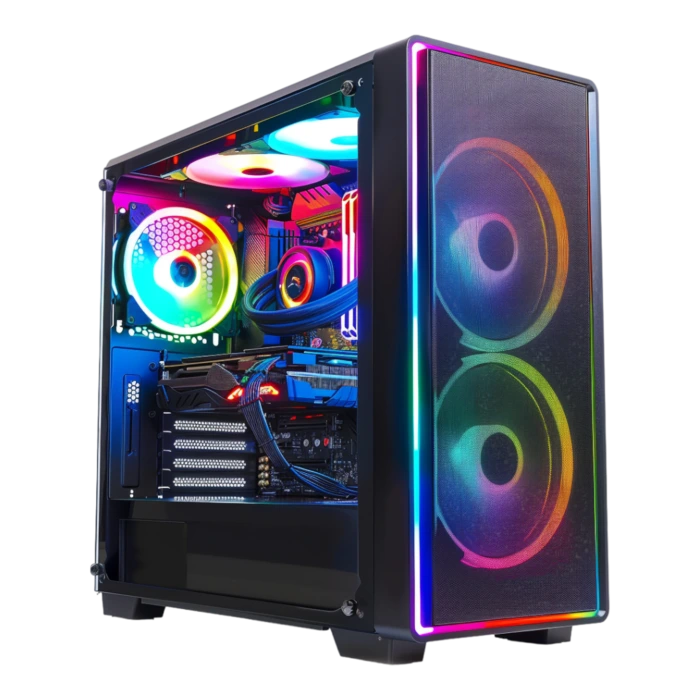
Guide

PC gaming market briefing — May 21, 2026
Nine days after our May 12 snapshot, US shelves look different from the press-release MSRPs: 16 GB GDDR7 cards carry a shelf premium, Memorial Day promos push iBuyPower and Skytech bundles hard, and r/buildapc threads flip daily on whether a RTX 5070 at Micro Center beats waiting for Prime Day. This is a dated ledger — not a evergreen buying guide — built from Newegg, Amazon.com (sold by Amazon), Best Buy, Micro Center, and Tom's Hardware price checks through May 21, 2026. All dollar figures are before state sales tax unless noted.
Find your ideal PC on PC4Games
We match your games and budget with prebuilt Amazon PCs to surface the best-fitting configs.
How it works
Add your games
Your Steam library or a manual pick — you're in control.
Set your budget
From €400 to €2,000, you decide how much to spend.
Compare PCs
Score, specs and Amazon link — everything to choose with confidence.
Nine-day delta: what moved since May 12
The headline shift is memory cost, not a new GPU generation. TrendForce and Tom's Hardware both flagged 15–20% hikes on 16 GB+ VRAM SKUs in Q2 2026 as AI datacenters absorb GDDR7 supply. On US shelves that reads as: RTX 5070 Ti listings clustering near $979 (vs $749 launch MSRP), while 8 GB RTX 5060 cards still hug $299–339 because they sit on cheaper memory stacks.
AMD's RX 9070 XT saw brief sub-MSRP windows — PowerColor Reaper at $530 on a Newegg doorbuster, Gigabyte Gaming OC at $549 at Walmart in isolated sessions — but the typical Newegg band stayed $640–850 through mid-May. NVIDIA's RTX 5070 held closer to launch pricing at Micro Center (MSI Ventus ~$479–529) than on Amazon third-party listings north of $600.
Prebuilt noise increased: Memorial Day ads from iBuyPower, Skytech, and Amazon "gaming desktop" storefronts lead with Core i7/i9 badges while burying GPU tier. CPU and RAM pricing barely budged — 16 GB DDR5 dual-channel remains the sane default; 32 GB only earns its premium if you stream or run heavy browser + Discord stacks alongside 1440p AAA.
RTX 50 on US shelves — stock reality May 21
Entry 1080p ($275–$400) : RTX 5060 at $299 MSRP (Gigabyte Windforce, PNY Verto) appears on Newegg/Amazon when restocks land; RTX 5050 drifts $289 vs $249 launch. Fine for CS2, Valorant, Fortnite — weak for texture-heavy 1440p without DLSS.
1440p lane ($475–$700) : RTX 5070 is the practical anchor — $529–599 at Micro Center/Best Buy when in stock, $609+ on Amazon during thin weeks. RTX 5060 Ti 16 GB near $430 MSRP is the budget 1440p pick when available; 8 GB versions save ~$60 but age faster. RTX 5070 Ti at $979 is hard to justify unless you need native 1440p ultra without Frame Generation.
High-end : treat RTX 5080/5090 as availability purchases, not value picks. Best Buy still drops Founders Edition 5090 at $1,999 in two-minute windows; everything else is scalper-adjacent math. Unless you edit video or run local LLMs, step down — a $875 complete build beats a $3,900 GPU alone.
RX 9000 — deal windows vs everyday sticker shock
AMD's RX 9070 XT launched at $599 MSRP with 16 GB GDDR6 — strong on paper against RTX 5070 for VRAM-heavy titles. Reality on US shelves: most partner cards list $640–900 on Newegg in May, with ASRock Challenger occasionally touching $599 when inventory clears.
The sub-MSRP flashes matter for timing: $530 Newegg doorbuster (PowerColor Reaper) and $549 Walmart (Gigabyte Gaming OC) prove stock exists below $600 — but they sell out in hours and do not reset weekly pricing. TrackaLacker-style alerts and buildapcsales are more reliable than refreshing Amazon wishlists.
RX 9070 (non-XT) at ~$520–639 competes with RTX 5070 when priced sanely; RX 9060 XT 16 GB targets the $330–380 band against RTX 5060 Ti. FSR 4 and driver maturity improved through May, but check your exact game list — NVIDIA still leads RT-heavy AAA on day-one patches.
Memorial Day prebuilt audit — what we flagged on Amazon
Memorial Day week surfaced the same three skews Tom's Hardware and PC Gamer warn about every Q2: (1) i7/i9 + RTX 5060 — CPU marketing for a GPU-limited config; (2) « 32 GB RAM » without speed or dual-channel proof — often a single stick; (3) « 1 TB storage » split across a 256 GB SATA boot drive + slow HDD.
Brands to read carefully: iBuyPower, Skytech, CyberPowerPC, and white-label Amazon « Gaming PC » listings. A $899 tower advertising RTX 5070 may ship RTX 5070 Mobile or a cut-down TGP variant — verify the exact GPU SKU (e.g., MSI Ventus 2X OC vs generic « 5070 12GB »).
Safer path: filter prebuilts where the GPU model name is spelled out, PSU is 80+ Gold 650 W+ from a known vendor, and Windows sits on NVMe (not HDD). Cross-check against PC4Games comparator output for your Steam library before checkout — a « deal » on the wrong GPU tier wastes the promo.
Three wallet profiles: $550, $875, and $1,300 (before tax)
$550 competitive 1080p / esports : GPU-first — RTX 5060 or used RTX 4060 from reputable eBay sellers. Ryzen 5 7600 or Core i5-14400F is enough; do not fund an i7. 16 GB DDR5-6000 dual-channel, 500 GB–1 TB NVMe. Target CS2, Valorant, Apex, LoL at high refresh. See cheap gaming PC for part-level splits.
$875 1080p ultra / entry 1440p : anchor on RTX 5070 or RX 9070 XT (only if you catch ≤$600 pricing). Balance CPU (7600X / i5-14600K tier), 1 TB NVMe, 650 W Gold PSU. This is the most requested lane on r/buildapc in May 2026 — also the most distorted by prebuilt marketing.
$1,300 comfortable 1440p / light stream : RTX 5070 Ti only if near $825 promo — otherwise RTX 5070 + 32 GB RAM leaves headroom for OBS. Budget $200–280 for a 1440p 144 Hz panel inside the total envelope; FPS on paper without a matching monitor is wasted spend.
Build vs buy — Micro Center and part bundles
Micro Center bundle deals (CPU + motherboard + RAM) remain the US builder's edge in late May: Ryzen 7 7800X3D + B650 combos often beat Amazon piecemeal by $40–80. GPU aisle pricing on RTX 5070 frequently undercuts Newegg by $50–100 — worth a drive if you live within ~100 miles of a store.
Newegg combo discounts and Best Buy open-box (inspect return policy) fill gaps for online-only buyers. Amazon.com sold-by-Amazon is reliable for PSUs and SSDs; for GPUs, third-party markup above +25% MSRP is common — skip unless it is the only in-stock option.
Build if you can verify compatibility in an afternoon; buy prebuilt if warranty and single-cart convenience outweigh $100–150 assembly premium — but only after the Memorial Day prebuilt audit checklist above. UK readers: Scan and Overclockers bundle logic mirrors Micro Center; prices include 20% VAT and differ from US bands.
UK price check — VAT-in bands for May 21
US dollar figures do not translate 1:1 — UK listings on Scan, Overclockers, Currys, and Box include VAT. Rough May bands: RTX 5060 ~£280–310, RTX 5070 ~£520–580, RX 9070 XT ~£530–650 when promos land (often trailing US flash deals by a week).
Amazon.co.uk and CCL follow the same GDDR premium pattern: 16 GB VRAM SKUs carry larger markups than 8 GB entry cards. r/buildapcsalesuk mirrors the US sub for deal alerts.
If you are US-based, ignore UK prices except for launch-timing signals. If you are UK-based, use the GPU price study methodology but verify £ carts locally — PC4Games comparator budgets still anchor in your locale's display currency.
Calendar through July — Steam Sale vs hardware promos
Steam Summer Sale 2026 (historically late June) cuts game prices, not GPUs. Waiting for it makes sense if your current PC runs your backlog at acceptable settings — not if you are GPU-bound on new releases today.
Amazon Prime Day (typically July) moves peripherals, SSDs, and monitors more than graphics cards. GPU discounts exist but are often older Ada stock (RTX 4060/4070 Super) rather than RTX 50 at MSRP.
Our watchlist through June 30: 5070 Ti supply cuts (some US retailers reported distributor gaps in Q1–Q2), RX 9070 XT restock waves, driver drops for FSR 4/DLSS 4.5 titles, and whether GDDR7 pricing eases after fab allocation shifts. Re-read this page against the May 12 briefing if you need baseline context — numbers below will age; methodology on Data & research will not.
Share this article
Know someone building a gaming PC? Send them this guide in one tap.
Frequently asked questions
Is May 21, 2026 a good time to buy a gaming PC in the US?
Yes — if you have a locked game list, resolution target, and a SKU that matches (exact GPU model, NVMe boot drive, credible PSU). Late May works for builders who can hit Micro Center GPU pricing; wait only if your current PC still runs priority titles acceptably. Steam Summer Sale lowers games, not graphics cards.
Why are RTX 5070 Ti cards near $979 when MSRP is $749?
GDDR7 supply pressure pushed partner costs up 15–20% on 16 GB VRAM SKUs in Q2 2026. NVIDIA has not revised official MSRP, so retailers mark up AIB models instead. RTX 5070 and 8 GB RTX 5060 tiers stay closer to launch pricing.
Best Buy, Micro Center, Newegg, or Amazon for a GPU?
Micro Center often has the lowest RTX 5070 in-store ($479–529 in May 2026). Newegg doorbusters move RX 9070 XT briefly below $600. Amazon is reliable when sold by Amazon; third-party GPU markup above +25% MSRP is common. Best Buy FE 5090 drops sell out in minutes.
What red flags showed up on Memorial Day prebuilts?
i7/i9 badges paired with RTX 5060, single-stick « 32 GB » RAM, and 256 GB SATA boot drives hidden inside « 1 TB storage » claims. Verify the exact GPU SKU — mobile or cut-down TGP variants appear in sub-$900 towers.
How much should I budget before sales tax?
Three practical lanes: ~$550 for competitive 1080p (RTX 5060 class), ~$875 for 1080p ultra / entry 1440p (RTX 5070 or a sub-$600 RX 9070 XT catch), ~$1,300 for comfortable 1440p with monitor headroom. Add 0–10%+ state sales tax at checkout.
How does PC4Games help after reading this briefing?
Run the comparator with your Steam games, budget, and resolution — it filters Amazon SKUs for configs that match your library instead of generic « gaming PC » marketing labels.
RTX 5070 or RX 9070 XT in late May 2026?
With 5070 ~$529–629 vs 9070 XT ~$600–650, NVIDIA often wins perf/$ in raster if you accept 12 GB; AMD's 16 GB helps mods and heavy textures. Pick by your games and monitor — see AMD vs NVIDIA.
Should I buy a GPU during Steam Ocean Fest?
No for hardware: Ocean Fest (May 18–25) discounts games, not cards. Summer Sale (June 25 – July 9) also targets your Steam library, not Newegg or Micro Center GPUs.
How is this different from the May 12 market snapshot?
The May 12 flash is the early-May baseline; May 21 adds week-over-week shelf moves and the 5070/9070 XT duel. Complements the GPU price study.
How do I sanity-check a GPU price before checkout?
Cross-check shelf price the day you pay, verify the exact SKU (not just « RTX 5070 »), then filter full builds on the PC4Games comparator with your Steam library.
Sources & methodology
How we wrote this guide
This PC4Games market briefing (May 21, 2026) aggregates public US/UK shelf prices and retail promo patterns — not a substitute for verifying your cart the day you pay.
- GPU shelf checks: Newegg (sold by Newegg), Amazon.com (sold by Amazon), Best Buy, Micro Center — 10-day rolling bands, pre-tax.
- Memory/pricing context: TrendForce GDDR7 reports, Tom's Hardware and TechSpot US price roundups (May–July 2026).
- Prebuilt audit: iBuyPower, Skytech, CyberPowerPC, Amazon gaming desktop listings flagged Memorial Day week.
- Editorial update: May 21, 2026 — re-check prices before checkout; flash deals expire in hours.
Similar articles
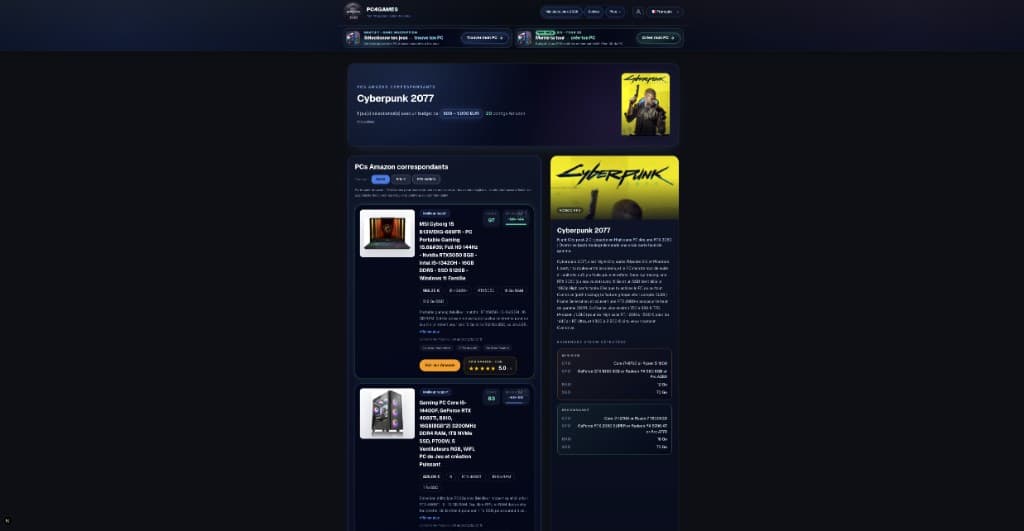 Buying tips15 min read
How to choose a gaming PC in 2026 (US): method by player profile
Best gaming PC 2026: how to choose by FPS, 1440p, streaming, CPU/GPU/RAM and budget. US method with Amazon, Newegg and PC4Games.
15 min readRead article Buying tips12 min read
Is Pokémon Champions on PC in 2026?
Is Pokémon Champions on PC? No Steam or Windows client in September 2026. Switch, Switch 2, iOS, Android only. Emulator risks and safe download sources.
12 min readRead article- Buying tips28 min read
Best free PC games in 2026 (Steam, Epic, Riot)
Best free PC games 2026: Fortnite, CS2, Valorant and 25 more official F2P titles. Steam, Epic, Riot installs plus US 1080p PC budgets (September 2026).
28 min readRead article  Buying tips16 min read
How to choose a gaming monitor in 2026: 1080p vs 1440p
1080p 144 Hz from $180 for esports, or 1440p 165 Hz from $280 for AAA? Resolution, Hz, IPS vs OLED—matched to your GPU before you buy on Amazon.
16 min readRead article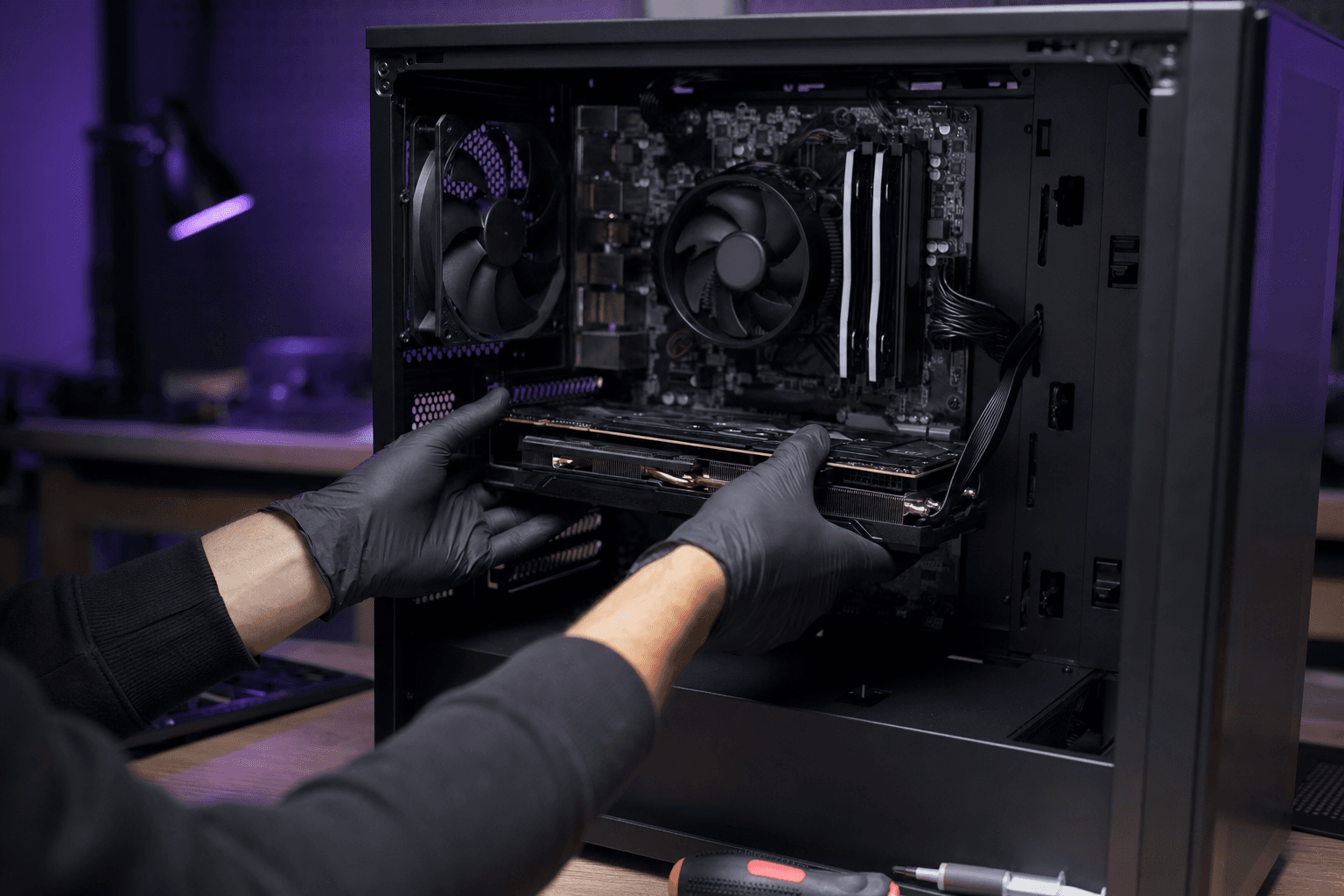 Buying tips14 min read
Upgrade a gaming PC in 2026: GPU first, then RAM
Upgrade a gaming PC in 2026: GPU first, then RAM or SSD. US parts $80–$350, socket/PSU checks, and when a new Amazon prebuilt wins.
14 min readRead article Buying tips13 min read
Amazon gaming PC: how to choose without getting trapped (2026)
Amazon gaming PC 2026: budget configs, marketplace pitfalls, prebuilt checklist and PC4Games Steam comparator.
13 min readRead article
PC4Games
Take action with the comparator: pick your games, budget, then compare PCs.


Comments
Loading…
Sign in or create an account to comment on this article.