

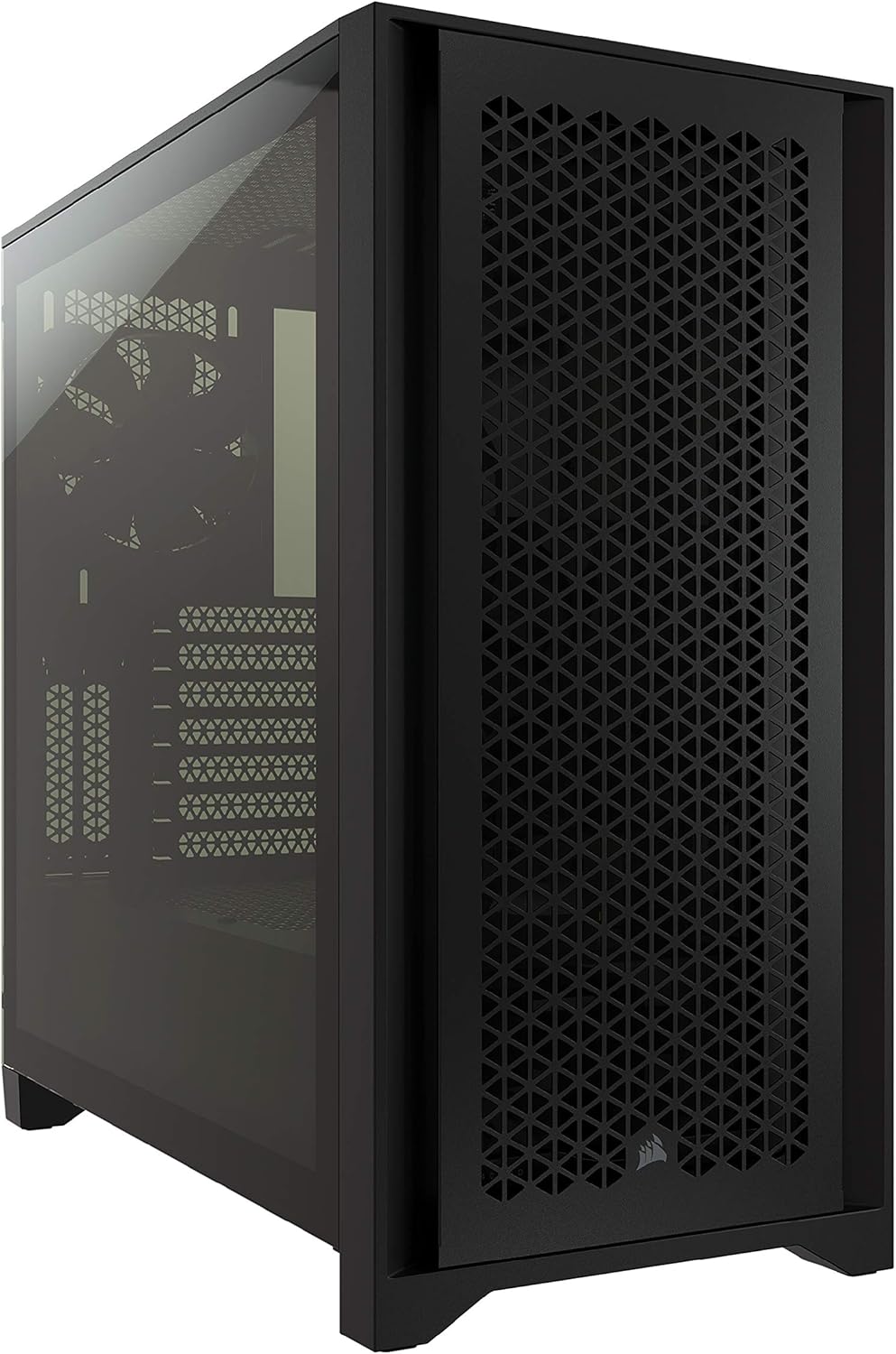
Build a gaming PC yourself
In September 2026 a sane US DIY tower is an RTX 4060 or RX 7600, a Ryzen 5 5600 or 7500F, 16 GB dual-channel, and a 1 TB NVMe. Use the 3D tool to lock compatibility and FPS, then buy the list the same day on Micro Center, Newegg, or Amazon. If you’re not confident building a PC yourself, use our comparator and find a pre-built PC matched to your games.
Beta version: errors may occur (compatibility, prices, estimates). Always double-check product pages and compatibility before buying.
Build price
≈ $78
1/9 installed
Step 1 / 9
Case
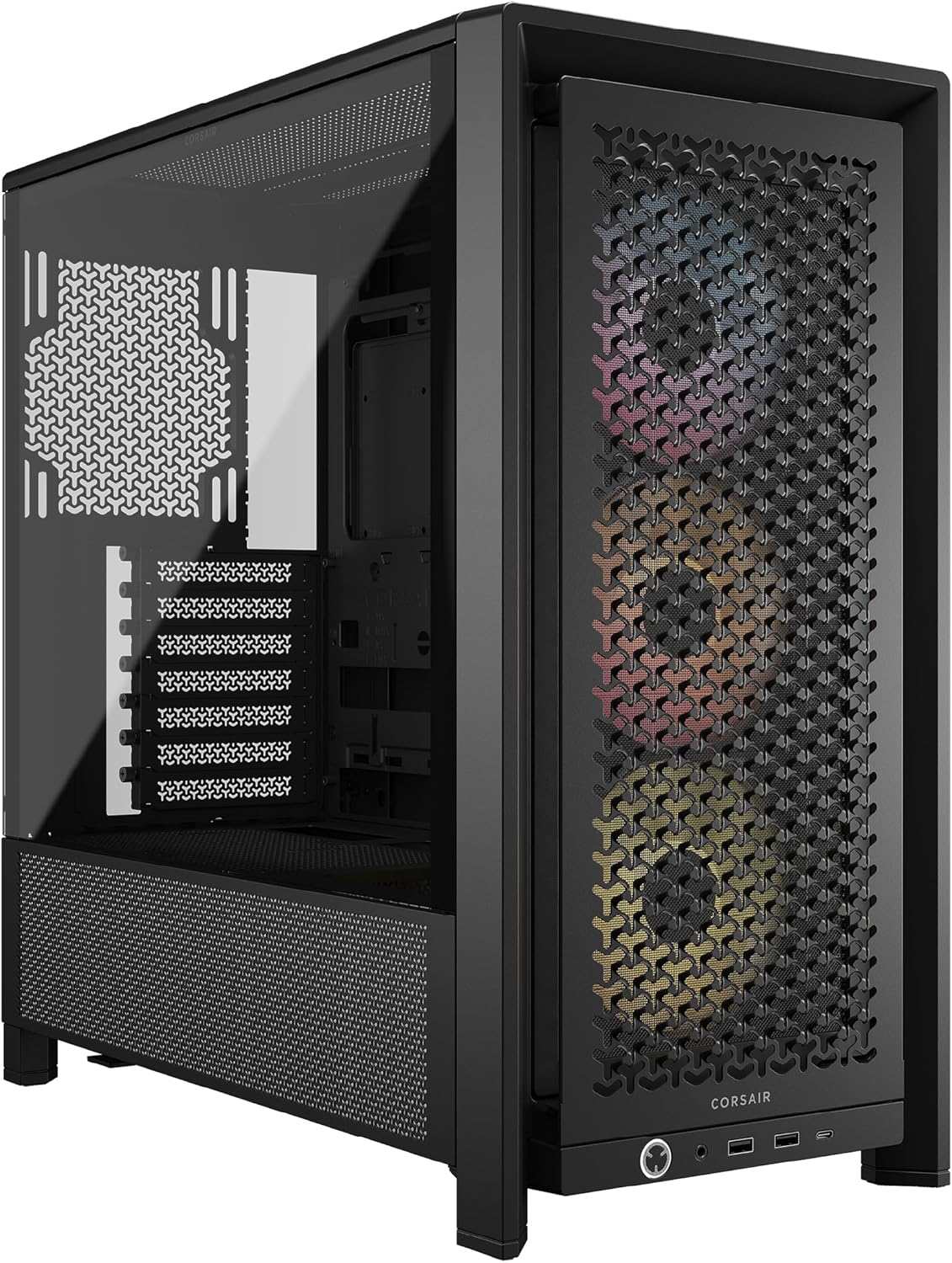
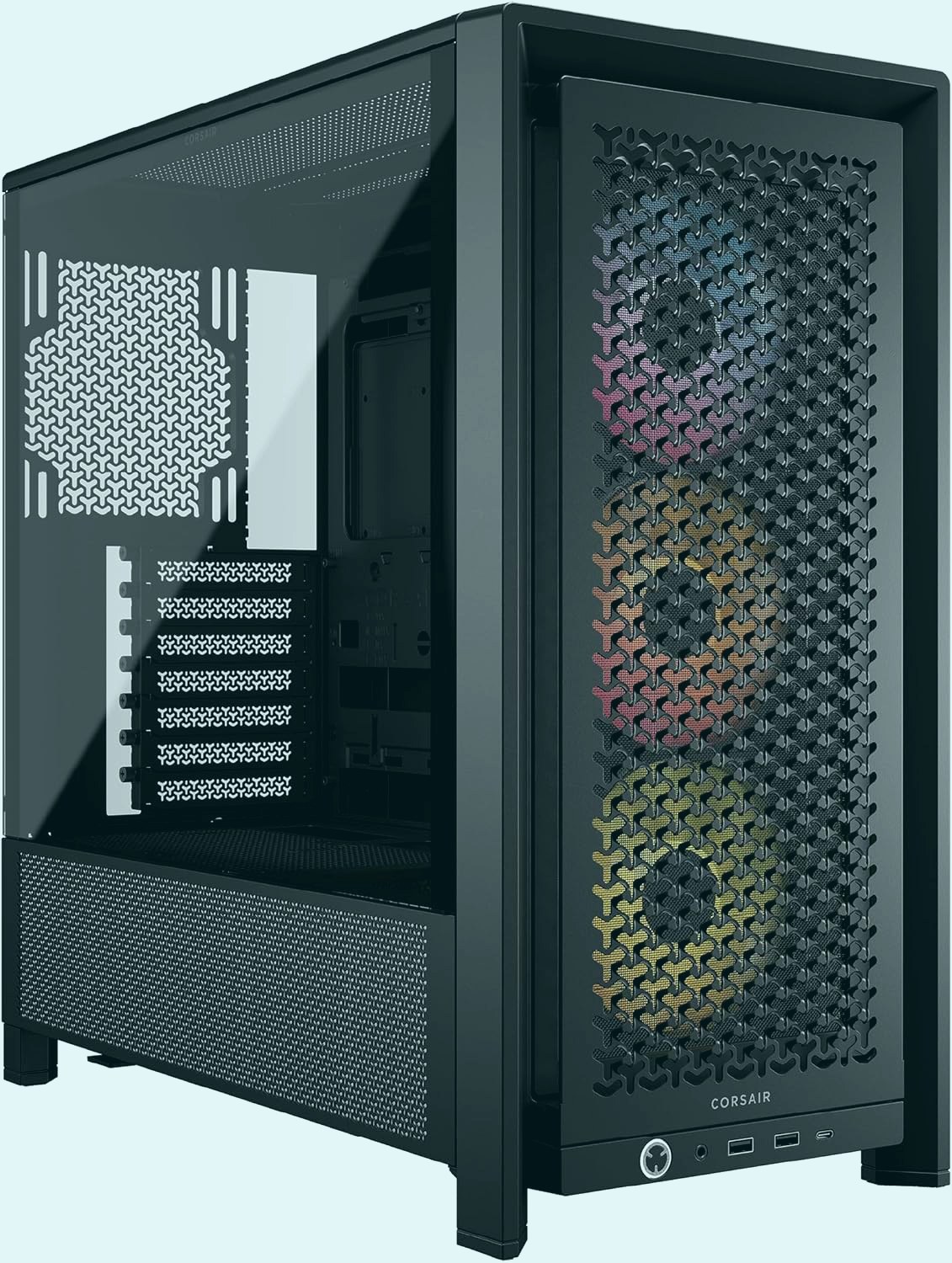
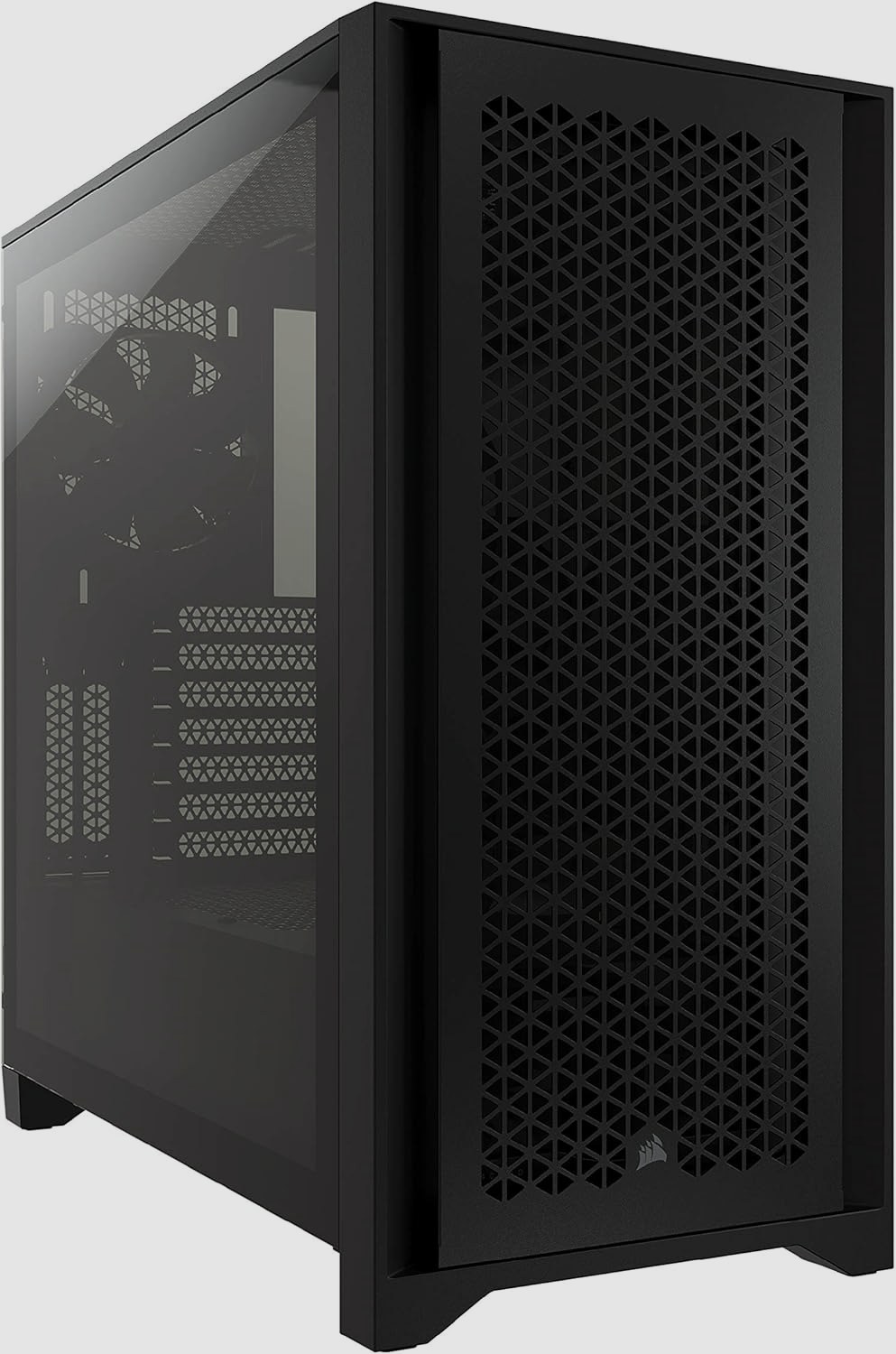
Your build
Parts estimate ≈ $78
Amazon Associates: PC4Games may earn a commission. Shown prices are estimates (≈) — exact price and stock on Amazon.
Why build the PC yourself instead of buying a prebuilt?
Building a gaming PC in the US in 2026 means you choose every part (GPU model, PSU brand, board) and you keep the upgrade path. A prebuilt from Amazon or iBUYPOWER is faster and often includes Windows. It also hides a 500 W generic PSU or a CPU that ate the GPU budget.
If you already own a 1080p 144 Hz monitor, an $800 to $1,000 tower with an RTX 4060 or RX 7600 covers most AAA titles in high or ultra. If the monitor comes out of the same cash, budget $130 to $200 for a 24-inch 144 Hz panel and the GPU class drops. Price-tier pages cover the rounded budgets. This page covers the parts list and the build order.
The 3D tool above flags socket, DDR type, and wattage. It is not a vendor QVL. Before you pay: open the motherboard CPU support list, match PSU cables to the GPU, and decide if Windows is extra ($10–15 grey-market key vs $139 at Microsoft).
Where the money goes in September 2026
Street prices, US dollars, tower only. Adding the high ends of each range usually overshoots the round number by $40 to $80 unless something is on sale.
| Tower budget | GPU target | CPU + board + RAM | SSD, PSU, case | What you skip |
|---|---|---|---|---|
| $800 | RTX 4060 / RX 7600 ($280–360) | 5600 + B550 + 16 GB DDR4 | 1 TB NVMe, 550–650 W Bronze | No AM5, no stable 1440p ultra |
| $1,200 | RTX 5060 / 4060 Ti class | 7500F or 7600 + B650 + 32 GB DDR5 | 1–2 TB, 750 W Gold | Little headroom for heavy ray tracing |
| $1,500 | RTX 5070 / RX 7800 XT class | 7600 or 7700 + B650 + 32 GB | 850 W Gold, better airflow case | No 7800X3D if the GPU comes first |
Micro Center, Newegg, or Amazon?
If you live near a Micro Center, the CPU + motherboard + RAM bundle is often the whole reason to DIY at $800. Newegg wins on GPU drops and combo deals. Amazon wins on returns when a coil whine shows up on day three.
Best Buy and Costco prebuilts make sense when Windows and a short return desk matter more than picking the PSU. Read the exact GPU name. "Gaming desktop Intel i7" without a GPU model is a listing, not a spec.
Used (Facebook Marketplace, r/hardwareswap) only if you can bench the GPU on site. A 3060 Ti for $220 can beat a new 4060. A dusty 1660 Super sold as "RTX ready" cannot.
| Channel | Strength | Weakness | Use it when |
|---|---|---|---|
| Micro Center bundle | CPU + board + RAM price | You need a store in range | First DIY around $800 and you can drive there |
| Newegg | GPU street price, combo deals | Marketplace sellers vary | You already have the AM4 or AM5 kit |
| Amazon | Returns, Prime shipping | Prebuilts with vague PSUs | You need one missing part this week |
AM4 or AM5 when you build it yourself?
Under $900, AM4 still wins on value: Ryzen 5 5600, B550, 16 GB DDR4. The same trio on AM5 (7500F, B650, 16 GB DDR5) costs about $90 to $130 more in the US, which is a GPU tier if you let it.
AM5 starts to pay off around $1,100–$1,200, after a 4060-class or better card is locked. A 7500F + 4060 is honest. A 7700X + 3050 is a store-page build.
Intel 12400F or 13400F on B760 is the backup when AMD kits spike. Same rule: keep the GPU class, then pick the socket.
Build order that actually avoids a black screen
First build: 2 to 4 hours, Phillips screwdriver, no force on the CPU lever. The tool above uses the same sequence.
1. Board on the table, not in the case
CPU, paste or pre-applied pad, cooler. RAM in dual-channel (usually A2/B2). M.2 SSD before the board disappears into the tray.
2. Case and PSU
I/O shield, standoffs, 24-pin and CPU 8-pin first. GPU last in the top x16 slot with its own PCIe cables.
3. First boot
Display on the GPU. AM5 and LGA1700 memory training can take 1 to 3 minutes. Enable XMP or EXPO. Do not leave JEDEC defaults.
Mistakes US listings still get away with
A $799 prebuilt with a Ryzen 7 and an RTX 3050 loses to a 5600 + 4060 you assemble. The 7 sells the title. The 3050 loses the games.
Windows included or not changes a Newegg vs DIY compare by more than $100 if you count a retail license. Read the line item.
A no-name 500 W unit is fine on a 4060 until you swap in a 5070 later. From $1,200 up, budget a 750 W Gold from a brand that actually publishes ATX specs.
FAQ: how to build a gaming PC
Got your parts list? Here are concrete answers for the build itself: install order, cables, first boot, and common mistakes. Always confirm price and stock on Amazon.
In what order should I install PC parts?
Start outside the case: CPU in the socket, then thermal paste and cooler. Next RAM in dual-channel and the M.2 SSD, then mount the motherboard in the case. Install the GPU last in the top PCIe x16 slot, with the PSU already fitted or right after. The Create-your-PC tool follows the same flow: case → GPU → CPU → motherboard → RAM → SSD → Wi-Fi → cooler → PSU.
Do I need to apply thermal paste myself?
Yes if the cooler or CPU doesn’t come with paste pre-applied. A pea-sized blob in the center of the IHS is enough. More paste does not mean cooler temps. Some AIOs already have a pad: don’t stack extra paste on top.
Which power cables matter most?
Three essentials: the 24-pin ATX on the motherboard, the CPU 8-pin (usually top-left), and the GPU PCIe cable(s) (6+2 or 12VHPWR). Without the CPU 8-pin, many builds power on with no display. Route cables behind the tray for better airflow.
How do I install RAM correctly?
Always use a 2×8 or 2×16 kit (dual-channel), not a single stick. On four-slot boards, usually use slots 2 and 4 (A2/B2). Enable XMP or EXPO in the BIOS so you actually hit the rated speed (often 3200 MT/s DDR4 or 6000 MT/s DDR5).
No display on first boot: what should I check?
Plug the monitor into the GPU, not the motherboard I/O, if you have an F/KF CPU without iGPU. Recheck 24-pin + CPU 8-pin, reseat RAM, and try one stick. On AM5 / LGA1700, memory training can take 1–3 minutes. If still blank, clear CMOS and retry.
How do I check CPU, motherboard, and RAM compatibility?
Match the socket: AM4 with B550, AM5 with B650, LGA1700 with B760/Z790. RAM must match the board: DDR4 or DDR5, never both. Ryzen 7000/9000 needs DDR5; Ryzen 5000 stays on DDR4 with B550. Check the board maker’s CPU support / QVL list before buying.
How long does a first gaming PC build take?
Plan 2 to 4 hours for a careful first build. Use a Phillips screwdriver, a clear desk, and don’t force the CPU into the socket. If it resists, the alignment key is wrong.
Wi-Fi PCIe or Ethernet for gaming?
Ethernet is still the most stable for competitive games. A Wi-Fi 6 PCIe card is fine if the router is close and you can’t run a cable. If your motherboard already has Wi-Fi, skip a dedicated card and spend the money on the GPU.
Can I build a gaming PC for under $800?
Yes as a tower without a monitor: RTX 4060 or RX 7600, Ryzen 5 5600, 16 GB DDR4, 1 TB NVMe. Add a new 144 Hz screen and the GPU class drops. Use the under-$800 budget page for that split, not this builder.
Should I DIY or buy a prebuilt in the US?
DIY if you care about the PSU brand and the exact GPU. Prebuilt if you want Windows and a store return desk. Micro Center bundles often decide the DIY case around $800.
Micro Center or Newegg for a first build?
Micro Center if you can reach a store: the CPU + board + RAM bundle is the whole point. Newegg if you already have the kit and you are hunting a GPU. Amazon for returns on a single noisy part.