

Guide
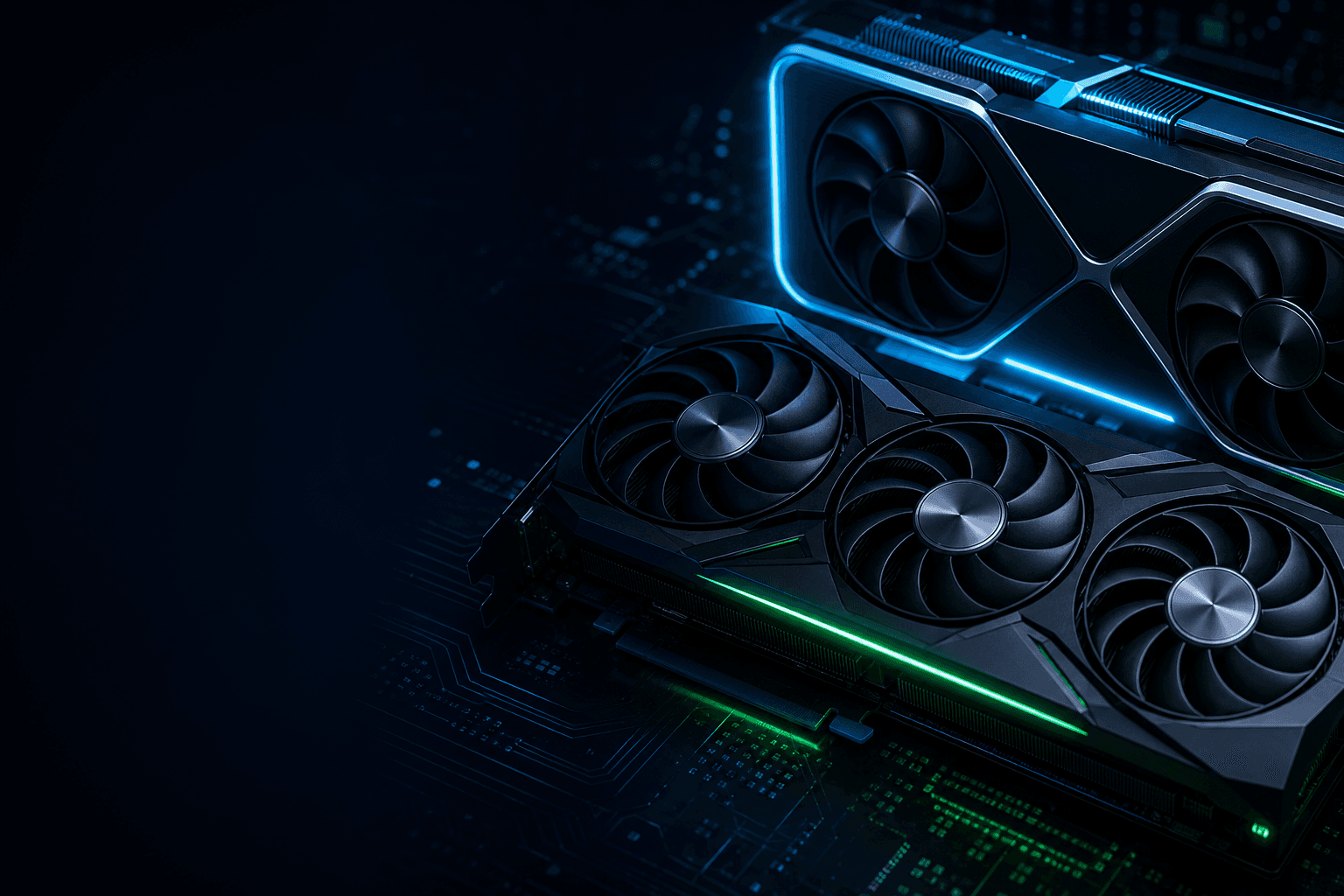
Best graphics card for gaming in 2026: match your monitor first
Pick your GPU from your monitor, not from a YouTube tier list. In July 2026, US shelves mix RTX 50 and RX 9000 with leftover RTX 40 / RX 7000 deals on Amazon, Newegg, and Best Buy. This guide maps what actually makes sense at 1080p, 1440p, and 4K — with street prices in dollars, PSU notes, and the prebuilt traps we see on American listings every week.
Find your ideal PC on PC4Games
We match your games and budget with prebuilt Amazon PCs to surface the best-fitting configs.
How it works
Add your games
Your Steam library or a manual pick — you're in control.
Set your budget
From €400 to €2,000, you decide how much to spend.
Compare PCs
Score, specs and Amazon link — everything to choose with confidence.
Quick picks by resolution (US market, July 2026)
1080p / esports (CS2, Valorant, Fortnite) → RTX 5060 ($300–360) or RX 9060 XT 8 GB ($330–380). Target 144+ FPS without overspending on a 1440p card.
1440p daily driver (60–90 FPS AAA) → RX 9060 XT 16 GB ($420–500) or RTX 5060 Ti 16 GB ($450–530). Buy the 16 GB SKU — 8 GB is already tight on 2025–2026 AAA.
1440p ultra / 4K with DLSS → RTX 5070 ($550–650) or RTX 5070 Ti 16 GB ($750–850). AMD counter: RX 9070 XT ($650–780) if you prioritize raster perf per dollar.
Before checkout, run the PC4Games comparator with your Steam library — two cards at the same MSRP behave very differently depending on your games.
GPU comparison table — US street prices (July 2026)
Typical Amazon / Newegg listings, excluding one-day flash deals. FPS are raster ballparks (no DLSS Frame Generation), Ryzen 5 7600–class CPU, high/ultra settings.
| GPU | Typical price | Ideal resolution | Typical FPS (recent AAA) | VRAM | Our take |
|---|---|---|---|---|---|
| RTX 5060 | $300–360 | 1080p ultra / 1440p medium | 75–100 FPS (1080p) · 55–70 (1440p) | 8 GB | Default new 1080p pick · DLSS 4 · NVENC |
| RX 9060 XT 16 GB | $420–500 | 1080p high / 1440p high | 70–95 FPS (1440p) | 16 GB | 16 GB at this tier · strong 1440p value |
| RTX 5060 Ti 16 GB | $450–530 | 1440p high | 60–85 FPS (1440p) | 16 GB | NVIDIA 1440p step-up · get 16 GB |
| RTX 5070 | $550–650 | 1440p ultra / 4K DLSS | 85–115 FPS (1440p) | 12 GB | Sweet spot 1440p ultra · DLSS 4 FG |
| RTX 5070 Ti 16 GB | $750–850 | 1440p ultra / 4K | 95–125 FPS (1440p) | 16 GB | Best all-round NVIDIA 1440p/4K |
| RX 9070 XT 16 GB | $650–780 | 1440p ultra | 80–110 FPS (1440p) | 16 GB | AMD raster value · 16 GB standard |
$280–380: RTX 5060, Arc B580, or last-gen deals
This is still Steam's most common upgrade band. RTX 5060 (~$320) is our default new 1080p card: DLSS 4, solid efficiency, and current NVENC if you stream on Twitch or Discord.
Intel Arc B580 12 GB (~$280–320) is the budget wildcard — extra VRAM for the price, fine for 1080p, but double-check driver support for your exact games.
Clearance RTX 4060 or RX 7600 can win on pure price. Only bite if they're $80+ below a 5060 — otherwise you're buying yesterday's tier. Used RTX 3060 (~$170) still works for 1080p — see RTX 4060 vs 3060.
$400–530: the real move to 1440p
Here's where most US buyers should land in 2026. RX 9060 XT 16 GB (~$450) is the value king for 1440p high settings — 16 GB VRAM at a price NVIDIA still struggles to match.
RTX 5060 Ti 16 GB (~$480) makes sense if you live in DLSS 4 titles (Cyberpunk, Alan Wake 2, Black Myth) or record gameplay. Skip the 8 GB variant on AAA-heavy libraries.
Don't buy a prebuilt with Core i7 + RTX 5060 Ti at $1,400: at 1440p the GPU caps FPS, not the CPU. A Ryzen 5 7600 class chip is enough — see 1440p gaming PC.
$550–850: RTX 5070, 5070 Ti, or RX 9070 XT
Own a 1440p 144 Hz panel or planning 4K with upscaling? RTX 5070 (~$600) is the balanced NVIDIA pick; RTX 5070 Ti 16 GB (~$800) is what we'd choose for long-term 1440p ultra or entry 4K with DLSS 4.
RX 9070 XT 16 GB (~$700) often lands $80–150 under a 5070 Ti with competitive raster performance. Ray tracing is much improved on RDNA 4, though NVIDIA still leads on path-traced extremes.
Head-to-head on last-gen stock: RTX 4070 vs RX 7800 XT. Brand philosophy: AMD vs NVIDIA.
NVIDIA or AMD in 2026 — pick by workflow
Choose NVIDIA if you stream (NVENC), play DLSS 4 / MFG-heavy titles, or dabble in local AI and creator tools. RTX 50 extends that lead.
Choose AMD if you want more VRAM per dollar, you're on Linux, or you mostly care about raster FPS and FSR 4.
Common US mistake: pairing a $800 GPU with a 1080p 60 Hz office monitor — or buying a $1,500 prebuilt with a mid-tier card and a flashy CPU. Match the card to the panel you already own (or plan to buy).
Bottom line before you add to cart
No universal winner: RTX 5060 for new 1080p, RX 9060 XT 16 GB / RTX 5060 Ti 16 GB for 1440p, RTX 5070 Ti or RX 9070 XT if you want five years without a GPU swap.
Write down resolution, your three most-played games, and total build budget (PSU included). Then use the PC4Games comparator or our $875 and $1,300 build tiers.
Still comparing two SKUs? Our GPU price study tracks perf-per-dollar trends — useful when Newegg and Amazon flip-flop on sales.
Frequently asked questions
What is the best gaming graphics card in 2026?
There is no single best GPU: in July 2026, RTX 5060 (~$320) leads new 1080p, RX 9060 XT 16 GB / RTX 5060 Ti 16 GB own 1440p value, and RTX 5070 Ti / RX 9070 XT cover high-end 1440p and entry 4K. Start with your monitor resolution.
RTX 5060 or RX 9060 XT 16 GB?
RTX 5060 if you stream or rely on DLSS 4 in heavy AAA titles. RX 9060 XT 16 GB if you want more VRAM per dollar and mostly play raster high/ultra at 1440p.
RTX 5070 or RTX 5070 Ti for 1440p?
RTX 5070 (~$600) is enough for 1440p ultra on most games. RTX 5070 Ti 16 GB (~$800) is worth it for 1440p 144 Hz+, DLSS 4 Frame Generation, or 4K with upscaling — especially if you keep GPUs 4–5 years.
How much VRAM do you need in 2026?
8 GB = minimum for 1080p. 12 GB = comfortable 1440p. 16 GB = recommended for AAA longevity and texture-heavy games. Do not buy 8 GB cards for a primary 1440p build in 2026.
Should you wait before buying a GPU?
RTX 50 and RX 9000 are already on US shelves. If your current card is fine, wait for sales. If you are upgrading now, compare street prices on Newegg/Amazon — our GPU price study updates monthly.
NVIDIA or AMD for a first graphics card?
NVIDIA for streaming and DLSS-heavy libraries. AMD for VRAM-per-dollar and Linux-friendly builds. See our AMD vs NVIDIA guide for a full breakdown.
Is a used graphics card a good idea?
Yes for RTX 3060 / RX 6600 around $150–180 with a return policy. For long-term new buys, RTX 5060 is our 1080p default. Avoid cards with unknown mining history.
How to check a GPU fits your games?
Use the PC4Games comparator: enter Steam games and budget for Amazon builds matched to real requirements — more reliable than a generic top-GPU list.
What PSU do you need for RTX 50 / RX 9000?
RTX 5060 / RX 9060 XT: 550 W quality unit often enough. RTX 5070 Ti / RX 9070 XT: plan 750 W ATX 3.0 or 3.1 with a proper 12V-2×6 cable. Check the card maker's spec sheet before buying.
Sources & methodology
How we wrote this guide
PC4Games GPU guide updated 8 July 2026. US prices from Amazon/Newegg listings and vendor specs; FPS ballparks from TechPowerUp and press tests (raster, no DLSS Frame Gen).
- Price bands: US street averages, excluding sub-24 h flash deals.
- FPS: ballpark 1080p/1440p, Ryzen 5 7600-class CPU, high/ultra settings.
- Picks cross-checked with PC4Games budget tiers and game comparator.
- No sponsored ranking: perf-per-dollar by resolution first.
Sources
- NVIDIA GeForce graphics cards
RTX 50 Series, DLSS 4.
- AMD Radeon graphics cards
RX 9000, FSR 4.
- TechPowerUp GPU Database
- Tom's Hardware GPU hierarchy
- Steam Hardware Survey
- PC4Games methodology

Similar articles
 Components11 min read
SSD or HDD for gaming in 2026: what to buy first
SSD or HDD for gaming in 2026? Real load times, 1 TB NVMe US prices ($70–100), when a hard drive still helps as bulk storage, and Amazon prebuilt traps.
11 min readRead article Components8 min read
NVMe vs SATA for gaming: what you feel at the desk, not on the spec sheet
NVMe or SATA for a gaming PC in 2026? Real load times, CPU bottlenecks, Gen3 vs Gen4 pricing on Newegg/Amazon, DirectStorage titles, M.2 traps, and when to upgrade GPU instead.
8 min readRead article Components12 min read
GPU gaming benchmark 2026: which cards hold 1080p, 1440p and 4K?
GPU gaming FPS tables August 2026: RTX 50, RX 9000, 1080p/1440p/4K, AAA and e-sport. PC4Games methodology, Tom's Hardware and TechPowerUp sources.
12 min readRead article- Components11 min read
CPU gaming benchmark 2026: which processor maximizes your FPS?
CPU gaming FPS tables August 2026: Ryzen 7800X3D, 9800X3D, i5-14600K, 1080p/1440p, CPU-bound games. PC4Games methodology, Tom's Hardware and TechPowerUp.
11 min readRead article  Components7 min read
What power supply do you need for a gaming PC in 2026?
What power supply do you need for a gaming PC in 2026? Wattage by GPU (RTX 4060 to RTX 5070), 80 Plus certifications, ATX 3.0, modular vs non-modular, and the mistakes that kill components.
7 min readRead article Components8 min read
Gaming PC wattage: size your PSU without the spreadsheet guesswork
How many watts does your gaming PC need in 2026? US sizing worksheet, RTX 50 / RX 9000 tables, +12V amps, ATX 3.1 spikes, GPU-only upgrades, and prebuilt traps on Amazon & Best Buy.
8 min readRead article
PC4Games
Take action with the comparator: pick your games, budget, then compare PCs.


Comments
Loading…
Sign in or create an account to comment on this article.