

Guide
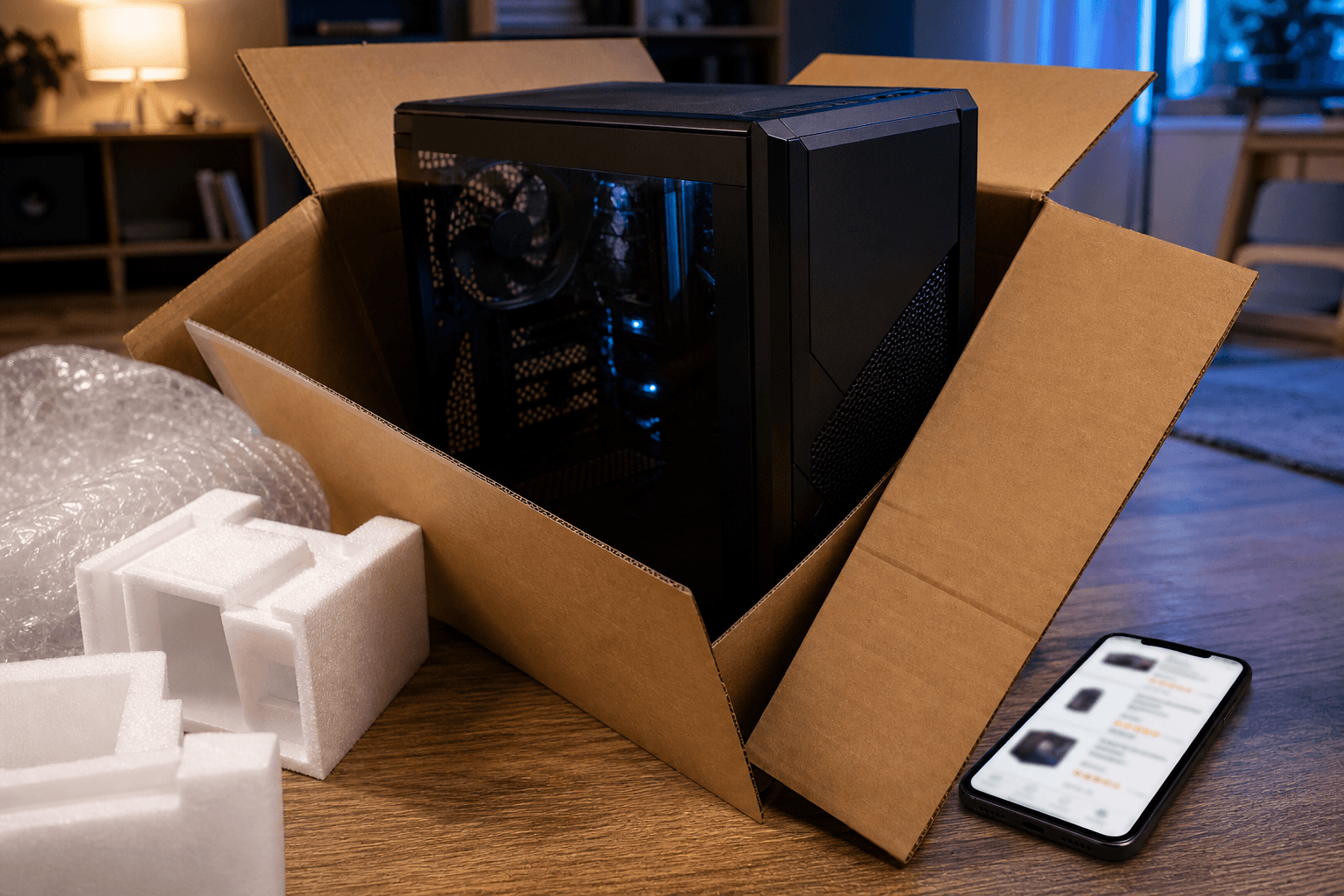
Amazon gaming PC: how to choose without getting trapped (2026)
Amazon.com is packed with « gaming » PCs — some are great value, others are marketing towers with a big CPU and an entry-level graphics card. In 2026, the key is not the word « gamer » in the title but checking CPU/GPU balance, RAM, SSD and PSU before you click Buy. This guide gives you a concrete method, quick comparison tables, and a link to the PC4Games comparator to validate against your Steam library.
Find your ideal PC on PC4Games
We match your games and budget with prebuilt Amazon PCs to surface the best-fitting configs.
How it works
Add your games
Your Steam library or a manual pick — you're in control.
Set your budget
From €400 to €2,000, you decide how much to spend.
Compare PCs
Score, specs and Amazon link — everything to choose with confidence.
In short: buying a gaming PC on Amazon without mistakes
Always compare the CPU + GPU pair before the listed price or the « i7 » badge.
16 GB dual-channel RAM and an NVMe SSD are no longer optional in 2026 — avoid HDD-only configs.
A balanced PC for your games beats a « premium » machine poorly matched to your screen (1080p vs 1440p).
Cross-check the Amazon listing with your games on PC4Games and our gaming PC budget tiers.
| Criterion | 2026 minimum | Comfort target |
|---|---|---|
| Dedicated GPU | Yes, explicit model (recent RTX/RX) | Matched to resolution (1080p / 1440p) |
| CPU | Recent Ryzen 5 / Core i5 (6+ cores) | Balanced with GPU, not oversized |
| RAM | 16 GB DDR4/DDR5 | 32 GB for multitask / stream / heavy AAA |
| Storage | 500 GB+ NVMe SSD | 1 TB NVMe for several large games |
| PSU | Known brand, adequate wattage | 80+ Bronze minimum, Gold if budget allows |
| Seller | Sold by Amazon or pro seller | Avoid vague listings without part details |
| Upgrade path | Free RAM slots, M.2 | Recent motherboard (AM5 / LGA1700+) |
Why buy a gaming PC on Amazon (and the limits)
Pros: large catalogue, fast delivery, price filters, customer reviews, relatively simple returns when you buy from the right seller. You can compare several prebuilts in minutes — handy if you want to play quickly without building part by part.
Deals: coupons, flash drops and Prime Day-style events can move the same model by $100–$225. A « was » price is not always a deal — check history and the real spec sheet.
Limits: listings sometimes vague (« powerful Intel processor », « dedicated graphics » with no model), variable third-party sellers, and unbalanced configs built around « i7 » or « 32 GB » while the GPU stays weak.
Amazon is not magic: a bad pick stays bad even with Prime shipping. A systematic reading grid beats the first sponsored result.
5-step method before adding to cart
Step 1 — Define use: esports 1080p, AAA 1440p, streaming, or office + gaming. Your monitor (resolution, Hz) sets the GPU level you need.
Step 2 — Set a realistic budget: $425–$550 for entry 1080p, $875 for the 2026 sweet spot, $1,100 for more AAA and 1440p headroom.
Step 3 — Open the full tech sheet: exact CPU, GPU, RAM (GB + DDR4/DDR5), storage (NVMe or not), PSU (watts + brand).
Step 4 — Check balance: GTX 1650 / RX 5500 XT with an i7 is marketing imbalance. See what makes a good gaming PC.
Step 5 — Validate with your games: on PC4Games, pick your Steam titles and budget — you get coherent recommendations with Amazon links, no account required.
Which Amazon gaming PC for your budget?
The ranges below are for « gaming » prebuilts on Amazon.com in July 2026 — prices move (Prime Day, weekly deals). The goal is to spot good balance, not lock one SKU forever. RTX 50-series (e.g. RTX 5060) is showing up in more prebuilts — check TDP and PSU wattage.
| Indicative budget | Typical CPU / GPU | RAM / storage | Player profile |
|---|---|---|---|
| $425–$650 | Ryzen 5 5500 / i3-12100F + GTX 1650 / RX 6500 XT | 16 GB, 500 GB SSD | esports, Minecraft, GTA V, older titles |
| $775–$975 | Ryzen 5 5600/7600 / i5-12400F + RTX 4060 / RTX 5060 / RX 7600 | 16 GB, 1 TB SSD | high 1080p, medium 1440p, large Steam library |
| $1,100–$1,425 | Ryzen 5 7600 / i5-13400F + RTX 4060 Ti 16 GB / RX 7700 XT | 16–32 GB, 1 TB SSD | comfortable 1440p, recent AAA |
| $1,525–$1,950 | Ryzen 7 / i5 K + RTX 4070 / RX 7800 XT | 32 GB, 1–2 TB SSD | high 1440p, light stream, long lifespan |
How to read an Amazon product page (beyond the title)
Common misleading titles: « Gaming PC i7 Ultra », « 32 GB RAM », « Windows 11 Pro » — with no GPU name. An i7 alone does not guarantee FPS; at 1080p the GPU often limits first.
Demand the exact GPU model: RTX 4060, RTX 4070, RTX 5060, RX 7600, RX 7700 XT, etc. Watch for « GT 1030 », « GTX 1050 », « RX 550 » on machines sold as recent gaming rigs.
RAM: « 16 GB » without DDR4/DDR5 or single-channel can hide a cheap build. Ideally two sticks (dual-channel). Guide: 16 or 32 GB RAM for gaming.
Storage: « 1 TB » may mean slow HDD + small SSD. For gaming, OS and games should sit on NVMe. NVMe vs SATA SSD.
PSU: often missing from marketing bullets. A 500 W no-name unit is risky; prefer known brands (be quiet!, Corsair, Seasonic, reputable Cooler Master lines).
Photos and reviews: check customer shots — you may see the real motherboard, filled RAM slots, or a case with poor airflow.
Common Amazon traps (and green flags)
Many buyers get caught by one highlighted number (CPU or RAM) while the GPU lags. The table below helps you decide in 10 seconds.
| Red flag | Why it hurts | Good sign |
|---|---|---|
| GPU unnamed or vague « dedicated » | Often GT 1030 / old chip = weak gaming | Explicit RTX 40 / 50 / RX 7000–9000 model |
| i7 / i9 + entry GPU | You pay for CPU, not FPS | Ryzen 5 / i5 + mid/high GPU |
| 8 GB RAM in 2026 | Multitask and new games limited | 16 GB minimum, 32 GB better |
| HDD only or 256 GB SSD | Slow loads, few games installed | 500 GB–1 TB+ NVMe |
| PSU missing from spec | Stability / failure risk | Watts + PSU brand listed |
| « Gaming » with no FPS or games tested | Pure marketing | Detailed reviews + full config listed |
Seller, warranty and returns
« Sold by Amazon » often simplifies support and 30-day returns (per current terms). Marketplace sellers can be fine — check seller ratings, not only product stars.
Manufacturer warranty: 1–2 years depending on brand (HP, Lenovo, MSI, etc.). Keep serial number and invoice. For an unknown prebuilt, clear warranty beats useless extra RAM.
Refurbished / Renewed: can work if the GPU is still relevant and testing is described. Skip if the listing hides the exact GPU or savings do not justify risk.
Delivery: tower + monitor in one click is rare — plan a 1080p 144 Hz or 1440p screen separately.
Cross-check Amazon with your games (PC4Games method)
Two PCs at the same price can be great for Valorant and poor for Cyberpunk 2077 at QHD. The right question: « Will this config run my games at my resolution? »
On PC4Games, pick your games, set min/max budget and desktop vs laptop. You get coherent machines with Amazon links — free, no sign-up.
Also see: mistakes to avoid when buying, best graphics card 2026, how to choose a gaming PC.
If two Amazon listings are close in price, favour the newer GPU (more VRAM) over the highest CPU — unless you stream or encode a lot.
Amazon prebuilt or DIY build?
Amazon prebuilt: best if you want to play fast, with Windows installed and one support contact. You pay assembly and sometimes average parts (generic RAM, basic PSU).
DIY: better quality/price control if you can build and update BIOS. Takes time and compatibility discipline.
Hybrid: buy on Amazon then upgrade GPU/RAM/SSD later — only if motherboard, case and PSU allow it from day one.
In 2026, for most Amazon buyers, a well-balanced prebuilt beats a mis-tuned « i7 gaming » box — whatever the brand on the carton.
Conclusion: the right Amazon PC fits your games
Buying a gaming PC on Amazon in 2026 still makes sense if you read the listing as a technical checklist: GPU first, coherent CPU, 16 GB+ RAM, NVMe SSD, serious PSU.
Watch for pretty titles, HDD-only configs and oversized CPUs. $100 on a better graphics card moves FPS more than a useless i9 at 1080p.
Before ordering: set your budget, use the tables above, then validate on the PC4Games comparator with your games — the most reliable shortcut to perform from day one.
Frequently asked questions
Is it reliable to buy a gaming PC on Amazon in 2026?
Yes if you check the exact graphics card model, 16 GB RAM minimum, NVMe SSD and a branded PSU. Amazon.com is handy for comparing and fast delivery, but many « gaming » listings are unbalanced (big CPU, weak GPU). « Sold by Amazon » often simplifies returns and support.
What minimum spec for an Amazon gaming PC?
For 1080p in 2026: recent Ryzen 5 or Core i5, dedicated GPU such as RTX 4060 / RTX 5060 / RX 7600, 16 GB RAM, 500 GB+ NVMe SSD, 80+ PSU from a known brand. Below that you limit recent AAA and multitasking.
How to spot a bad « gaming » PC on Amazon?
Red flags: unnamed GPU, GT 1030 / GTX 1050, i7 highlighted alone, 8 GB RAM, or HDD without NVMe. Good signs: recent RTX/RX listed with model number, full config sheet, detailed reviews.
What budget on Amazon for solid gaming?
Around $775–975 for good 1080p / entry 1440p (RTX 4060 / RTX 5060 / RX 7600). $1,100–1,425 for comfortable 1440p. Under $550: mostly esports and lighter titles — see our budget pages.
Amazon refurbished gaming PC: worth it?
Sometimes, if the listing states CPU, GPU, RAM, SSD and refurbishment details. Check the GPU is still right for your 2026 games; an old GPU in a « Renewed » box can be a false saving.
How to check an Amazon PC fits my games?
Use the PC4Games comparator: pick your Steam games, set your budget, compare recommended builds with Amazon listings. Cross-check buying mistakes and how to choose a gaming PC.
Is Amazon Prime worth it for a gaming PC purchase?
Prime often means faster shipping and simpler returns — but a bad PC stays bad. Use Prime for timing (Prime Day deals), not as a hardware quality guarantee.
Gaming laptop or desktop on Amazon for ~$800?
Desktop delivers more FPS per dollar and better upgrade options. Laptops with « RTX 4060 » often have lower TGP — check wattage and cooling in the listing.
Sources & methodology
How we wrote this guide
PC4Games methodology guide: how to read Amazon listings (CPU/GPU balance, RAM, storage, PSU), budget tiers aligned with the games comparator — no fixed prices (Amazon stock varies).
- 2026 component benchmarks: RTX 40/50 and RX 7000–9000 series, recent Ryzen 5/7 and Core i5/i7 — GPU priority by screen resolution.
- Summary + budget + trap HTML tables: structured for answer engines (GEO).
- Internal links to comparator, budget pages and PC buying guides on the site.
- Article reviewed 7 July 2026; verify price and availability on Amazon.com before purchase.

Similar articles
 Buying tips14 min read
GTA 6 news September 2026: Extended Look, Twitch, and pricing
GTA 6 Sept 2026: Extended Look on Netflix (Aug 27), Twitch outage, YouTube gameplay, official trailer, $79.99 pricing, console launch November 19.
14 min readRead article Buying tips16 min read
How to choose a gaming monitor in 2026: 1080p vs 1440p
How to choose a gaming monitor in 2026: 1080p 144 Hz from $180 for esports, or 1440p from $280 for AAA. Match Hz to your GPU before you buy.
16 min readRead article Buying tips28 min read
Best free PC games in 2026 (Steam, Epic, Riot)
Best free PC games 2026: 28 official F2P (Fortnite, CS2, Valorant…). US 1080p budgets $450–875, store links and a free PC picker. September 2026.
28 min readRead article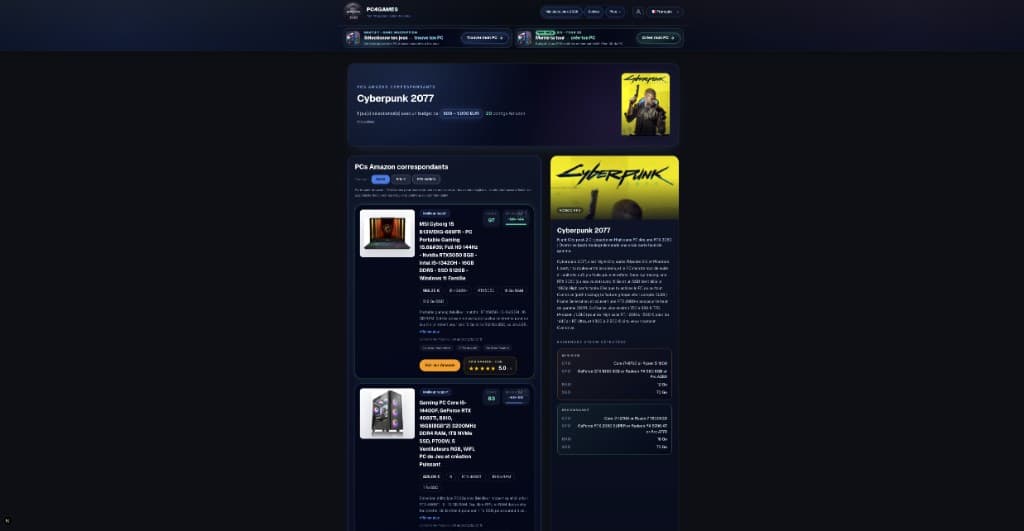 Buying tips15 min read
How to choose a gaming PC in 2026 (US): method by player profile
Best gaming PC 2026: how to choose by FPS, 1440p, streaming, CPU/GPU/RAM and budget. US method with Amazon, Newegg and PC4Games.
15 min readRead article Buying tips12 min read
Is Pokémon Champions on PC in 2026?
Is Pokémon Champions on PC? No Steam or Windows client in September 2026. Switch, Switch 2, iOS, Android only. Emulator risks and safe download sources.
12 min readRead article Buying tips14 min read
Upgrade a gaming PC in 2026: GPU first, then RAM
Upgrade a gaming PC in 2026: GPU first, then RAM or SSD. US parts $80–$350, socket/PSU checks, and when a new Amazon prebuilt wins.
14 min readRead article
PC4Games
Take action with the comparator: pick your games, budget, then compare PCs.


Comments
Loading…
Sign in or create an account to comment on this article.