

Guide

What power supply do you need for a gaming PC in 2026?
The power supply is the most underestimated component in a gaming PC. Too weak, and your PC crashes or reboots under load; too cheap, and a failure can take the motherboard, GPU, and drives down with it. The good news: choosing well is simple once you know your GPU. Here is how to size your PSU correctly, which certification actually matters, and the mistakes to avoid.
Find your ideal PC on PC4Games
We match your games and budget with prebuilt Amazon PCs to surface the best-fitting configs.
How it works
Add your games
Your Steam library or a manual pick — you're in control.
Set your budget
From €400 to €2,000, you decide how much to spend.
Compare PCs
Score, specs and Amazon link — everything to choose with confidence.
What wattage PSU for my GPU?
The simple rule: add your GPU and CPU power draw, then add 40-50% headroom. The headroom is not wasted — PSUs run quietest and most efficiently at 50-70% load, and modern GPUs produce short power spikes (transient spikes) well above their rated TDP.
Example: an RTX 4060 (115W) plus a Ryzen 5 7600 (65W) totals about 180W under gaming load. A quality 550W unit is comfortable. An RTX 4070 (200W) with an i5-14400F lands around 300W — a 650W PSU is the sweet spot.
Do not buy a 1000W unit "just in case" for a mid-range build. Oversizing wastes money that is better spent on PSU quality: a good 650W unit beats a no-name 1000W unit every time.
| GPU | Typical CPU pairing | System load (gaming) | Recommended PSU |
|---|---|---|---|
| RTX 4060 / RX 7600 | Ryzen 5 7600 / i5-14400F | ~220-250W | 550-600W |
| RTX 4070 / RX 7800 XT | Ryzen 5 7600 / i5-14400F | ~300-380W | 650-750W |
| RTX 5070 | Ryzen 7 7800X3D / i7 | ~400-450W | 750-850W |
| RTX 4090-class flagship | Ryzen 7 / i9 | ~550-650W | 1000W (ATX 3.0) |
80 Plus certification: which one is actually worth it?
80 Plus ratings (Bronze, Gold, Platinum, Titanium) measure electrical efficiency, not quality — but in practice better-certified units tend to use better internals. 80+ Bronze (82-85% efficient) is the floor for any gaming build; never go below it.
80+ Gold (87-92% efficient) is the sweet spot in 2026. The price difference versus Bronze has shrunk to $10-20, and Gold units typically come with longer warranties (7-10 years) and quieter fan profiles.
Platinum and Titanium only make financial sense for PCs that run heavy loads many hours a day (rendering, mining-style workloads). For pure gaming, the efficiency savings rarely repay the premium.
ATX 3.0/3.1 and the 12VHPWR connector: do you need them?
ATX 3.0/3.1 power supplies are designed for the transient power spikes of recent GPUs and include the native 16-pin 12VHPWR/12V-2x6 connector used by NVIDIA RTX 40 and 50 series cards.
If you are buying a new PSU in 2026 for an RTX 40/50-series card, choose an ATX 3.0 or 3.1 unit with a native 16-pin cable. It avoids the adapter cable mess and is built for the spikes these cards produce.
If you have a quality ATX 2.x unit with enough wattage, the included GPU adapter works fine — just make sure the connector is fully seated, as poorly seated 12VHPWR connectors are the main cause of melted-connector incidents.
Modular, semi-modular or non-modular?
Fully modular: every cable detaches, you only install what you need. Cleanest builds, easiest upgrades, typically $10-25 premium. Worth it in small cases and for anyone who values clean airflow.
Semi-modular: motherboard and CPU cables are fixed (you always need them anyway), the rest detaches. The best value pick for most builders.
Non-modular: all cables permanently attached. Fine for budget builds in roomy cases — just plan where the unused cables will hide.
Common PSU mistakes that kill gaming PCs
Mistake 1 — buying a no-name PSU. Generic units routinely overstate their wattage and lack proper protections (OVP, OCP, OTP). When they fail, they can take other components with them. Stick to established lines from reputable brands (Corsair, Seasonic, be quiet!, MSI, Cooler Master).
Mistake 2 — reusing a 7-year-old PSU in a new build. Capacitors age; a unit that was fine for a GTX 1060 build may not handle a modern GPU's transient spikes. If a PSU is older than its warranty, treat it as expired.
Mistake 3 — ignoring the PSU when upgrading the GPU. Jumping from an RTX 3060 to an RTX 5070 changes your power profile entirely. Check your wattage and connectors before the new card arrives, not after the first crash mid-game.
Frequently asked questions
How many watts does a gaming PC PSU need in 2026?
Depends on the GPU: 550–650 W for RTX 4060 / RX 7600, 650–750 W for RTX 4070 / 5060, 750–850 W for RTX 5070 / RX 7800 XT. Add GPU + CPU peak draw, plus 30–40% headroom for spikes and future upgrades.
Is 80 Plus Bronze enough for gaming?
It's the minimum for budget builds. For $800+ PCs, Gold is worth the small upcharge — better parts, less heat, longer warranties. Never buy a unit with no 80 Plus badge.
Do I need ATX 3.1 for an RTX 5070?
Recommended on a new purchase for RTX 5070 Ti and above: native 12V-2×6 avoids adapter hassle and partial-seating risk. A solid ATX 2.x Gold with enough watts still works with the GPU's adapter if fully seated.
Is 650 W enough for RTX 5070 + Ryzen 7 7800X3D?
It can work on a quality Gold unit, but it's tight. Many builders prefer 750–850 W for transient spikes and CPU upgrades. Check the +12V rail amps, not just the 650 W headline.
Does the PSU affect FPS?
Not directly when sized correctly. An undersized or failing PSU causes reboots, stutter, and GPU clock drops — which feels like poor performance. Stability beats headline wattage.
Can I reuse my old PSU in a new build?
Only if it's under ~5–7 years old, 80+ certified, has enough +12V capacity, and the right PCIe connectors for your new GPU. When in doubt, replace it ($70–120) before installing the card.
What PSU brands should I avoid?
Skip no-name units under ~$40 claiming 650 W+ without reviews. Safer picks: Corsair, Seasonic, be quiet!, MSI, ASUS TUF, Fractal. See also PSU accessories on PC4Games.
How much should I spend on a PSU for a $1,000 gaming PC?
Budget $80–120 for 650–750 W 80+ Gold from a known brand — roughly 8–12% of the build. It protects the GPU and motherboard for years.
What if my prebuilt has a weak PSU?
Swap the PSU before a major GPU upgrade (~30 min, $70–110). Cheaper than replacing fried components. Use the PC4Games comparator to pick balanced prebuilts upfront.
What is the +12V rail and why does it matter?
It's the rail that powers your GPU and CPU. A «650 W» sticker means nothing if +12V only delivers 400 W. Read the label on the PSU side: aim for 40 A+ on mid-range GPUs, 50 A+ on high-end cards.
Sources & methodology
How we wrote this guide
PC4Games gaming PSU guide (updated July 2026). Wattage ranges based on manufacturer GPU/CPU TDP plus 30–40% headroom; US prebuilt examples cross-checked against Amazon.com listings and PC4Games picks.
- Wattage table aligned with [PSU wattage by GPU](/guides/alimentation-pc-gaming-wattage).
- 80 Plus tiers: official 80 PLUS program thresholds; retail lines matched to US availability.
- ATX 3.1 / 12V-2×6: recommendations aligned with NVIDIA RTX 40/50 power guidance.

Similar articles
 Components11 min read
SSD or HDD for gaming in 2026: what to buy first
SSD or HDD for gaming in 2026? Real load times, 1 TB NVMe US prices ($70–100), when a hard drive still helps as bulk storage, and Amazon prebuilt traps.
11 min readRead article Components8 min read
NVMe vs SATA for gaming: what you feel at the desk, not on the spec sheet
NVMe or SATA for a gaming PC in 2026? Real load times, CPU bottlenecks, Gen3 vs Gen4 pricing on Newegg/Amazon, DirectStorage titles, M.2 traps, and when to upgrade GPU instead.
8 min readRead article Components12 min read
GPU gaming benchmark 2026: which cards hold 1080p, 1440p and 4K?
GPU gaming FPS tables August 2026: RTX 50, RX 9000, 1080p/1440p/4K, AAA and e-sport. PC4Games methodology, Tom's Hardware and TechPowerUp sources.
12 min readRead article- Components11 min read
CPU gaming benchmark 2026: which processor maximizes your FPS?
CPU gaming FPS tables August 2026: Ryzen 7800X3D, 9800X3D, i5-14600K, 1080p/1440p, CPU-bound games. PC4Games methodology, Tom's Hardware and TechPowerUp.
11 min readRead article  Components8 min read
Gaming PC wattage: size your PSU without the spreadsheet guesswork
How many watts does your gaming PC need in 2026? US sizing worksheet, RTX 50 / RX 9000 tables, +12V amps, ATX 3.1 spikes, GPU-only upgrades, and prebuilt traps on Amazon & Best Buy.
8 min readRead article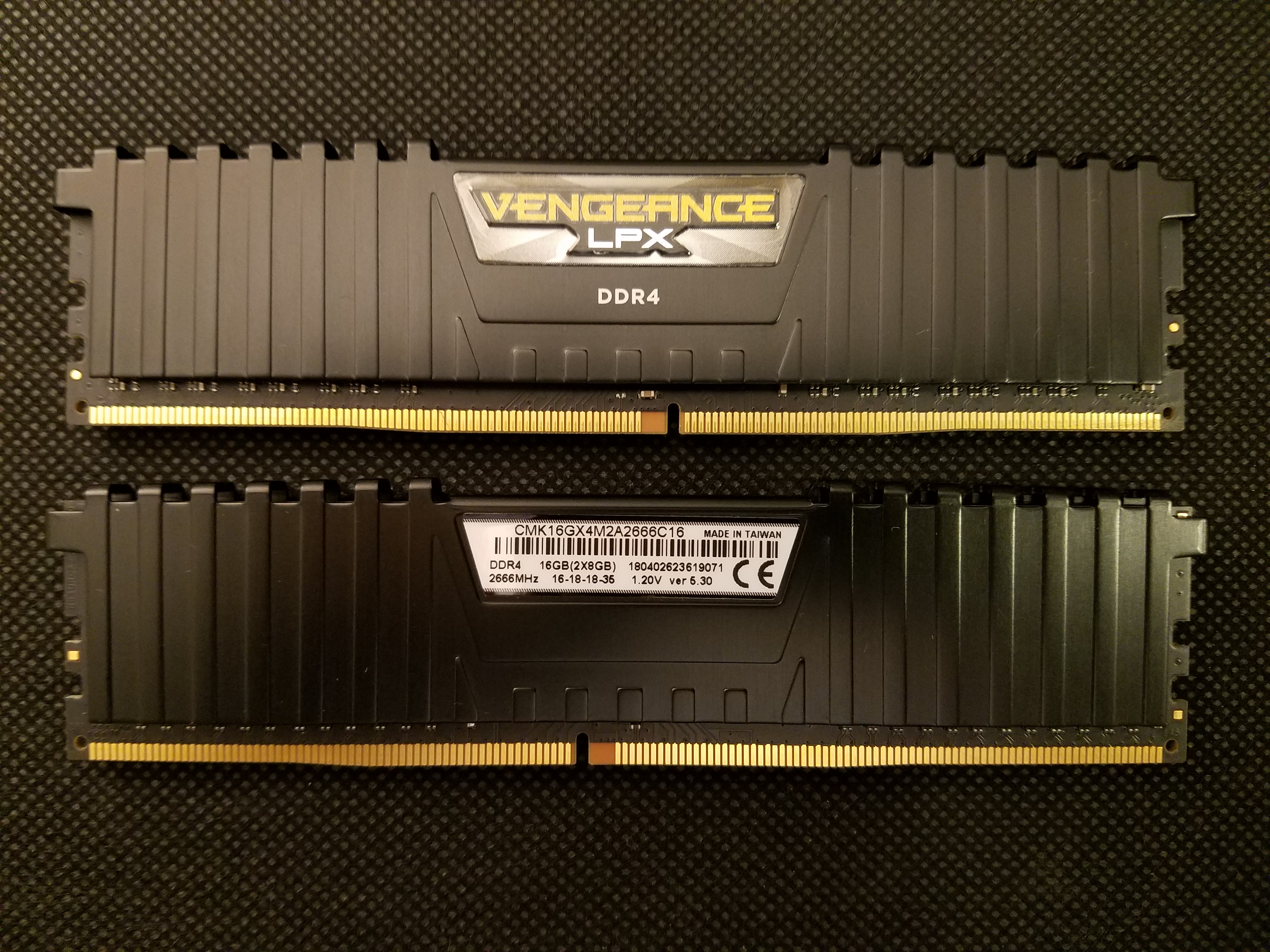 Components13 min read
How much RAM for a gaming PC in 2026: 8, 16, or 32 GB?
8, 16, or 32 GB RAM for gaming in 2026? Capacity by game, DDR4 vs DDR5, dual-channel, Amazon/Newegg prebuilt traps, XMP/EXPO, and when 32 GB pays off.
13 min readRead article
PC4Games
Take action with the comparator: pick your games, budget, then compare PCs.


Comments
Loading…
Sign in or create an account to comment on this article.