

Guide
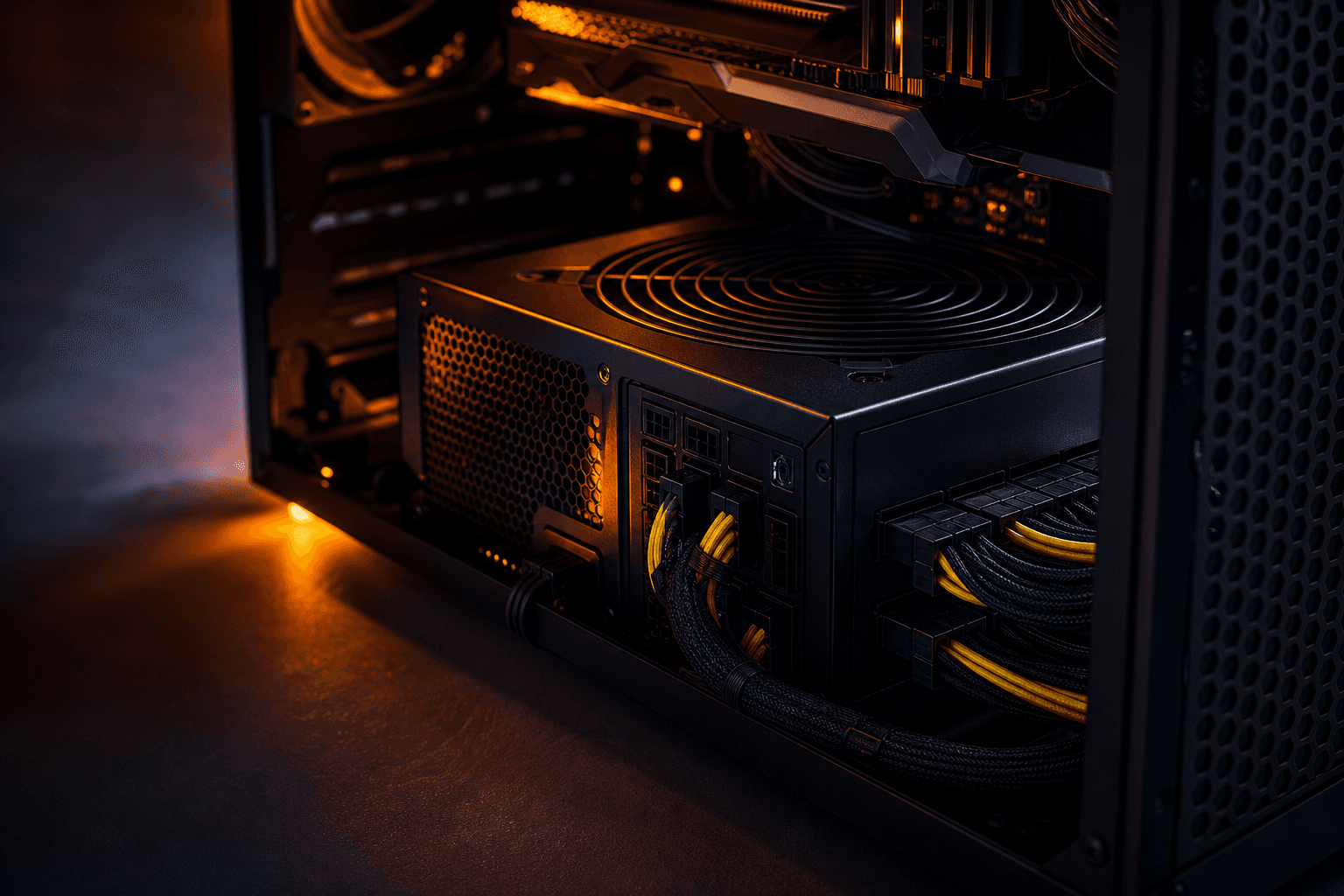
Gaming PC wattage: size your PSU without the spreadsheet guesswork
On r/buildapc, the weekly thread is the same: *«I have a Corsair RM650 from 2020 — can I drop in an RTX 5070?»* Adding GPU TDP and CPU TDP gets you a number, but it misses millisecond power spikes that trip protection on older units — and it ignores whether your +12V rail can actually feed the card. This page is wattage sizing only: a four-line worksheet, GPU lookup tables (RTX 40/50, RX 7000/9000), how to read the spec label, upgrade-without-replacing-PSU scenarios, and what Amazon, Newegg, and Best Buy prebuilts leave off the spec sheet. For 80 Plus tiers, modular cables, and brand picks, see gaming PC power supply — complementary, not duplicate.
Find your ideal PC on PC4Games
We match your games and budget with prebuilt Amazon PCs to surface the best-fitting configs.
How it works
Add your games
Your Steam library or a manual pick — you're in control.
Set your budget
From €400 to €2,000, you decide how much to spend.
Compare PCs
Score, specs and Amazon link — everything to choose with confidence.
Why «GPU TDP + CPU TDP + 25%» fails on modern builds
That shortcut made sense when a RTX 3070 peaked near its 220 W rating. A RTX 5090 lists 575 W TGP yet can briefly exceed 600 W in transient bursts — enough to reboot a borderline PSU even when average gaming draw looks fine in HWiNFO.
ATX 3.0/3.1 PSUs are tested to survive up to 200% of the +12V rail rating for ~100 µs. Quality ATX 2.x Gold units still work on many builds, but they were not designed around Blackwell spike profiles — which is why NVIDIA's recommended PSU wattage jumped versus the RTX 40 launch.
Practical takeaway: treat OuterVision or Seasonic's calculator as a *floor*, not a ceiling. Add 30–50% headroom on top of the «typical load» result before you trust a reused unit from a 2020 build.
The four-line wattage worksheet (no fluff)
Line 1 — GPU: use the card's TGP/TBP from NVIDIA/AMD or the Newegg product page — not a random YouTube stress test. Factory OC models (ASUS TUF, MSI Gaming X, Gigabyte Gaming OC) often add 20–40 W over reference.
Line 2 — CPU: budget 65–90 W for a Ryzen 5 7600 or Core i5-14400F in games. A Ryzen 9 9950X or Core Ultra 9 in all-core boost can land 150–250 W — that's what pushes a «650 W is fine» build into shutdown territory paired with a 5080.
Line 3 — platform: motherboard, 2–4 fans, one or two NVMe drives, optional 240/360 AIO: plan 40–80 W. Add 30–50 W for multiple HDDs, fan hubs, or aggressive RGB strips fed off Molex.
Line 4 — headroom: sum lines 1–3, then target a PSU 30–50% above that total for spikes and a future GPU bump. Example: 250 W GPU + 90 W CPU + 60 W platform = 400 W → 600–650 W minimum, 750 W comfortable if you might jump to a 5080 later.
Minimum vs comfortable watts: 2026 GPU table
Minimum follows NVIDIA/AMD guidance and US retail roundups (Digital Trends, Seasonic, board partners). Comfortable assumes a mid/high CPU, transient spikes, and room to upgrade without buying another PSU in 18 months.
Still shopping last-gen? RTX 40 and RX 7000 rows stay valid in 2026 — only the power connector story changes (12VHPWR vs 12V-2×6). Cross-check your cart on the PC4Games comparator.
| Graphics card | TGP / TBP | PSU minimum | PSU comfortable | GPU power plug |
|---|---|---|---|---|
| RTX 5060 / 5060 Ti | 145–180 W | 550 W | 650 W | 8-pin PCIe |
| RTX 5070 | 250 W | 650 W | 750 W | 12V-2×6 or 8-pin |
| RTX 5070 Ti | 300 W | 750 W | 850 W | Native 12V-2×6 preferred |
| RTX 5080 | 360 W | 850 W | 1,000 W | Native 12V-2×6 |
| RTX 5090 | 575 W | 1,000 W | 1,200 W | Native 12V-2×6 |
| RTX 4070 / Super | 200–220 W | 650 W | 750 W | 12VHPWR or 8-pin |
| RTX 4080 Super | 320 W | 850 W | 850–1,000 W | 12VHPWR |
| RTX 4090 | 450 W | 850 W | 1,000 W | 12VHPWR / adapter |
| RX 9060 XT | 150–160 W | 500 W | 600 W | 2× 8-pin |
| RX 9070 XT | 304 W | 750 W | 850 W | 2× separate 8-pin |
| RX 7800 XT | 263 W | 700 W | 750 W | 2× 8-pin |
| RX 7900 XTX | 355 W | 800 W | 850 W | 2× 8-pin |
+12V amperage beats the headline wattage number
The 750 W on the box is a multi-rail total. Gaming load hits the +12V rail feeding GPU and CPU. On the sticker: `+12V ─── 62A ─── 744W` means 744 W of usable +12V — that's the number that matters, not marketing fluff.
Most current single-rail Gold units simplify the math. Legacy multi-rail designs (some older Seasonic/Corsair units) split load across rails — read the manual before hanging a 5080 and a hungry CPU on the same rail.
Quick check for RTX 5070 Ti (~300 W GPU) + Ryzen 7 (~120 W): you want ~35 A continuous on +12V (420 W) and 45 A+ (540 W) if you want spike margin. A vintage 650 W sticker with only +12V @ 38 A is a grey-area reuse — fine on reference cards, risky on factory OC.
650W vs 750W: the thread that never dies on Tom's Hardware
RTX 5070 + Ryzen 5 7600 / i5-14400F: NVIDIA's 650 W floor is realistic with a recent Gold unit (RM650e, Focus GX-650). Move to 750 W if you run a 7800X3D, a 360 mm AIO, or you want zero doubt before the next GPU generation.
RM650 vs RM650e: the e line is typically ATX 3.0 with a native 12VHPWR/12V-2×6 cable — worth the small premium over a plain RM650 when you're buying new for RTX 50.
Factory OC cards: a 5080 partner model pulling 400 W+ can need 1,000 W where a Founders Edition spec sheet says 850 W. Read the exact SKU on Micro Center or B&H, not just the chip name.
Wattage ≠ quality: a $45 «750 W» no-name on Amazon loses to a $95 650 W Gold from a known OEM every time — see gaming PC power supply for brand tiers, not repeated here.
Dropping a new GPU into last year's case
RTX 3060 → RTX 4060 on a 550 W Gold from a reputable line: usually fine — same ballpark TGP, same 8-pin ecosystem. RTX 3060 → RTX 5070: plan on a PSU swap — 12V-2×6, higher spikes, and 250 W TGP blow past comfort on many 600 W ATX 2.x units.
Before the GPU ships from Amazon or eBay: pop the side panel, photograph the PSU label (brand, +12V amps, year), and compare to the table above. Calculators help, but label beats guessing.
RX 9070 XT rule of thumb from AMD partner docs: two separate PCIe cables from the PSU — no daisy-chain (one wire split to two 8-pins) once you're past ~225 W card draw.
PSU-only upgrade path: budget $70–120 for Gold ATX 3.0/3.1 *before* the GPU arrives — cheaper than RMA'ing a toasted card. Walkthrough: upgrade your gaming PC.
What Best Buy and Amazon prebuilts hide about wattage
CyberPowerPC, iBuyPower, Skytech, and NZXT BLD listings often bury the PSU model in a PDF spec sheet. If the title says «600 W» with no brand, assume that's where margin was cut — same pattern we flag in gaming PC buying mistakes.
Costco and Best Buy store brands sometimes use proprietary SFF PSUs. A RTX 5060 might fit within 550–650 W; a 5080 swap is often impossible without a new case and standard ATX PSU.
650 W 80+ Gold with an RTX 5060 is a sane factory config. 500 W unbranded with any current high-end GPU is a return waiting to happen — even if the PC «works» in Windows until you load Cyberpunk or Black Myth: Wukong.
Buying new in 2026: floor is 650 W Gold ATX 3.0 with RTX 5060, 750 W with RTX 5070, 850 W with RTX 5080. Otherwise pencil $80–120 into the upgrade budget day one.
Headroom tiers: casual, streamer, or buy-once
Set-and-forget 1080p/1440p (no OC, GPU fixed for 3–5 years): +30% over your worksheet total is enough on a recent Gold PSU. Example: 420 W estimated → 550–650 W retail unit.
Upgrade every GPU generation or 1440p high-refresh with headroom: +40–50% at purchase saves a second PSU buy when you jump 4060 → 5070. This is the most common r/buildapc regret.
Stream + game + render or 5090 + 9950X: +50% minimum; 1,200 W ATX 3.1 Platinum beats scraping by on 1,000 W when transient spikes stack with CPU all-core load.
Overshooting to 1,000 W on a 350 W gaming rig does not boost FPS — it can lower efficiency below 20% load. Aim for 40–70% PSU load in your heaviest game; that's where Gold units run quietest and coolest.
Frequently asked questions
How many watts for an RTX 5070 gaming PC in 2026?
NVIDIA lists 650 W minimum; in US builds, 750 W Gold ATX 3.0/3.1 is the sane default with a Ryzen 7 / Core i7 or AIO. A quality 650 W can work with Ryzen 5 / i5 — verify +12V ≥ 40 A on the sticker first.
Is 550W enough for RTX 4060 or RX 7600?
Yes for a typical 1080p rig (efficient CPU, 1–2 SSDs). Step up to 650 W with lots of fans, multiple HDDs, or a PSU older than 5–6 years — aged capacitors shrink real headroom even if the label still says 550 W.
Can I keep a 650W PSU with an RTX 4070 Ti Super?
Tight: 285 W TGP plus CPU spikes → 750 W is the rational buy. A recent 650 W Gold might survive with a non-OC i5/Ryzen 5, but you will have zero upgrade path. When in doubt, replace the PSU with the GPU.
What are transient power spikes and why do they crash PCs?
For milliseconds, a GPU can draw far above its average TGP. Undersized or pre-ATX 3.0 PSUs hit OCP and reboot — black screen, not a graceful FPS drop. ATX 3.1 units are rated for up to 200% +12V spikes for ~100 µs; that's why 2026 «comfort» watts run higher than 2022 guides suggest.
How do I read the +12V line on my PSU sticker?
Find +12V and the amp rating (e.g. 62 A). Multiply by 12 → continuous GPU+CPU power (~744 W in that example). That beats trusting only the big 750 W marketing number. On multi-rail PSUs, split GPU and CPU per the manual.
When do I need a new PSU for a GPU upgrade?
Replace if the new card exceeds your +12V headroom, if you lack 12V-2×6 (and refuse adapters on high-draw cards), or the unit is 6+ years past warranty. 3060 → 4060: often OK. 3060 → 5070: assume new PSU.
RTX 5090: 1000W or 1200W?
1,000 W is NVIDIA's floor (575 W TGP). With Ryzen 9 / Core Ultra 9, custom loop, and Blackwell spikes, 1,200 W ATX 3.1 Gold or Platinum with native 12V-2×6 is what US integrators and enthusiast forums recommend for daily stability.
What PSU wattage for RX 9070 XT?
750 W minimum, 850 W comfortable for factory OC cards or high-end CPUs. Run two separate 8-pin PCIe cables from the PSU — skip daisy-chain on a single wire above ~225 W card power.
OuterVision or manual math — which should I trust?
OuterVision is a solid *typical load* baseline — add 30–50% for 2026 RTX 50 spikes. Manual worksheet (GPU TGP + CPU peak + platform + margin) works if you know exact specs. Cross-check our wattage table and the PC4Games comparator.
My prebuilt has a 500W PSU — can I install an RTX 5060?
Unbranded 500 W (common on discount towers): no — swap to 550–650 W 80+ Gold first. A known 500 W 80+ might handle a 145 W 5060 with a modest CPU; still verify +12V amps and unit age before checkout.
Sources & methodology
How we wrote this guide
PC4Games gaming PSU wattage guide (updated 14 July 2026). GPU TGP: NVIDIA/AMD specs cross-checked with US retail guides; ATX 3.1 transient rules from Intel public docs. No manufacturer sponsorship.
- Wattage sizing only — 80 Plus, modular cables, and brand tiers live in [gaming PC power supply](/guides/alimentation-pc-gamer).
- «Comfortable» watts include CPU headroom and upgrade margin, not bare OEM minimums.
- PSU street prices shift weekly — verify **Amazon**, **Newegg**, and **Micro Center** at purchase time.

Similar articles
 Components11 min read
SSD or HDD for gaming in 2026: what to buy first
SSD or HDD for gaming in 2026? Real load times, 1 TB NVMe US prices ($70–100), when a hard drive still helps as bulk storage, and Amazon prebuilt traps.
11 min readRead article Components8 min read
NVMe vs SATA for gaming: what you feel at the desk, not on the spec sheet
NVMe or SATA for a gaming PC in 2026? Real load times, CPU bottlenecks, Gen3 vs Gen4 pricing on Newegg/Amazon, DirectStorage titles, M.2 traps, and when to upgrade GPU instead.
8 min readRead article Components12 min read
GPU gaming benchmark 2026: which cards hold 1080p, 1440p and 4K?
GPU gaming FPS tables August 2026: RTX 50, RX 9000, 1080p/1440p/4K, AAA and e-sport. PC4Games methodology, Tom's Hardware and TechPowerUp sources.
12 min readRead article- Components11 min read
CPU gaming benchmark 2026: which processor maximizes your FPS?
CPU gaming FPS tables August 2026: Ryzen 7800X3D, 9800X3D, i5-14600K, 1080p/1440p, CPU-bound games. PC4Games methodology, Tom's Hardware and TechPowerUp.
11 min readRead article  Components7 min read
What power supply do you need for a gaming PC in 2026?
What power supply do you need for a gaming PC in 2026? Wattage by GPU (RTX 4060 to RTX 5070), 80 Plus certifications, ATX 3.0, modular vs non-modular, and the mistakes that kill components.
7 min readRead article Components13 min read
How much RAM for a gaming PC in 2026: 8, 16, or 32 GB?
8, 16, or 32 GB RAM for gaming in 2026? Capacity by game, DDR4 vs DDR5, dual-channel, Amazon/Newegg prebuilt traps, XMP/EXPO, and when 32 GB pays off.
13 min readRead article
PC4Games
Take action with the comparator: pick your games, budget, then compare PCs.


Comments
Loading…
Sign in or create an account to comment on this article.