
Guide
Intel or AMD for gaming in 2026 — r/buildapc thread or Newegg cart on the CPU?
You probably landed from r/buildapc, a r/buildapcsales CPU alert (« 7800X3D or i5-14400F? »), or an Amazon prebuilt listing that pairs a Core i9 with an RTX 5060. This guide is not an architecture textbook: it helps you pick Intel Core or AMD Ryzen based on your resolution, your GPU, and your platform in the US. This is not best gaming CPU 2026 (model rankings) or AMD vs NVIDIA (graphics card): here we compare two CPU ecosystems — X3D, P-cores/E-cores, AM5, LGA1700, utility costs, and PCPartPicker traps. Quick read (July 2026, before sales tax): AMD X3D (7800X3D $375, 9800X3D $500) for max FPS in competitive 1080p/1440p. Intel Core i5 (14400F $200, 14600K $250) for tight budget or an existing LGA1700 base. Ryzen 5 7600/7500F + B650 (~$150) if you are building fresh AM5 and want an X3D upgrade path later. At 4K, buy the GPU first — the CPU matters less.
Find your ideal PC on PC4Games
We match your games and budget with prebuilt Amazon PCs to surface the best-fitting configs.
How it works
Add your games
Your Steam library or a manual pick — you're in control.
Set your budget
From €400 to €2,000, you decide how much to spend.
Compare PCs
Score, specs and Amazon link — everything to choose with confidence.
PC4Games call: the CPU follows your resolution and games, not the logo
We sort US buyers into four profiles. Max FPS 1080p/1440p competitive (CS2, Valorant, Fortnite 240 Hz): Ryzen 7 X3D (7800X3D, 9800X3D) — 3D V-Cache (up to 96 MB L3) remains the most efficient tool for 1% lows on cache-sensitive titles.
New mid-range build, upgrade path: Ryzen 5 7600 or 7500F on AM5 — strong perf per dollar, long-lived socket. Upgrading an existing LGA1700/DDR4 box: Core i5-14400F or 12400F without replacing everything. Gaming + light stream + desktop: Core i5-14600K (E-cores help) or Ryzen 5 7600 depending on what you already own.
Mistake #1 in the US: buying an i7/i9 in an Amazon prebuilt when the GPU is a 4060 — you pay for a premium CPU that does not raise your 1440p FPS. Filter your library on the PC4Games comparator before you commit.
Why r/buildapc keeps debating this — and where July 2026 actually stands
« 7800X3D or 14600K? » and « AM5 or stay on LGA1700? » posts spike every Prime Day, Micro Center bundle, or when a 7500F dips under $175 on Newegg. In 2026 the picture is clear: Zen 5 X3D (9800X3D) pushes the FPS ceiling, Raptor Lake (13th/14th gen) stays strong in single-thread, and Core Ultra (LGA1851) improves without dethroning X3D in pure gaming.
A classic r/buildapcsales mistake: comparing a used AM4 5600 at $100 on eBay with a new 7600 at $200 and calling it « same platform budget ». Factor in DDR5 (~$80–120 RAM), a B650 board, and that AM4 is end of life — rational for reviving an old tower, not for a five-year 1440p new build.
This page does not pick one SKU: for that, see best gaming CPU 2026, how to choose a gaming PC, or gaming PC upgrade. Here we set the Intel vs AMD frame before you refresh PCPartPicker.
US table July 2026 — CPUs by budget and platform
CPU-only street bands from Amazon / Newegg / Micro Center before tax. Motherboard + RAM changes the checkout total — a 14400F on LGA1700 DDR4 can beat a 7600 on AM5 DDR5 at cart level.
| Tier | AMD Ryzen | Intel Core | US read |
|---|---|---|---|
| Entry 1080p / AM4 upgrade | Ryzen 5 5600 ~$100 | Core i5-12400F ~$125 | 5600 if AM4 owned · 12400F new LGA1700 |
| New mid 1080p–1440p | Ryzen 5 7600 / 7500F ~$175–$200 | Core i5-14400F ~$200 | AM5 future-proof · Intel if DDR4 LGA1700 |
| Gaming + light stream | Ryzen 5 7600 ~$200 | Core i5-14600K ~$250 | 14600K E-cores · 7600 lower draw |
| Max FPS 1440p competitive | Ryzen 7 7800X3D ~$375 | Core i7-14700K ~$350 | X3D reference · i7 K versatile + watts |
| Zen 5 gaming high end | Ryzen 7 9800X3D ~$500 | Core Ultra 9 / i9-14900K | 9800X3D FPS lead · Intel if heavy prod |
Competitive 1080p vs 1440p AAA: when the CPU actually matters
At 1080p high/ultra or 240–360 Hz, the CPU often limits the GPU — that is where 7800X3D and 9800X3D pay off: +15 to +35% on Starfield, some UE5 RPGs, or CS2 versus a classic Core i7 in 2026 aggregates.
At 1440p AAA with an RTX 4070 / 7800 XT / 5070, the 7600 vs 7800X3D gap narrows — the GPU leads. A Ryzen 5 7600 is plenty if you are not chasing extreme e-sport — 14600K is often only 3–8% apart.
At 4K ultra, a Ryzen 5 5600 and an i9 look similar with the same GPU. PC4Games rule: GPU first at 4K, CPU first at competitive 1080p. Cross-check gaming PC 1440p and best graphics card 2026.
X3D, Intel hybrid, and Core Ultra: spec-sheet hype or daily-driver feature?
3D V-Cache stacks extra L3 on the die (96 MB on 7800X3D). Worth it if you play cache-sensitive titles and refuse to drop settings. Overkill if you are GPU-limited at 4K or building entry level — a 7500F is more rational than a premium X3D.
On Intel, P-cores + E-cores since Alder Lake help multitasking (OBS + game + Discord). In pure gaming, only P-cores count — a 14400F (6 P-cores) holds against a 7600 for many US players.
Core Ultra (200 series, LGA1851) improves efficiency but often stays 10–30% behind top X3D in raw FPS — and needs pricier Z890 boards. Our line: X3D for FPS optimizers; Core i5 for budget all-rounders; Core Ultra mainly for fresh high-end builds without LGA1700 legacy.
Power draw, cooling, and your utility bill: the hidden Intel K tax
A Core i7-14700K or i9-14900K can exceed 200–250 W under load — versus ~65–120 W for a Ryzen 5 7600 or 7800X3D tuned well. On long gaming sessions, that shows up on the power bill and in a compact case.
Direct US consequence: Intel K chips need a serious air cooler or 240 mm AIO ($40–100); non-X Ryzen sometimes ships with a usable stock cooler. X3D has no boxed cooler — budget a Peerless Assassin or similar.
Manual overclocking adds little in 2026 — auto boost is enough. Intel K on Z only; AMD OC stays open on most Ryzen. For a typical US gaming tower, silence + lower draw often favors AMD AM5.
Five mistakes we see every week on Amazon, Newegg, and Micro Center
1. i9 in a prebuilt with RTX 4060/5060 — you pay $200–400 of CPU you will not use at 1440p. 2. 7800X3D with an entry GPU — X3D does not « create » FPS if the GPU sits at 60% utilization.
3. Ignoring AM5 platform cost — 7600 + B650 + DDR5 can exceed a used 14400F + B660 DDR4 deal; compare full cart, not CPU alone. 4. Staying on AM4 « to save money » for a new 1440p build — 5600 is a smart upgrade, not a five-year plan.
5. Buying the CPU before the GPU on an $800–1,000 budget — shift toward an RX 7700 XT / RTX 4070 instead of an i7. Check your games on the PC4Games comparator: sometimes +$150 GPU beats +$150 CPU.
Share this article
Know someone building a gaming PC? Send them this guide in one tap.
Frequently asked questions
Intel or AMD for gaming in the US in 2026?
Both stay relevant. AMD X3D (7800X3D, 9800X3D) for max FPS in competitive 1080p/1440p. Intel Core i5 (14400F, 14600K) for tight budget or an existing LGA1700 base. Ryzen 5 7600/7500F on AM5 for a fresh build with an X3D upgrade path. Start from your monitor and GPU — the guide table covers five tiers.
Ryzen 5 7600 or Core i5-14400F for a new build?
7600/7500F + B650: better long-term path (AM5, X3D upgrade later). 14400F + B660 DDR4: sometimes cheaper total cart on Newegg or Micro Center if you find LGA1700 deals. Compare CPU + motherboard + RAM on PCPartPicker, not the CPU alone.
Ryzen 7 7800X3D or Core i7-14700K for gaming?
7800X3D leads FPS on cache-sensitive games (CS2, Starfield, UE5 RPGs). 14700K is more versatile for stream/heavy multitasking but pulls 200 W+ under load. Pure gaming → X3D. Heavy creation mix → i7 K can hold its own.
Is the 9800X3D worth +$100 over the 7800X3D?
If you chase the last few percent at competitive 1080p and the budget allows, yes. At 1440p with an RTX 4070/5070, the gap shrinks — $100–150 often buys more on the GPU. Check your games on the PC4Games comparator.
AM5 or LGA1700: which platform in 2026?
AM5 (Ryzen 7000/9000): durable socket, DDR5, CPU upgrade without replacing the board. LGA1700: end of life, but DDR4 still viable for tight budgets. LGA1851 (Core Ultra): new high-end builds only.
Ryzen or Intel for CS2, Valorant, and Fortnite?
7800X3D/9800X3D for 1% lows at 240–360 Hz. Intel i5/i7 (13th/14th gen) may gain 3–5% on very single-thread titles — rarely decisive versus your GPU. Prioritize monitor + GPU before an i9.
Do I need X3D if I play at 4K?
Usually no: at 4K ultra, the GPU caps — a Ryzen 5 7600 is enough. X3D pays off at competitive 1080p/1440p or if you already own a high-end GPU and want stable frametimes.
Does Ryzen use less power than Intel while gaming?
Yes on average: 7600 ~65–88 W in games vs 14600K ~100–125 W. A K-series i9 can exceed 200 W — matters for your utility bill, noise, and compact cases. X3D chips stay efficient despite the extra cache.
Upgrade AM4 (5600) or go fresh AM5?
5600/5800X3D on AM4: smart if you already own DDR4 + B550 — delays a full rebuild. For a new 1440p build aimed at five years: AM5 (7600 now, X3D later) is the safer bet.
CPU or GPU first on an $800–1,000 budget?
Almost always the GPU in the US for 1440p: an RX 7700 XT / RTX 4070 before an i7. A mid-tier CPU (7600, 14400F) is enough unless you target 1080p 360 Hz competitive play.
Sources & methodology
How we wrote this guide
Intel vs AMD gaming comparison: PC4Games editorial synthesis (July 2026, US market). Five-tier table, Amazon/Newegg/Micro Center street pricing, buyer profiles — not a model-by-model CPU ranking.
- FPS gaps: 1080p/1440p aggregates, cache-sensitive games (CS2, Starfield); X3D vs i5 debate on r/buildapc.
- Platforms: full-cart AM5 (DDR5 + B650) vs used LGA1700 DDR4 deals.
- Updated when CPU street pricing shifts >10% in a quarter.
Sources
- Intel — Core processors
Official Core i5/i7/i9 and Core Ultra product pages.
- AMD — Ryzen processors
Ryzen lineups, 3D V-Cache, and AM4/AM5 compatibility.
- PC4Games methodology
Comparator, budgets, and guide editorial process.
Similar articles
- Comparisons16 min read
Gaming PC comparator: top 3 tools to pick your build in the US (2026)
PC4Games, PCPartPicker or a US retail configurator: which gaming PC comparator fits you in 2026? Comparison table, buyer profiles and pitfalls.
16 min readRead article 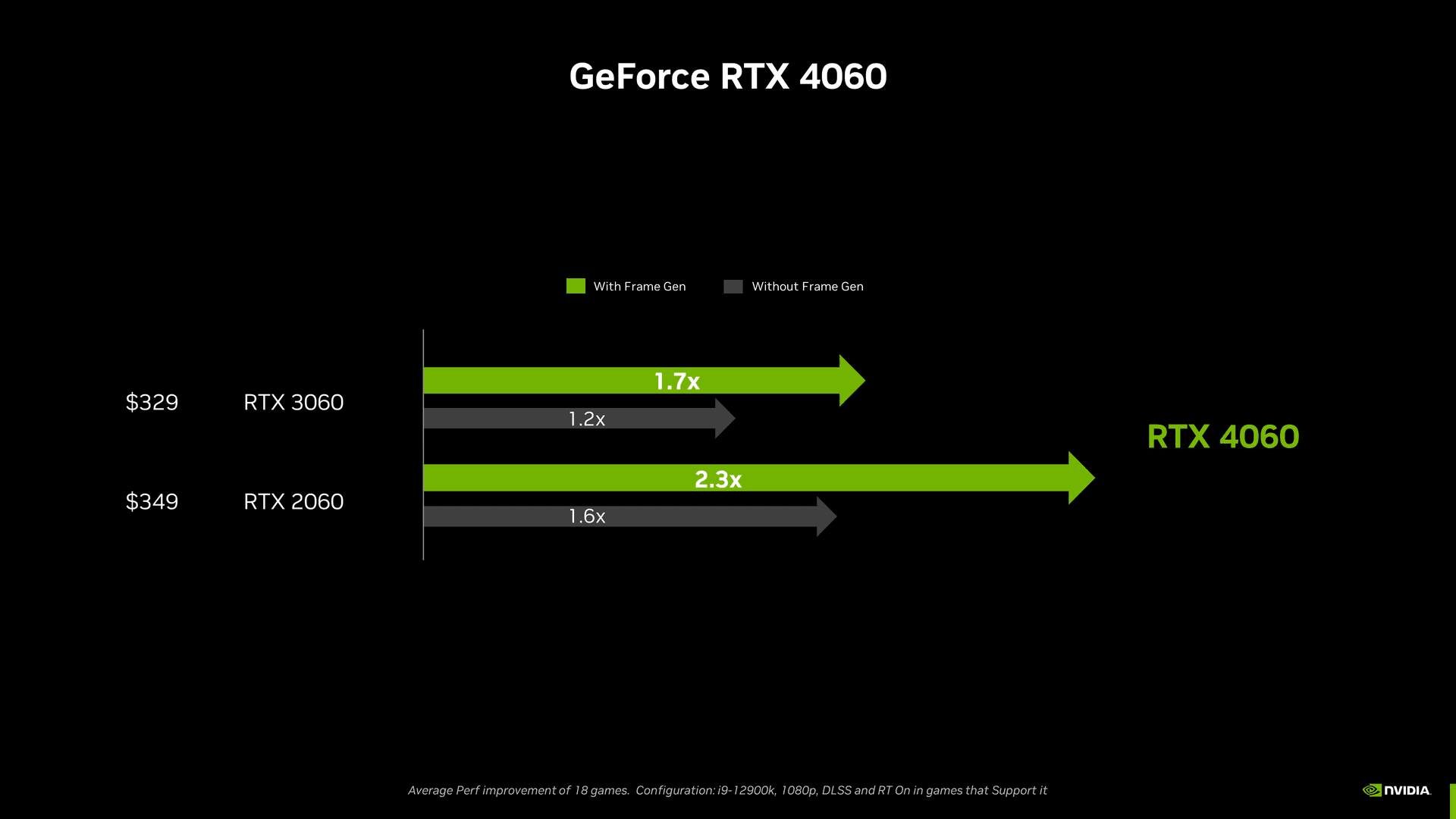 Comparisons12 min read
RTX 4060 vs RTX 3060 — new Ada on Newegg or a 12 GB Ampere pickup under $175?
RTX 4060 vs RTX 3060 in the US: 1080p/1440p FPS, 8 vs 12 GB VRAM, DLSS 3, 115 W vs 170 W, Amazon/Newegg new pricing and eBay used bands. Upgrade your 3060 in July 2026?
12 min readRead article Comparisons13 min read
AMD or NVIDIA in 2026 — Team Red on Newegg or green badge at Micro Center?
AMD vs NVIDIA in the US, July 2026: ecosystem table by use case (stream, RT, Linux, VRAM), Amazon/Newegg/Micro Center and eBay pricing, RTX 50 vs RX 9000, buyer mistakes. Which brand for your setup?
13 min readRead article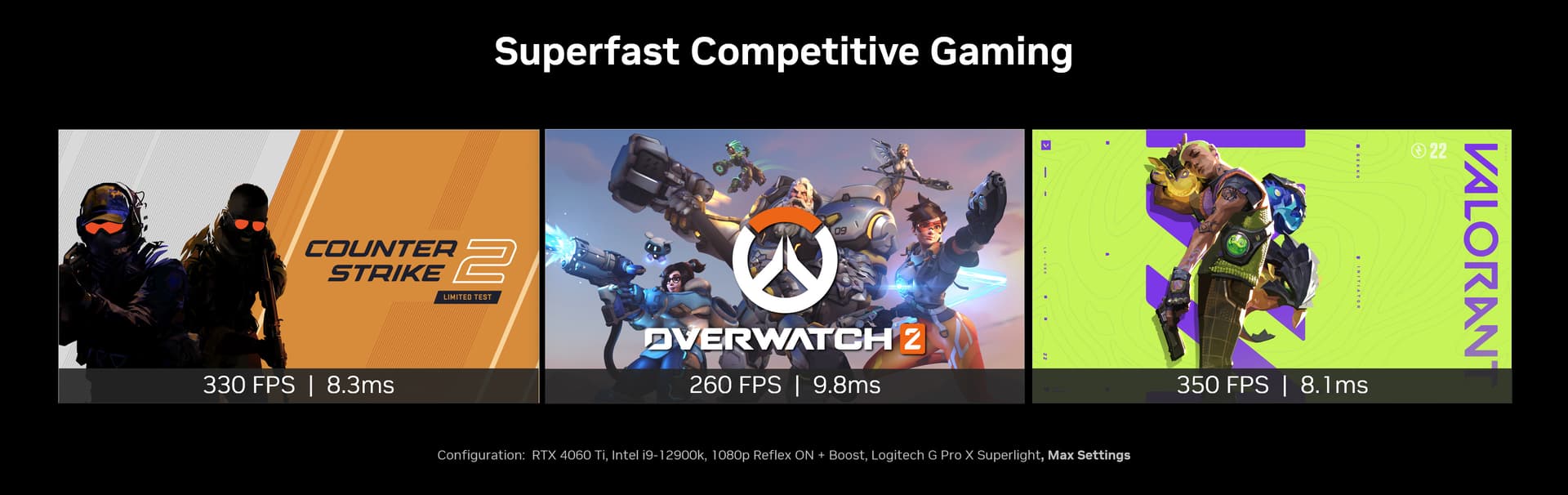 Comparisons12 min read
RTX 4060 Ti vs RTX 4060 — does the $100 gap on Newegg change your monitor math?
RTX 4060 Ti vs RTX 4060 in the US: 1080p/1440p FPS, 128-bit bus, 8 GB vs 16 GB Ti, TDP, Amazon/Newegg/Micro Center pricing. Is the Ti worth +$100 for your monitor?
12 min readRead article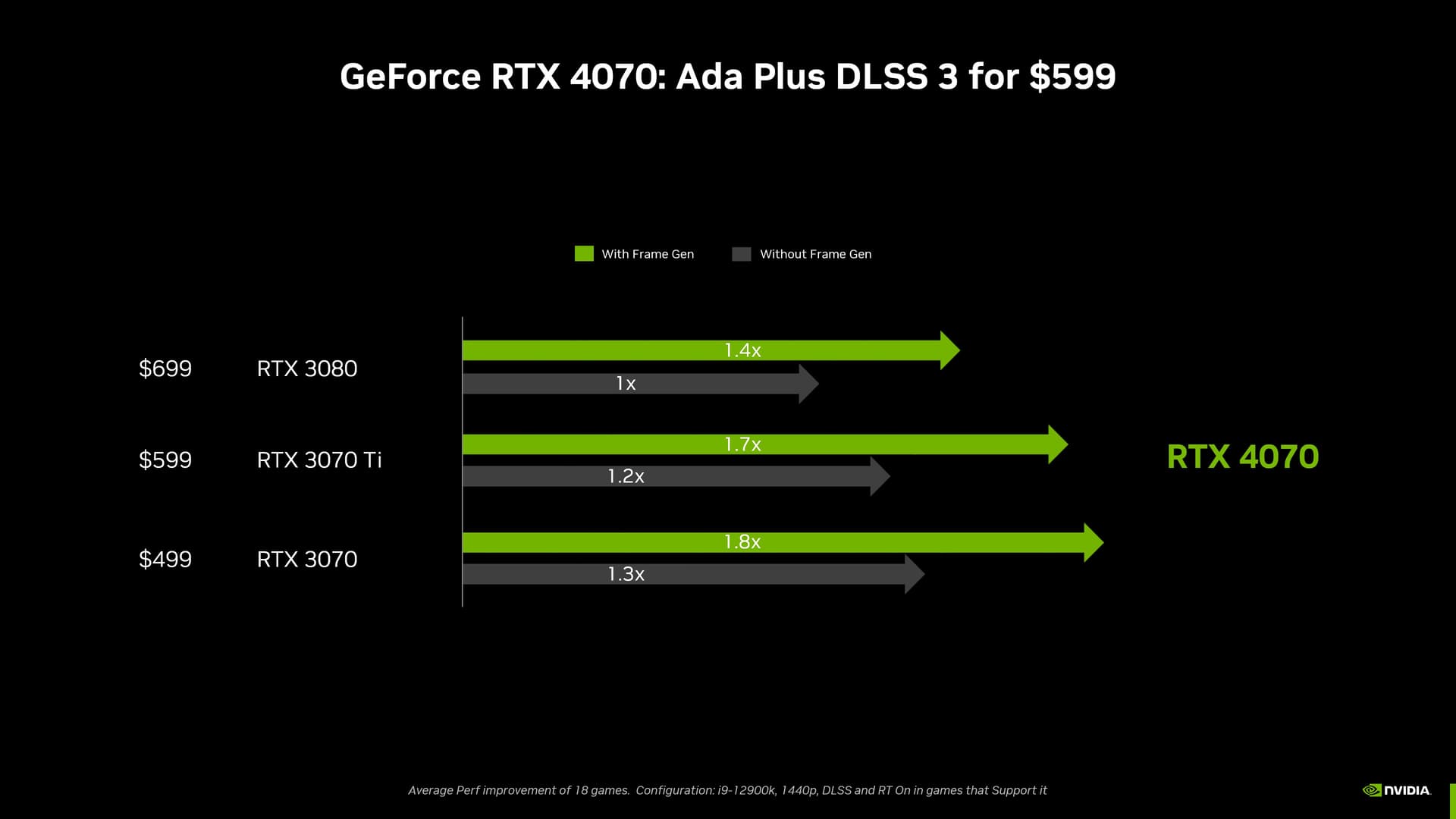 Comparisons11 min read
RTX 4070 vs RTX 3080 — new Ada on Newegg or a vetted Ampere pickup under $350?
RTX 4070 vs RTX 3080 in the US: 1080p/1440p FPS, 12 vs 10 GB VRAM, DLSS 3, 200 W vs 320 W, Amazon/Newegg new pricing and eBay used bands. Which GPU in July 2026?
11 min readRead article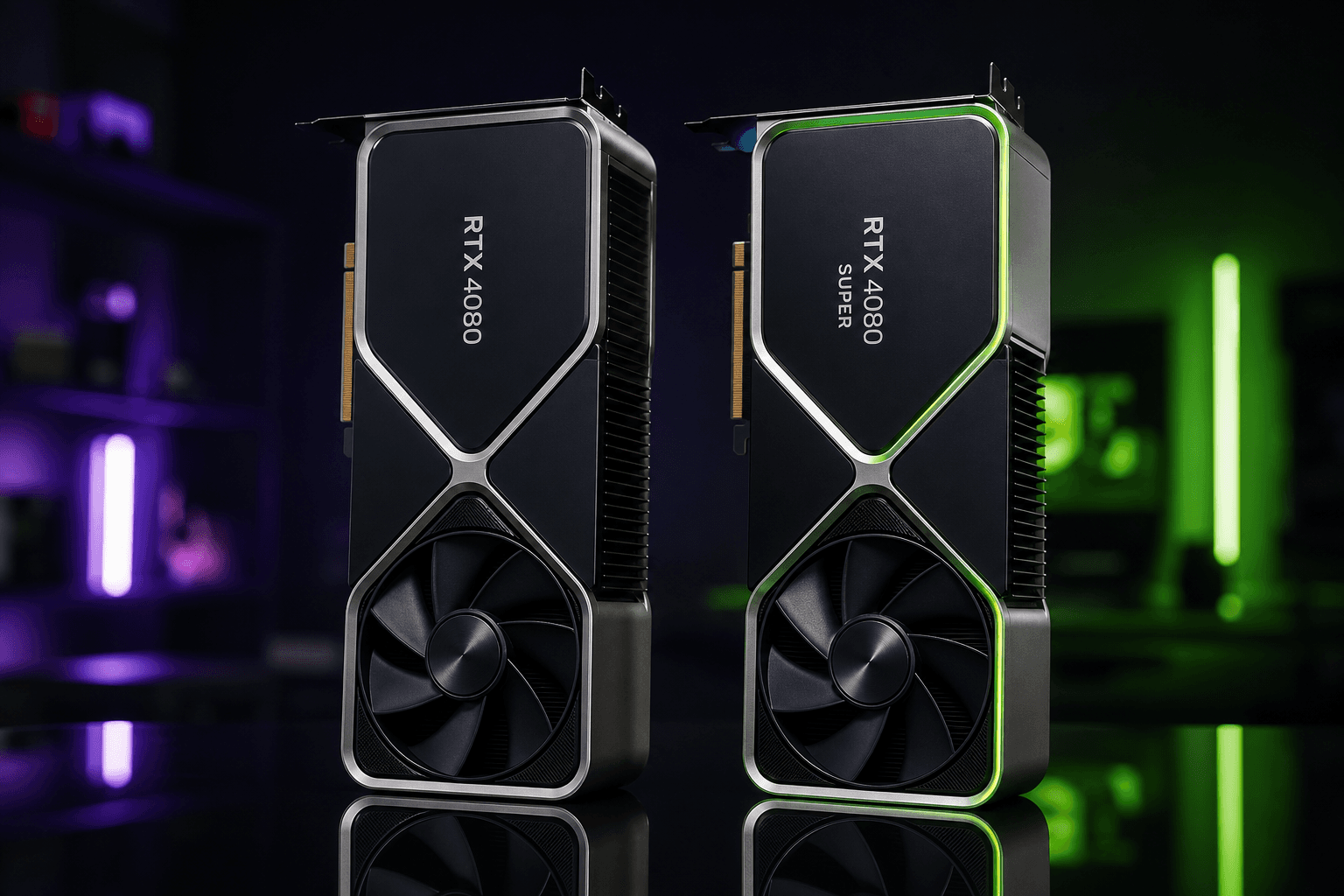 Comparisons10 min read
RTX 4080 Super vs RTX 4080 — 2024 refresh default or vetted used 4080 on eBay?
RTX 4080 Super vs RTX 4080 in the US: 1080p/1440p raster benchmarks, 16 GB VRAM, AD103, 320 W, Amazon/Newegg/Micro Center pricing. New buy or used 4080 in 2026?
10 min readRead article
PC4Games
Take action with the comparator: pick your games, budget, then compare PCs.


Comments
Loading…
Sign in or create an account to comment on this article.