

Guide
Gaming PC comparator: top 3 tools to pick your build in the US (2026)
PC4Games, PCPartPicker or a US retail configurator: we rank the three best tools to compare and choose a gaming PC in the United States in 2026, based on your profile and budget. You want an Amazon.com prebuilt matched to your Steam games and budget: PC4Games (#1). You want to build part by part yourself: PCPartPicker (#2). You want a custom tower assembled by a retailer with local warranty: a US retail configurator such as Micro Center, Best Buy Geek Squad or an iBUYPOWER-style builder (#3). Three tools, three jobs. None of them does everything: picking the wrong one costs you time or money.
Find your ideal PC on PC4Games
We match your games and budget with prebuilt Amazon PCs to surface the best-fitting configs.
How it works
Add your games
Your Steam library or a manual pick — you're in control.
Set your budget
From €400 to €2,000, you decide how much to spend.
Compare PCs
Score, specs and Amazon link — everything to choose with confidence.
How we ranked these PC comparators
Four criteria, weighted for how US buyers actually shop in 2026:
Relevance to the games you play: does the tool cross your Steam titles with required specs?
PC component compatibility checks: are parts validated together before you buy?
US market coverage: prices in dollars (before sales tax), Amazon.com, Newegg, Micro Center and realistic shipping?
Accessibility: no forced signup, no 45-minute manual setup?
No ranking is perfect. PC4Games is both judge and contestant for the #1 slot: we say that plainly. This article is published on PC4Games, which recommends its own tool first. Read the methodology for the exact score and estimated FPS criteria.
Top 3 gaming PC comparators (table)
Overview first, then a deep dive on each tool. “No signup” means you can run a comparison without creating a mandatory account.
| # | Tool | Best for | Pricing coverage | Auto compatibility | No signup |
|---|---|---|---|---|---|
| #1 | PC4Games | Amazon prebuilt by Steam games | Amazon.com | Yes (by game) | Yes |
| #2 | PCPartPicker | DIY part by part | Multi-store | Yes (parts) | Yes |
| #3 | US retail configurator | Custom retailer build | Single store | Yes (parts) | Yes |
1. PC4Games: best for a prebuilt matched to your games
PC4Games (independent tool, no ads on the comparator) is the only gaming PC comparator in this top 3 that starts from your real Steam library.
How it works: you pick your games (Steam library or manual selection). The tool reads each title’s official requirements, crosses that with your budget, then returns a compatibility score and estimated FPS for each prebuilt available on Amazon.com. Free, no account.
Two editorial Amazon.com picks at the time of writing (August 2026): a Core i5-14400F + RTX 4060 Ti gaming PC around $849 before sales tax: solid 1080p on most current AAA titles, hard to beat for best value in that band. See the ~$800 gaming PC budget page for context. A Ryzen 7 5700X + RTX 5060 Memory PC-style build around $1,049: a step up for 1080p/1440p with headroom on demanding titles. See ~$1,000 gaming PC for alternatives in that range.
Why it helps: you do not need to chase a high-end GPU just because a Steam page “recommends” an RTX 4080. PC4Games turns Steam requirements into a concrete machine for your real budget, not marketing sheets.
Main limit: the tool covers Amazon.com prebuilts. If you want to build yourself or buy a custom tower from a specialty retailer, move to #2 or #3. Run a comparison: PC4Games comparator.
2. PCPartPicker: best for building your PC part by part
PCPartPicker (pcpartpicker.com) is the global reference PC component comparator for DIY builders, and the default link dropped in r/buildapc threads for a reason.
What it does: pick by category (CPU, motherboard, RAM, GPU, SSD, case, PSU), automatic PC component compatibility checks (socket, TDP, case clearance, PCIe connectivity), price comparison across multiple US stores, and shareable build links (perfect for Reddit or Discord).
US pricing coverage typically includes Amazon.com, Newegg, Micro Center and other retailers. Displayed prices are usually pre-sales tax: your checkout total still depends on your state.
Why it wins for DIY: compatibility is checked before you order. It is the most reliable safety net against a motherboard that does not match your CPU.
Main limit: PCPartPicker does not know which games you play. It compares parts, not in-game performance. You still estimate FPS yourself, or cross-check with benchmarks (Digital Foundry and similar) and, when you want a prebuilt tier, the PC4Games comparator.
Best fit: a player willing to spend 2 to 4 hours on a parts list, order across a few sites, and assemble the machine themselves.
3. US retail configurator: best for a custom tower with local support
A US retail configurator is the guided PC config comparator you find at places like Micro Center (in-store Custom PC Builder), Best Buy Geek Squad custom builds, or iBUYPOWER-style online configurators with assembly options.
What these tools do: guided part selection (CPU, cooler, motherboard, RAM, GPU, SSD, case, PSU, OS), compatibility checks at each step, optional assembly included, retailer warranty, and local or domestic support instead of juggling five shipping labels.
Key upside: you get a custom PC without hunting parts across Amazon, Newegg and a Micro Center trip yourself. The retailer handles logistics, assembly and warranty. It sits between a frozen Amazon prebuilt (simple but fixed) and full DIY (flexible but time-heavy).
Main limit: retail configurator pricing often lands 5 to 15% above a careful Amazon.com + Newegg + Micro Center mix via PCPartPicker. You pay for convenience and local support. Sales tax still applies at checkout based on your state.
Best fit: buyers who want to choose components but skip the screwdriver, or who prefer a US storefront and local warranty if something fails.
Which tool should you pick for your profile?
You play on Steam and want a ready-to-plug tower in a couple of days: PC4Games + Amazon.com. Result in under two minutes, no signup. Open the comparator.
You want the best value gaming PC and you are not afraid of a screwdriver: PCPartPicker. At a fixed budget, that is often the strongest build you can assemble if you put in the work.
You want to pick parts but hand assembly to a pro: a US retail configurator (Micro Center, Best Buy Geek Squad, iBUYPOWER-style). Budget a step higher, logistics stress near zero.
You want the best value gaming PC without drowning in spec sheets: PC4Games remains the most direct entry point. The guide how to choose a gaming PC in 2026 fills in the criteria behind the scores if you want the deeper hardware method.
You want to compare PC game prices (not machines): that is not what these three tools do. Use IsThereAnyDeal, SteamDB or similar deal aggregators instead.
Classic traps with “PC comparators”
Not every site that calls itself a gaming PC comparator does the same job. Here is what actually costs money in practice.
Trap 1: partial compatibility
A tool can green-light CPU + motherboard and still ignore cooler height in the case, or PSU wattage versus combined TDP. Full PC component compatibility covers socket, TDP, dimensions, PCIe connectivity and RAM speeds the CPU actually supports. PCPartPicker is the most thorough on this point.
Trap 2: displayed prices vs real checkout
Some comparators refresh prices once a day. Between the number on screen and payment, Amazon.com and Newegg can move by the hour. Always check the final cart total (plus sales tax) before you confirm.
Trap 3: undisclosed commercial bias
A comparator can push partner products without saying so. PC4Games discloses Amazon affiliate links. PCPartPicker shows merchant partners. A single-store retail configurator only sells its own catalog: transparent by design. See also the PC4Games methodology.
Trap 4: “compatible” but unbalanced builds
A PC can be technically compatible and still have a bad GPU/CPU balance. Classic example: an RTX 4070 paired with an i3-12100F, where the GPU is held back by the CPU. A good PC config comparator should flag that kind of imbalance. PC4Games does it through the per-game compatibility score; PCPartPicker leaves the judgment to you.
Trap 5: game price comparator vs PC comparator
A PC game price comparator (IsThereAnyDeal, SteamDB) and a gaming PC configuration comparator are two different tools. One compares license prices; the other compares machines or components.
Verdict
For most Amazon.com prebuilt buyers in the US, PC4Games answers the core question in under two minutes: does this machine run my games, at what resolution, for what budget?
PCPartPicker remains essential for DIY: nothing beats it for PC component compatibility checks and multi-store price comparison across Amazon.com, Newegg and Micro Center.
A US retail configurator is the best retailer compromise when you want custom parts without assembling the tower yourself.
The real decision is not only “what is the best gaming PC comparator.” It is: am I building it myself or not? That answer picks the tool. To start on a prebuilt: open the PC4Games comparator.
Frequently asked questions
What is a gaming PC comparator?
A gaming PC comparator evaluates prebuilt or DIY configs against budget, games, target resolution and component compatibility. It is more than a price list.
Is PC4Games free with no signup?
Yes. No account, no ads on the tool, no subscription. Amazon affiliate links are disclosed on the methodology page.
Does PCPartPicker work for the US market?
Yes. It pulls multi-store pricing (Amazon, Newegg and more) while keeping the same compatibility checks as other regions.
What is the #3 option if I am not in France?
A retailer configurator or system integrator with local warranty and optional assembly (Micro Center, Best Buy Geek Squad, iBUYPOWER-style builders). You usually pay a premium versus DIY multi-store shopping.
How do I find the best value gaming PC without drowning in specs?
Define resolution, games and max out-the-door budget first. Use PC4Games for prebuilts and PCPartPicker for DIY. Prefer estimated FPS by game over raw core counts.
What is the difference between a parts comparator and a prebuilt comparator?
PCPartPicker lets you pick each part and checks compatibility. PC4Games ranks assembled machines against your Steam games and budget. They complement each other.
Can these tools compare PC game prices?
No. Use Instant Gaming, DLCompare or IsThereAnyDeal for game licenses.
Sources & methodology
How we wrote this guide
PC4Games ranking (August 25, 2026) of gaming PC comparison tools for the US market. Criteria: games, compatibility, local retail, accessibility.
An AI helps draft this article. Thomas Laize reviews it, checks official specs (Steam, vendors) and signs off on the recommendations.
- PC4Games #1 for games-first Amazon prebuilts.
- PCPartPicker #2 for DIY compatibility.
- Retail configurator #3 for custom assembly with local support.

Similar articles
 Comparisons10 min read
GPU prices 2026: $300 1080p, $550 1440p, $2,000 flagship
How much does a GPU cost in 2026? Average US gaming PC: RTX 5060 ~$300 at 1080p, RTX 5070 ~$550 at 1440p. Cheapest RTX 40 from ~$280. Flagship $2,000+.
10 min readRead article Comparisons14 min read
Best Prebuilt Gaming PC 2026: Which One Should You Buy?
Best prebuilt gaming PC in 2026: $700–$2,000 tiers, named GPUs, 16 GB RAM minimum, prebuilt vs custom, and how to filter Amazon builds with PC4Games (September 2026).
14 min readRead article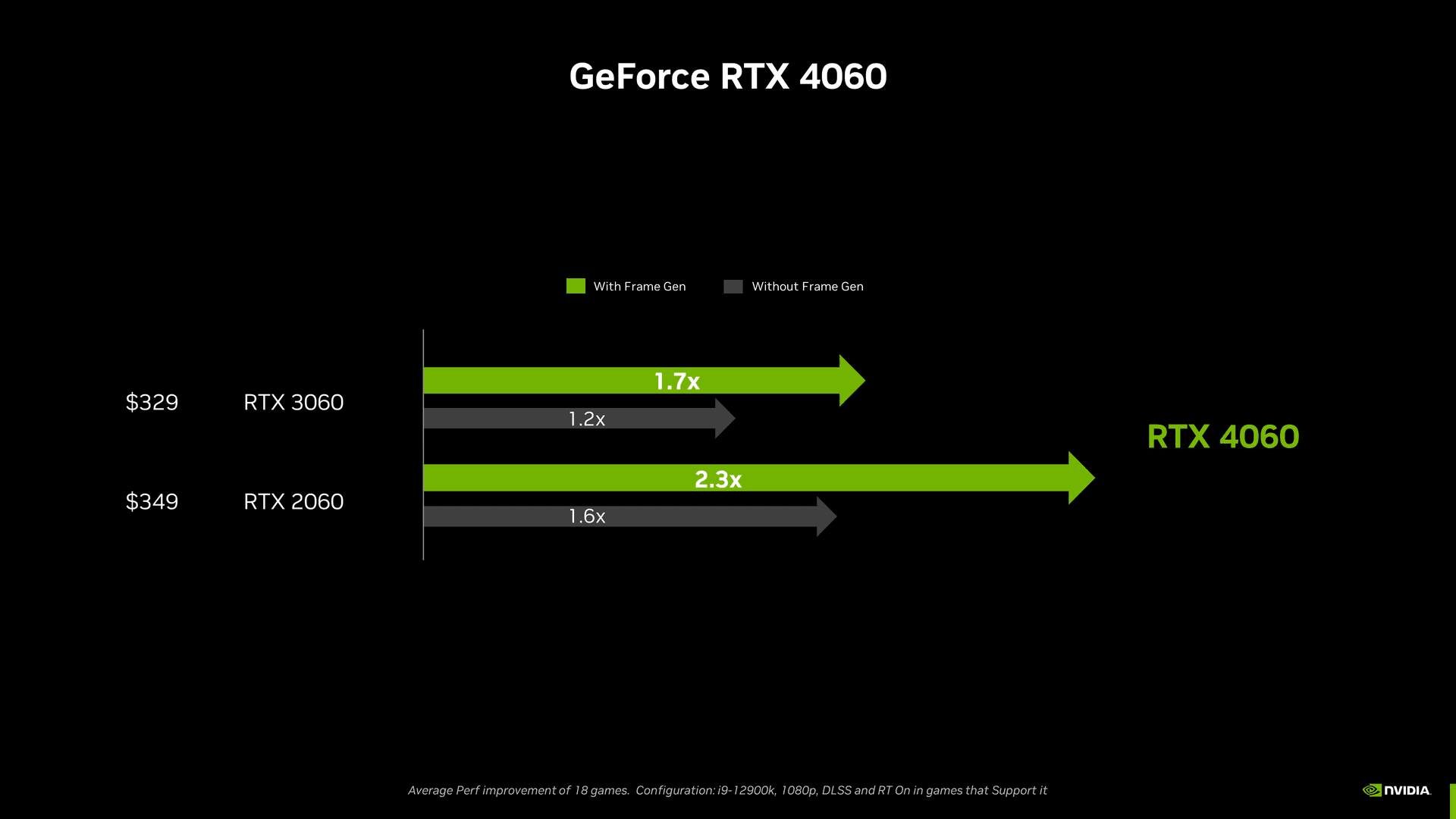 Comparisons12 min read
RTX 4060 vs RTX 3060 — new Ada on Newegg or a 12 GB Ampere pickup under $175?
RTX 4060 vs 3060 in the US: 1080p/1440p FPS, 8 vs 12 GB VRAM, DLSS 3, Newegg new vs eBay used. Worth the upgrade from a 3060 (September 2026)?
12 min readRead article Comparisons9 min read
RTX 3080 vs RTX 3070 — pay ~$100 more for GA102, or stop at a clean 3070?
RTX 3080 vs 3070 on the US used market: 1080p/1440p FPS, 10 vs 8 GB VRAM, 320 W vs 220 W, eBay prices. When the extra $100 is worth it (September 2026).
9 min readRead article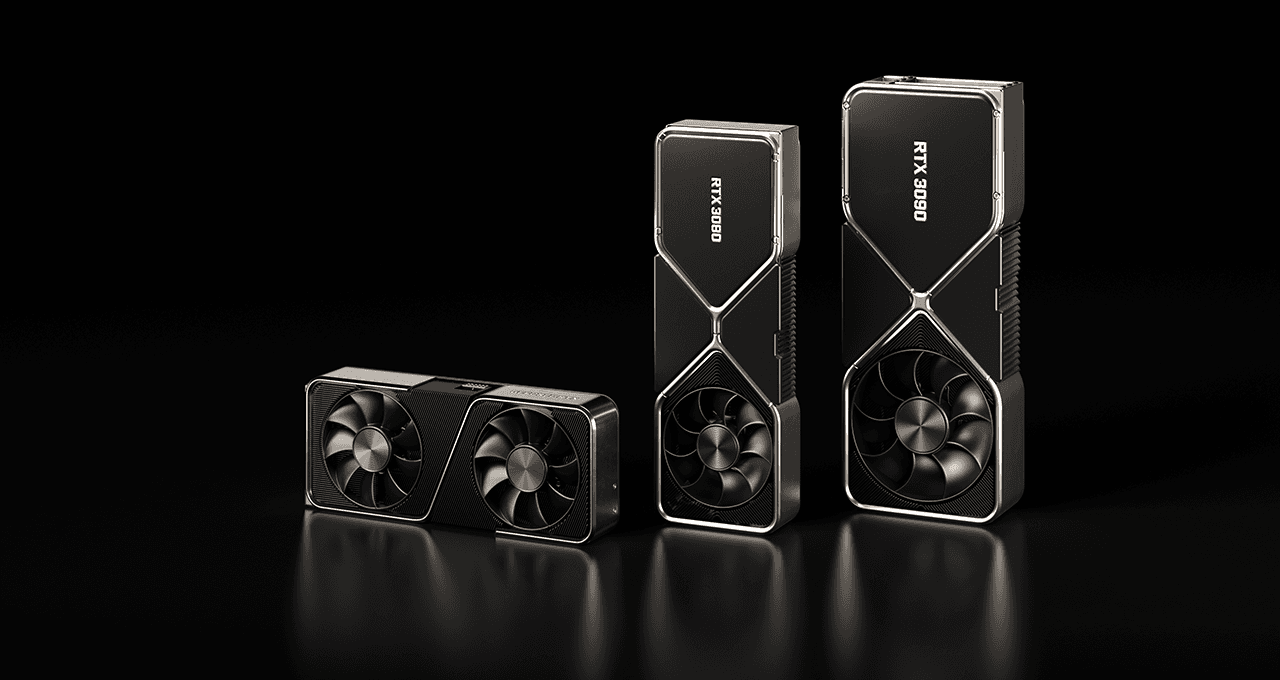 Comparisons9 min read
RTX 3070 vs RTX 3060 on the used market — what actually makes sense in 2026
RTX 3070 vs 3060 on the US used market: 1080p/1440p FPS, 8 vs 12 GB VRAM, eBay prices and mining flags. Which Ampere GPU fits your monitor (September 2026)?
9 min readRead article Comparisons13 min read
AMD or NVIDIA in 2026 — Team Red on Newegg or green badge at Micro Center?
AMD vs NVIDIA in the US, July 2026: ecosystem table by use case (stream, RT, Linux, VRAM), Amazon/Newegg/Micro Center and eBay pricing, RTX 50 vs RX 9000, buyer mistakes. Which brand for your setup?
13 min readRead article
PC4Games
Take action with the comparator: pick your games, budget, then compare PCs.


Comments
Loading…
Sign in or create an account to comment on this article.