

Guide
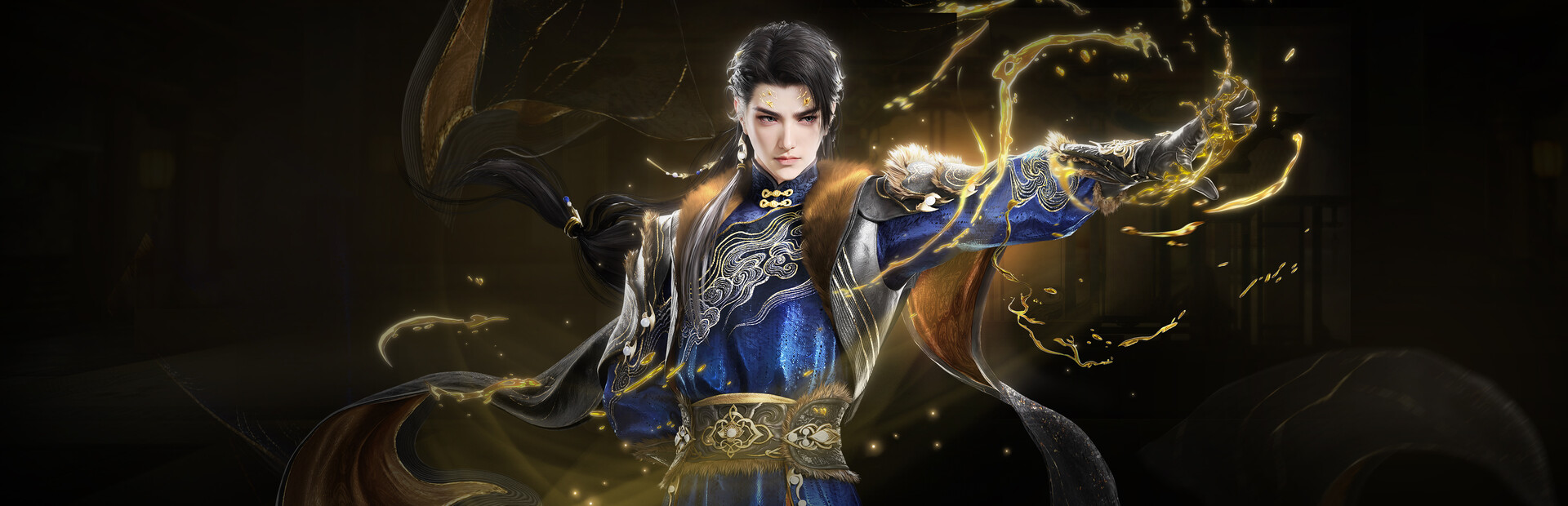
Naraka Bladepoint PC requirements — what you actually need in 2026
If you searched naraka bladepoint system requirements after a Steam pop-up or an r/Naraka thread, here is the short version. NARAKA: BLADEPOINT (24 Entertainment / NetEase, free on Steam — app 1203220) is a 60-player melee battle royale — parries, grapples, hero kits — not a gun-first BR like Apex. It launched on PC in August 2021; you are not waiting on day-one benchmarks. Bottom line: Steam minimum is 4th-gen i5 / FX-6300, 8 GB RAM, GTX 750 Ti (720p / 60 FPS). Recommended: 7th-gen i7, 16 GB, GTX 1060 6 GB (1080p / 60 FPS). For ranked 144 Hz in 2026: Ryzen 5 5600 / i5-12400F, 16 GB, GTX 1660 Super / RTX 3060 / RX 6600, NVMe SSD. Steam still lists HVCI off — many installs since early 2025 run fine with Memory Integrity on unless you see the error. Budget $600–$775–$950 before tax on Amazon.com / Newegg. Tables, settings, and prebuilt traps below.
Find your ideal PC on PC4Games
We match your games and budget with prebuilt Amazon PCs to surface the best-fitting configs.
How it works
Add your games
Your Steam library or a manual pick — you're in control.
Set your budget
From €400 to €2,000, you decide how much to spend.
Compare PCs
Score, specs and Amazon link — everything to choose with confidence.
Official Steam specs vs a ranked-ready build
Values below match the Steam store page in July 2026. Notes spell out 720p/60 at minimum and 1080p/60 at recommended — not maxed graphics at 144 Hz.
Before you cart a prebuilt: run your Steam library through the PC4Games comparator and skim gaming PC $550 · $875 · $1,100 tiers (USD on the EN site).
| Part | Steam minimum | Comfortable 2026 |
|---|---|---|
| CPU | Intel i5 4th gen / AMD FX-6300 | Ryzen 5 5600 / i5-12400F |
| RAM | 8 GB | 16 GB dual-channel (32 GB if you stream) |
| GPU | GTX 750 Ti / Arc A380 / HD 6950 | GTX 1660 Super / RTX 3060 / RX 6600 |
| Storage | 55 GB | NVMe SSD, 70 GB+ free (patches + shader cache) |
| OS | Windows 10 64-bit | Windows 10 / 11 64-bit |
| Network | Broadband | Stable connection (online BR) |
| Windows security | Disable HVCI only if prompted | Leave Memory Integrity on if the game launches clean |
Free since 2021 — why « launch day » advice is wrong
Naraka is not a pre-release title. Patches and seasons have landed for years; what matters is whether your box holds stable frametimes in third-party lobbies, not hypothetical day-one drivers.
The game is free-to-play — your spend is hardware (and optional cosmetics). That shifts the math: a $700 balanced tower beats a $1,200 GPU in a box with 8 GB RAM and a hard drive.
Compared to Apex Legends or Fortnite, Naraka is lighter on raw GPU than many 2024 AAA shooters, but melee reads animation — dropped 1 % lows hurt blocks and dodges more than a missed long-range shot in a gun BR.
Memory Integrity (HVCI): Steam note vs 2025+ installs
Steam’s additional notes still say to disable Windows Memory integrity and VBS. Community posts on Steam discussions report that since early 2025, many players no longer need to touch security settings — anti-cheat met Microsoft’s kernel requirements.
If you get « please disable HVCI_KMCI »: open Windows Security → Device security → Core isolation → Memory integrity → Off, reboot, then launch. Shortcut: `Win + R` → `windowsdefender://coreisolation`.
If the game starts normally, keep Memory Integrity enabled. Do not strip Windows security because a years-old FAQ line still appears on the store page — fix HVCI only when the client actually blocks you.
CPU and RAM in 60-player brawls
Steam’s 8 GB / old quad-core floor lets the client open; it does not promise smooth ranked with Chrome and Discord running. Full lobbies with particle-heavy clashes can tank 1 % lows on i5-7400-era chips — you feel it on grapple timing and weapon swaps.
16 GB RAM is the real 2026 floor for a daily-driver gaming PC. 32 GB only pays off if you stream, capture, or leave a browser farm open.
Naraka is mostly GPU-bound in quiet moments, but dense fights lean on single-thread CPU. A Ryzen 5 5600 or i5-12400F is the sensible upgrade before an RTX 4070 on an aging platform.
GPU tiers, 144 Hz monitors, and competitive settings
For 1080p ranked on a 144 Hz panel: start at GTX 1660 Super / RX 6600; target RTX 3060 / RX 6600 XT for 120–144 FPS with shadows and effects turned down. There is no ray tracing — ultra shadows do not help you read enemy swings.
Settings US players commonly run: motion blur off, shadows / ambient occlusion / SSR low or off, textures and models high for silhouette clarity, NVIDIA Reflex On + Boost on GeForce. Use DLSS / FSR at 1440p if you want headroom without dropping to 1080p.
1440p comfort: RTX 4060 / RX 7600 with 16 GB RAM. An RTX 4070 only makes sense if the same PC also drives heavy 1440p ultra AAA titles.
US budget builds ($550–$1,300)
Amazon and Newegg prebuilt prices swing weekly — these are July 2026 ballparks before local sales tax. Verify GPU model, 16 GB RAM, and NVMe on the listing (some « RTX 5060 » boxes ship mismatched RAM or spinning disks).
| Budget | Typical GPU / CPU | What you get |
|---|---|---|
| ~$600–$775 | GTX 1650 / RX 6500 XT + Ryzen 5 5500 | 1080p medium, ~60–90 FPS, casual / learning heroes |
| ~$775–$950 | RTX 3060 / RX 6600 + Ryzen 5 5600 / i5-12400F | 1080p high, 120–144 FPS ranked, Reflex headroom |
| ~$1,200–$1,425 | RTX 4060 / RX 7600 + Ryzen 5 7600 | 1080p max / entry 1440p, multi-year margin |
Laptops, dorm PCs, and mistakes to skip
A gaming laptop with RTX 4050/4060 handles 1080p Naraka — useful for dorms. Plug into wall power; battery mode throttles GPU TDP and frametimes in late-circle fights.
Desktops still win FPS per dollar and future GPU swaps. Home ranked play: Ryzen 5 + RTX 3060 tower usually beats a same-price laptop.
Mistake 1 — disabling HVCI by default: launch first; only turn off Memory Integrity if the client demands it.
Mistake 2 — new GPU, old 8 GB RAM and HDD: you will swap and stutter in loot-dense zones no matter what the average FPS chart says.
Mistake 3 — maxing every slider: in melee BR, stable 144 FPS beats cinematic shadows. Pair with a 144 Hz gaming monitor if you are upgrading the desk setup.
Mistake 4 — 55 GB on a full SSD: keep 70 GB+ free for updates and shader cache. Checklist: HVCI only if needed ✓ · 16 GB RAM ✓ · NVMe SSD ✓ · GPU GTX 1660-class or better ✓ · current drivers ✓ · stable internet ✓ · game is free — budget is hardware only.
Frequently asked questions
What are Naraka Bladepoint’s PC requirements on Steam?
Minimum: 4th-gen i5 / FX-6300, 8 GB RAM, GTX 750 Ti, 55 GB, Windows 10 — targets 720p/60 FPS. Recommended: 7th-gen i7, 16 GB, GTX 1060 6 GB — 1080p/60 FPS. Comfortable ranked 2026: Ryzen 5 5600, 16 GB, GTX 1660 Super / RTX 3060, SSD.
Do I still need to disable Memory Integrity (HVCI) for Naraka?
Steam still lists it, but many players since early 2025 launch without changes. If you see HVCI_KMCI, turn off Memory Integrity under Core isolation, reboot. Otherwise leave Windows security on.
Is Naraka Bladepoint free on PC?
Yes — free-to-play on Steam since August 2021. You pay for hardware (and optional cosmetics), not a base game license.
What budget PC do I need for Naraka in the US?
$550–$700 for casual 1080p; $700–$875 for 120–144 FPS ranked; $1,100–$1,300 for 1440p headroom. Double-check Amazon prebuilts for GPU, 16 GB RAM, and NVMe.
Do I need an RTX 4070 for Naraka Bladepoint?
No. RTX 3060 / RX 6600 is enough for 1080p ranked. RTX 4070+ only makes sense if you also play heavy 1440p ultra AAA games on the same rig.
How much storage does Naraka need?
Steam lists 55 GB. Plan 70 GB+ free on an SSD for patches and shader cache — the store page explicitly recommends SSD install.
Is Naraka harder to run than Apex Legends?
Generally moderate — often lighter than recent AAA shooters on GPU averages. Melee BR punishes frametime dips more than gun BRs; prioritize RAM, SSD, and stable FPS over ultra presets.
Can I play Naraka on a gaming laptop?
Yes with RTX 4050/4060 at 1080p — use wall power to avoid TDP throttling. A Ryzen 5 + RTX 3060 desktop still wins on FPS per dollar for home ranked play.
Sources & methodology
How we wrote this guide
PC4Games Naraka Bladepoint config guide (July 10, 2026): Steam app 1203220 specs, HVCI community reports, US budget tiers aligned with PC4Games $550 / $875 / $1,100 pages.
- Steam store requirements and performance notes (720p/1080p targets, SSD) as primary source.
- Budget bands reflect US prebuilt/DIY pricing in July 2026 — not fictional « launch day » builds.
- Update if Steam revises specs or a major patch shifts performance.

Similar articles
 Builds & budgets16 min read
WoW Forever system requirements: what PC do you need in 2026?
WoW Forever system requirements (Sep 2026): no official sheet yet. Aim SSD, 16 GB RAM, 4–6-core CPU, GTX 1650+. US budgets $300–$475 to $900–$1,150.
16 min readRead article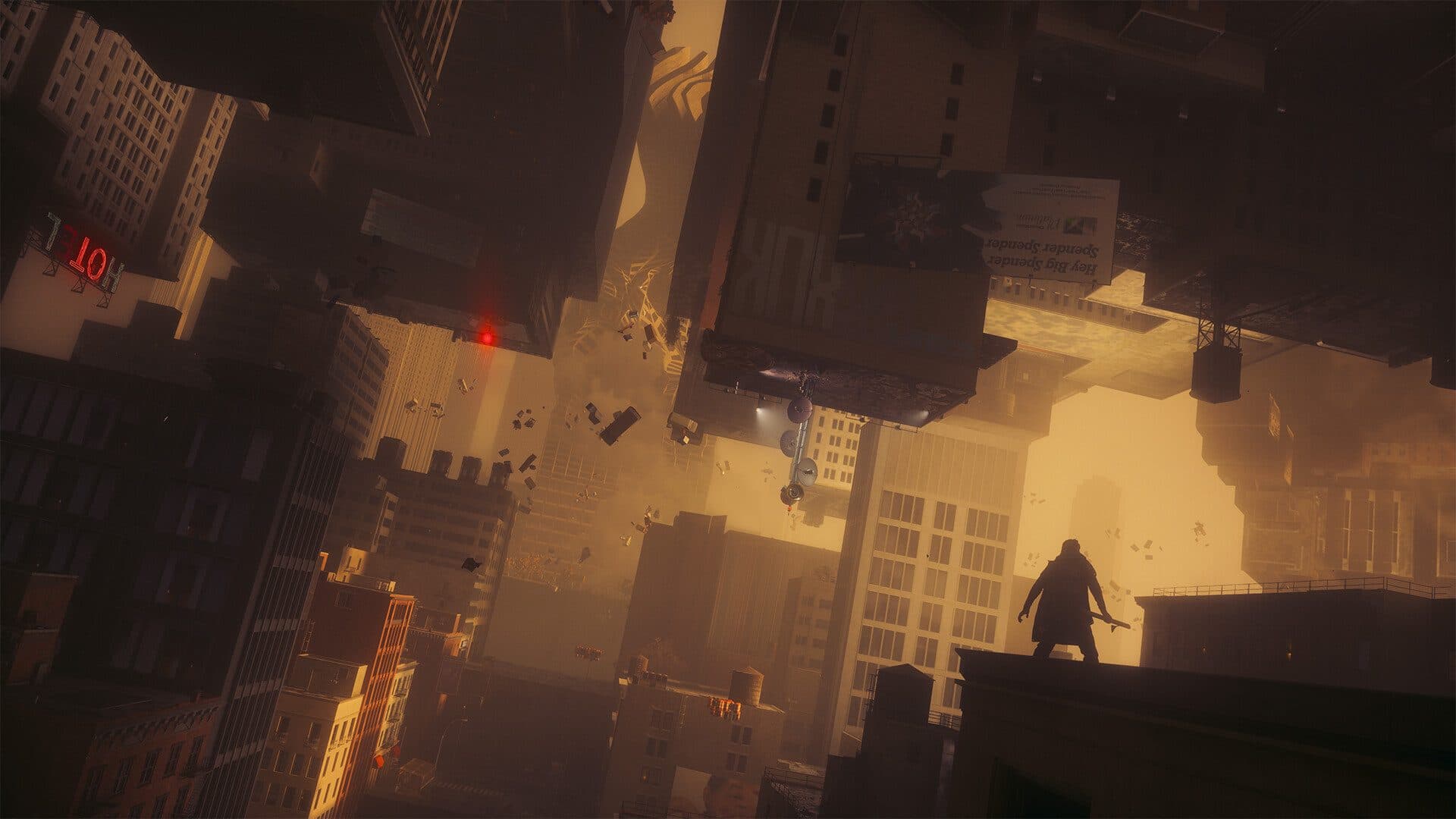 Builds & budgets12 min read
Can your SSD swallow CONTROL Resonant before your GPU does?
Dylan in Manhattan needs an SSD, 16 GB, and at least a GTX 1070 / Arc A580. Rec: RTX 3060 Ti. US towers about $700–$1,700 (Sep 2026).
12 min readRead article Builds & budgets13 min read
What PC do you need for Silent Hill Townfall after September 23, 2026?
What PC for Silent Hill Townfall? Out since Sep 23, 2026. Steam RTX 2060 Super to 3080, 16–32 GB, Win11, 75 GB. Official 30 fps US towers: $800 to $1,800.
13 min readRead article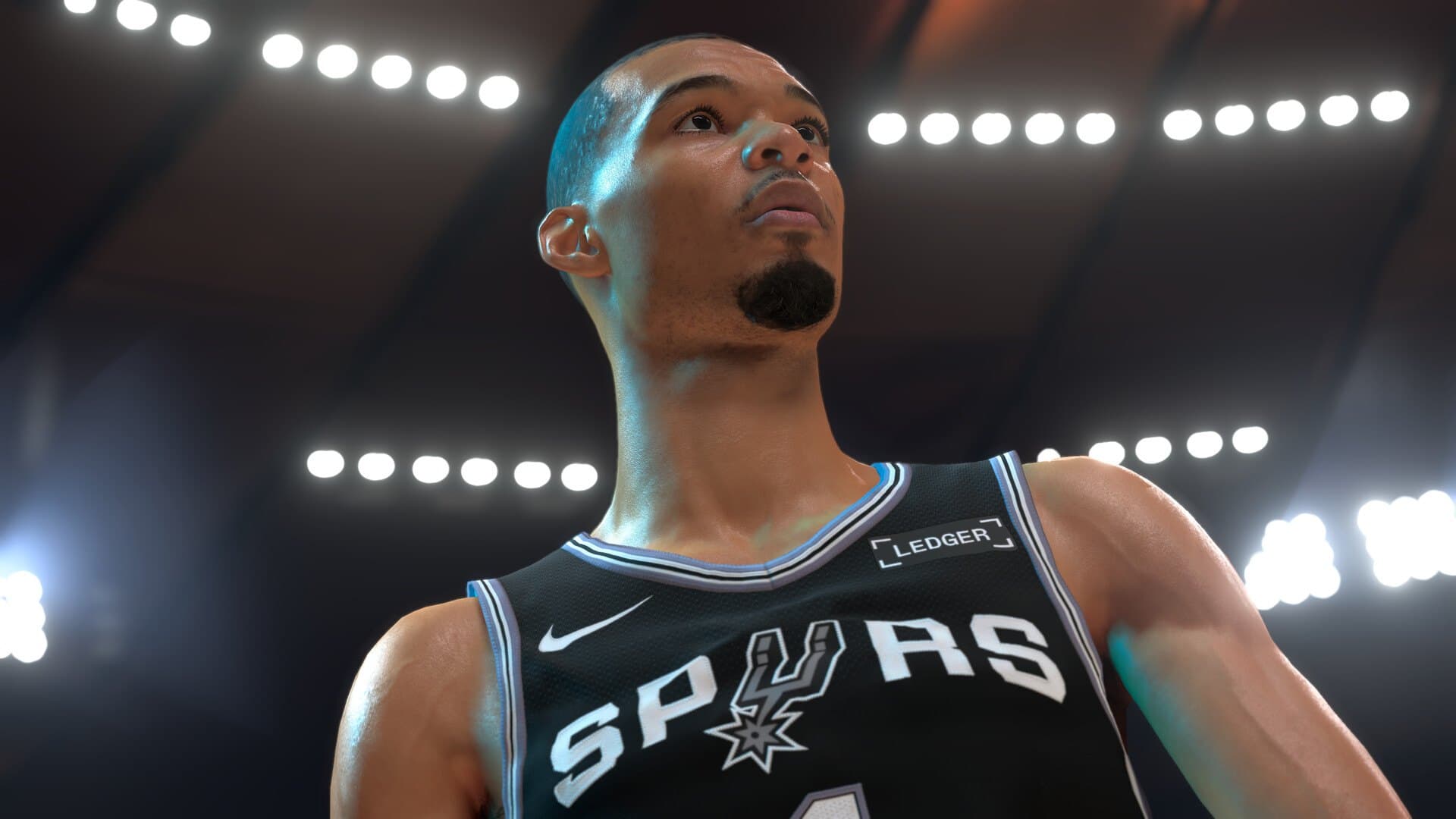 Builds & budgets13 min read
What PC do you need for NBA 2K27 after September 3, 2026?
What PC for NBA 2K27? Out since Sep 3, 2026. Steam GTX 1060 5 GB to RTX 2070, 110 GB SSD, AVX2. Park and The City US towers: $550 to $1,400.
13 min readRead article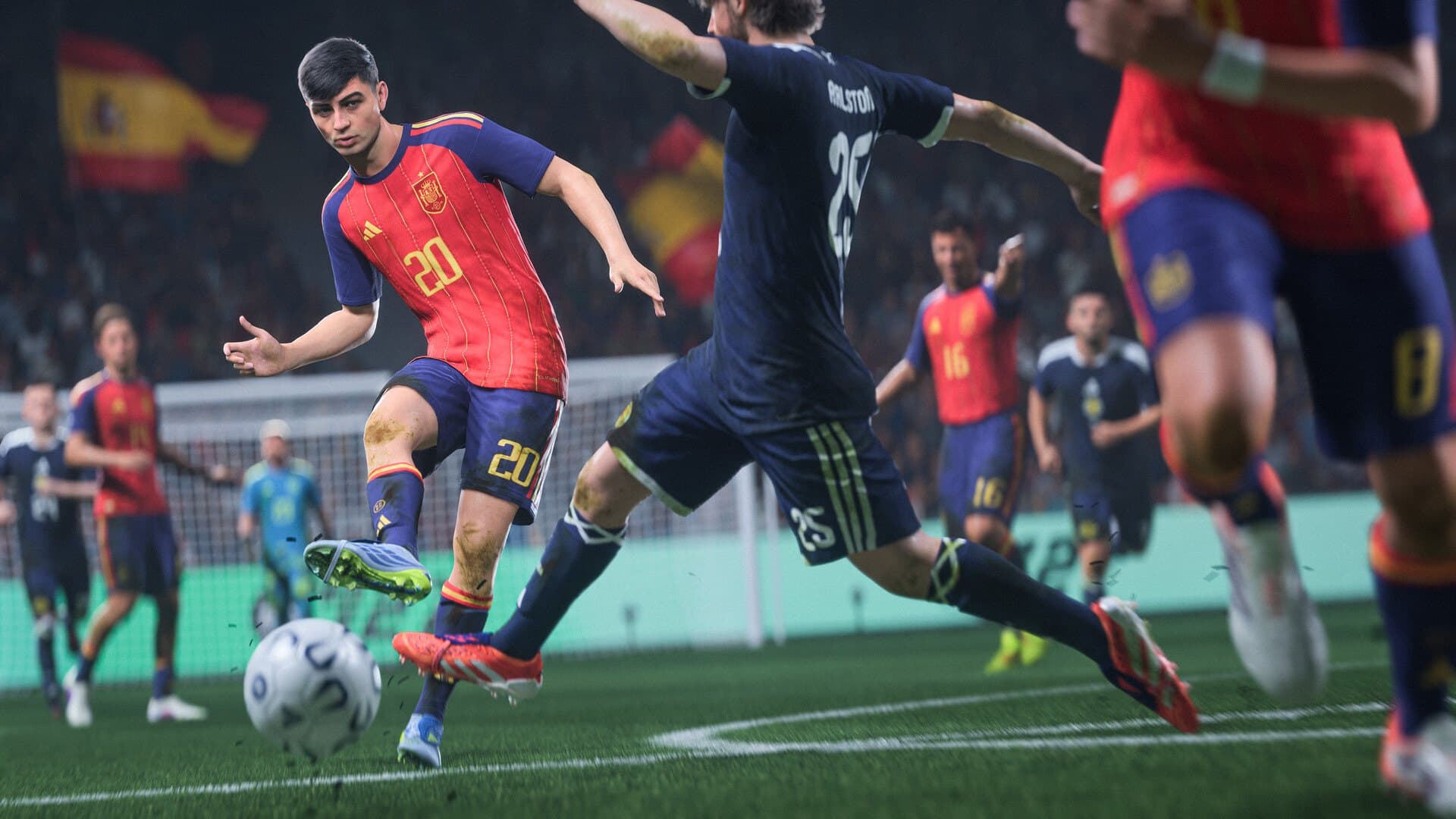 Builds & budgets14 min read
What PC do you need for FIFA 27 in September 2026?
What PC for FIFA 27? EA specs from GTX 1050 Ti to RTX 4070, Ultimate on Sep 18, launch Sep 25. Tower budgets about $450–$1,600.
14 min readRead article Builds & budgets14 min read
NoPixel V and GTA RP FiveM: which PC and tips in 2026?
NoPixel V (Rockstar closed beta live) and GTA RP FiveM: which PC? 6-core CPU, 16 GB RAM, SSD, $700–$1,300-class builds (Sep 2026).
14 min readRead article
PC4Games
Take action with the comparator: pick your games, budget, then compare PCs.


Comments
Loading…
Sign in or create an account to comment on this article.