

Guide
Best PC to buy for Overwatch 2 in 2026
Want a ready-to-play prebuilt for Overwatch 2 ranked without overspending? This guide compares three Amazon budgets ($650 – $1300), a pre-purchase checklist and balanced CPU + GPU builds for 144 Hz. Official Blizzard specs and the detailed FPS table live on the game page — here we help you choose and buy. See the Overwatch 2 game page.
Find your ideal PC on PC4Games
We match your games and budget with prebuilt Amazon PCs to surface the best-fitting configs.
How it works
Add your games
Your Steam library or a manual pick — you're in control.
Set your budget
From €400 to €2,000, you decide how much to spend.
Compare PCs
Score, specs and Amazon link — everything to choose with confidence.
Three builds to target by monitor
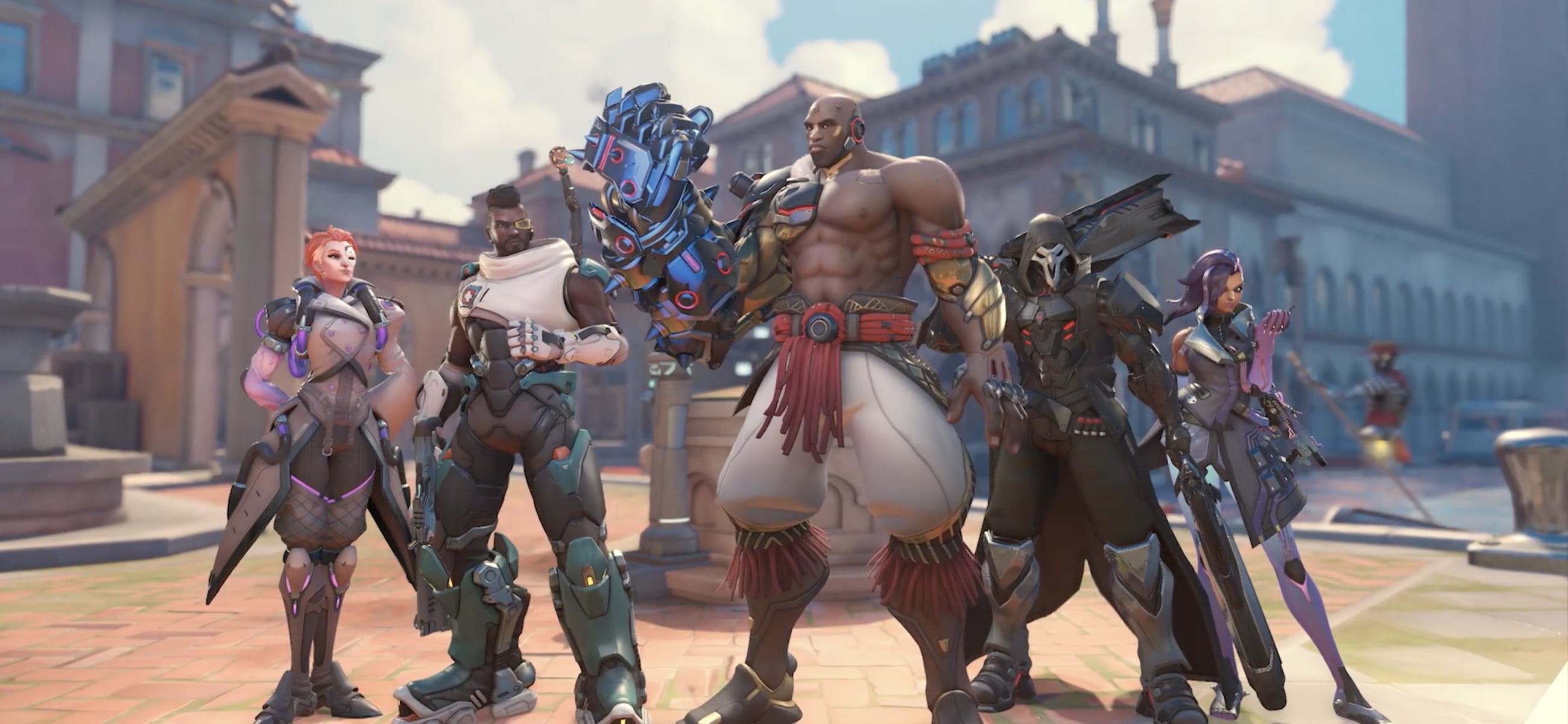
Overwatch 2 is a competitive hero shooter: teamfights (ultimates, effects) load both CPU and GPU. In 2026 most players target 1080p 144 FPS ($650 – $775) or 1440p / 240 Hz ($1,100+).
Amazon picks at the top filter $650 – $1100. Cross-check other games on the PC4Games comparator.
| Budget | Typical build | In-game experience |
|---|---|---|
| €600–700 | RX 6600 / RTX 3060 · Ryzen 5 5600 · 16 Go · SSD NVMe 512 Go | Stable 144 FPS competitive 1080p — 144 Hz monitor |
| €800–900 | RTX 3060 Ti / RX 6700 XT · Ryzen 5 5600 / i5-12400F · 16 Go · SSD NVMe 512 Go | 165–200 FPS at 1080p — headroom in teamfights |
| €1,000–1,200 | RTX 4070 / RX 7800 XT · Ryzen 5 7600 · 16 Go · SSD NVMe 1 To | Smooth 1440p or 240 Hz at 1080p — light streaming possible |
What to check before buying on Amazon
• 512 GB+ NVMe SSD — the game needs ~50 GB with Battle.net/Steam updates.
• 16 GB RAM minimum dual-channel — verify the listing (not 8 GB).
• 500 W+ certified PSU for RTX 3060 / RX 6600; 650 W+ for RTX 4070.
• Wired Ethernet recommended for serious competitive ranked.
• Full min/recommended specs + FPS table: see game page (link below).
Desktop or laptop for Overwatch 2?
Desktop: best FPS per euro and quieter — recommended for serious ranked.
$875 – $1100 gaming laptop (RTX 4060 mobile): fine at 1080p on wall power; for stable 144 Hz, a desktop at the same budget is more comfortable.
Detailed specs & FPS: game page
Min/recommended specs, FPS table by resolution and game context: **Overwatch 2 game page. This guide focuses on which PC to buy**; the game page is the technical reference.
Frequently asked questions
Which PC to buy for Overwatch 2 on an €800 budget?
Target RTX 3060 Ti / RX 6700 XT, Ryzen 5 5600 / i5-12400F, 16 GB dual-channel RAM, 512 GB NVMe. Comfortable 144–200 FPS at 1080p. Amazon picks at the top filter this band.
Desktop or laptop for Overwatch 2?
Desktop gives best FPS per euro for ranked. An €800–1,000 laptop (RTX 4060 mobile) works at 1080p on wall power; for stable 144 Hz, prefer a desktop at the same budget.
Where are the detailed specs and FPS table?
On the PC4Games game page — min/recommended specs, FPS by resolution. This guide focuses on hardware buying.
Overwatch 2 is free — do I need to buy the game?
No: the game is free-to-play on Battle.net and Steam. Battle Pass is optional — your purchase is the PC, not the game.
Minimum GPU for 144 FPS in Overwatch 2?
RX 6600 / RTX 3060 at competitive 1080p (medium/low settings). Below that (GTX 1650), lower effects to keep stable 144 FPS.
CPU or GPU priority when buying for Overwatch 2?
Both matter: recent CPU for teamfight spikes, mid-range GPU (RTX 3060 / RX 6600) for ultimate effects. Don't skip GPU like Valorant — OW2 loads both more.
Do I need a 144 Hz monitor for Overwatch 2?
Highly recommended competitively: the game easily hits 144+ FPS on a €600–800 PC. 144 Hz gaming monitors start around €120–150 on Amazon.
How much RAM on an Amazon prebuilt for Overwatch 2?
16 GB dual-channel minimum — check the product page (many prebuilts list only 8 GB). 16 GB is enough; 32 GB only if you stream alongside.
Which PC to buy for Overwatch 2 on a €600 budget?
At €600–700: RX 6600 / RTX 3060, Ryzen 5 5600, 16 GB RAM, 512 GB NVMe. Entry tier for stable 144 FPS competitive 1080p.
Sources & methodology
How we wrote this guide
PC4Games buying guide for Overwatch 2: Amazon prebuilts, balanced CPU + GPU for 144 Hz. Detailed specs on the game page.
- Tiers aligned with €600 gaming PC to €1,000.
- Specs: Overwatch 2 game page.
- Updated 23 June 2026.

Similar articles
 Builds & budgets16 min read
WoW Forever system requirements: what PC do you need in 2026?
WoW Forever system requirements (Sep 2026): no official sheet yet. Aim SSD, 16 GB RAM, 4–6-core CPU, GTX 1650+. US budgets $300–$475 to $900–$1,150.
16 min readRead article Builds & budgets12 min read
Can your SSD swallow CONTROL Resonant before your GPU does?
Dylan in Manhattan needs an SSD, 16 GB, and at least a GTX 1070 / Arc A580. Rec: RTX 3060 Ti. US towers about $700–$1,700 (Sep 2026).
12 min readRead article Builds & budgets13 min read
What PC do you need for Silent Hill Townfall after September 23, 2026?
What PC for Silent Hill Townfall? Out since Sep 23, 2026. Steam RTX 2060 Super to 3080, 16–32 GB, Win11, 75 GB. Official 30 fps US towers: $800 to $1,800.
13 min readRead article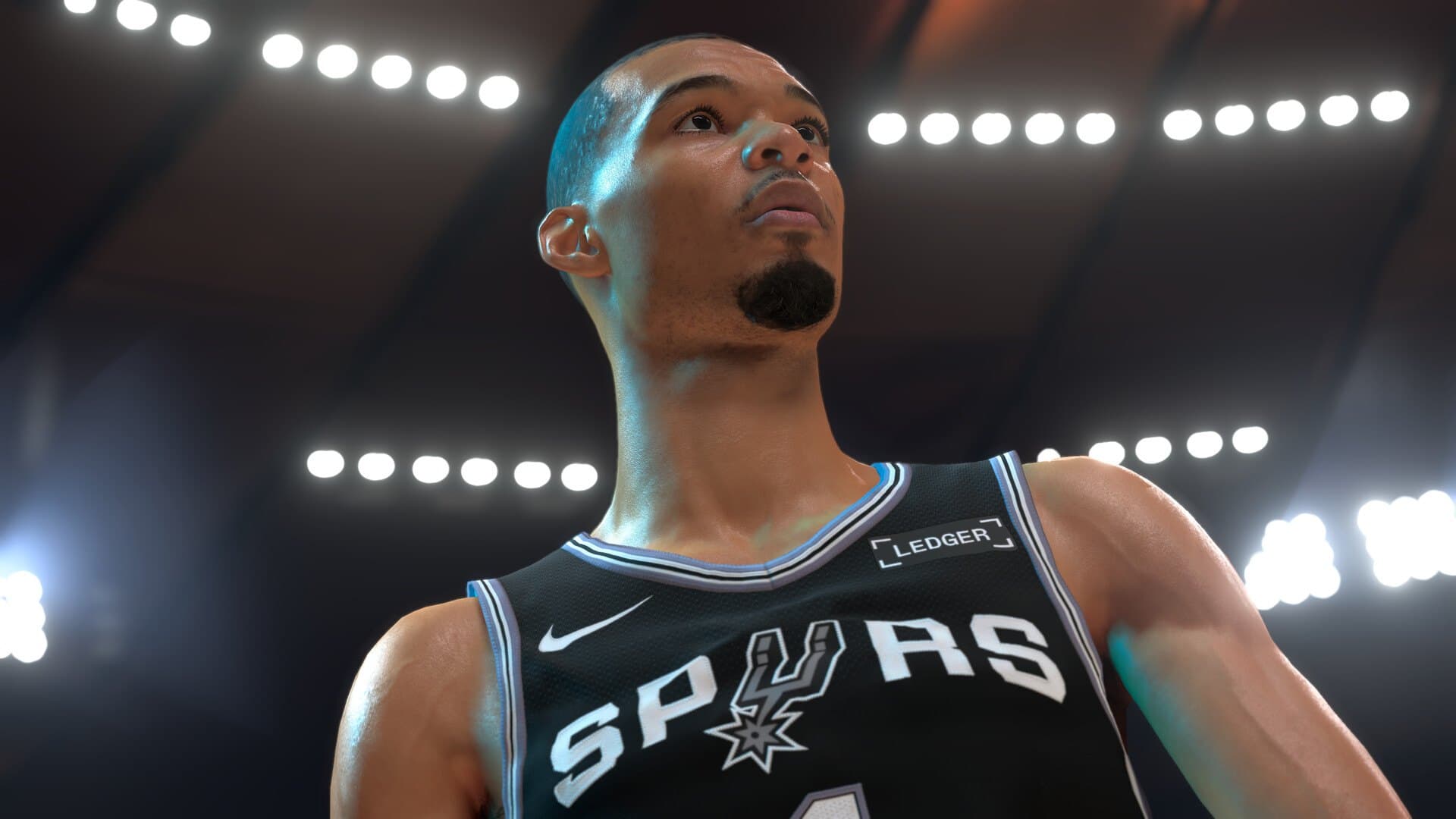 Builds & budgets13 min read
What PC do you need for NBA 2K27 after September 3, 2026?
What PC for NBA 2K27? Out since Sep 3, 2026. Steam GTX 1060 5 GB to RTX 2070, 110 GB SSD, AVX2. Park and The City US towers: $550 to $1,400.
13 min readRead article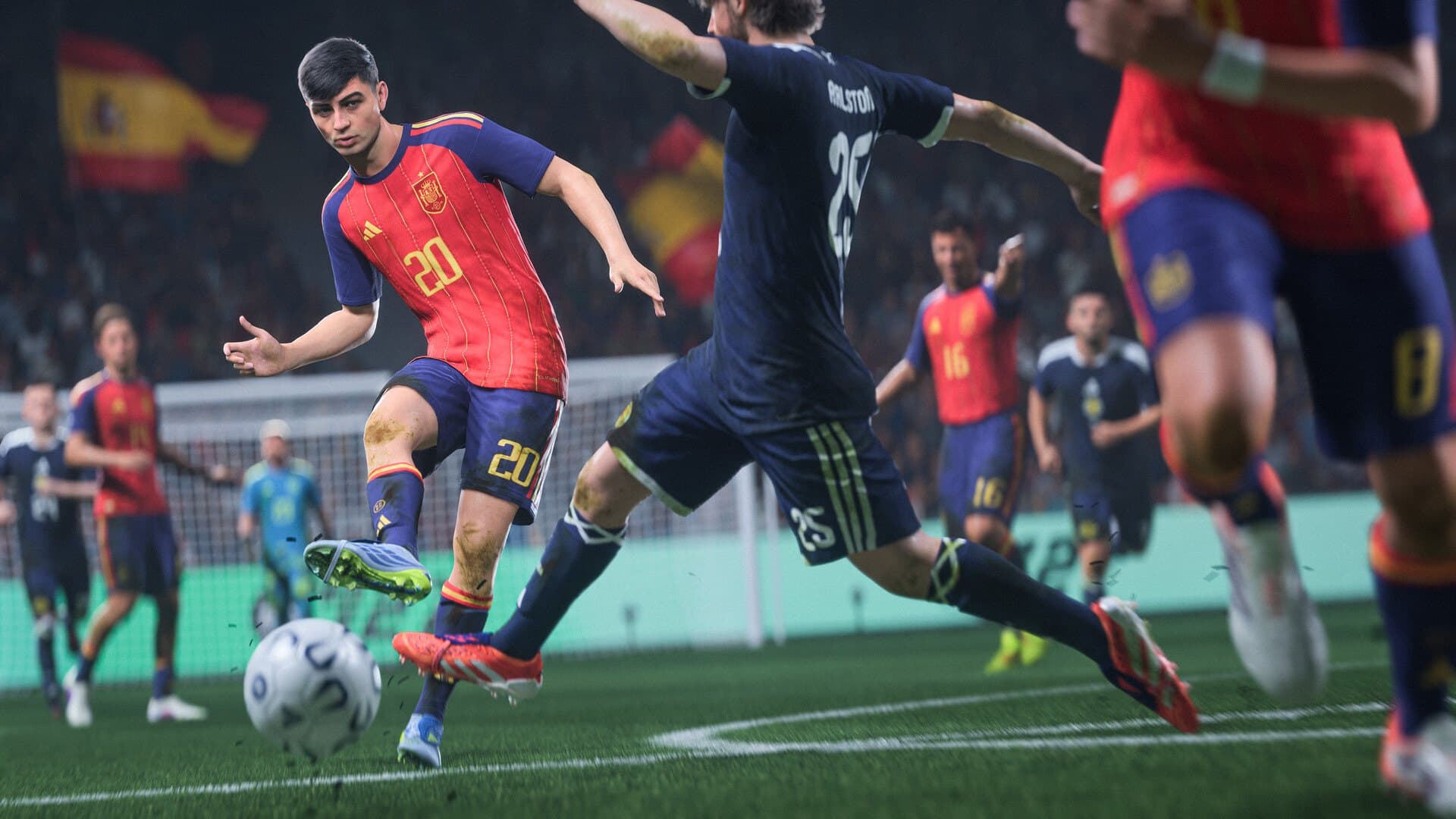 Builds & budgets14 min read
What PC do you need for FIFA 27 in September 2026?
What PC for FIFA 27? EA specs from GTX 1050 Ti to RTX 4070, Ultimate on Sep 18, launch Sep 25. Tower budgets about $450–$1,600.
14 min readRead article Builds & budgets14 min read
NoPixel V and GTA RP FiveM: which PC and tips in 2026?
NoPixel V (Rockstar closed beta live) and GTA RP FiveM: which PC? 6-core CPU, 16 GB RAM, SSD, $700–$1,300-class builds (Sep 2026).
14 min readRead article
PC4Games
Take action with the comparator: pick your games, budget, then compare PCs.


Comments
Loading…
Sign in or create an account to comment on this article.