What are the best PC games in 2026?
Our August 2026 PC ranking covers 70+ titles. At the top: Fortnite, Minecraft, Forza Horizon 6, Roblox, League of Legends, Valorant, Warzone, Cyberpunk 2077, EA Sports FC 25, and Counter-Strike 2 — then Apex, Dota 2, WoW, Rust, PUBG, and many more. Each card adds a PC budget and buy links, not just a popularity score.
What is the top 10 PC games list for 2026?
The first 10 places on this full PC ranking (August 2026) are: 1 Fortnite, 2 Minecraft, 3 Forza Horizon 6, 4 Roblox, 5 League of Legends, 6 Valorant, 7 Call of Duty Warzone, 8 Cyberpunk 2077, 9 EA Sports FC 25, 10 Counter-Strike 2. The page continues past that with 70+ games — scroll for scores, PC budgets, and Amazon or Instant Gaming prices.
What are the highest rated PC games in 2026?
Highest-rated on our list mix lasting fun, PC optimisation, and fair price — not Metacritic alone. Competitive F2P (Fortnite, CS2, Valorant) and demanding single-player like Cyberpunk 2077 score high when servers stay healthy and settings scale well on mid-range PCs. Check each card for the score drivers and suggested budget.
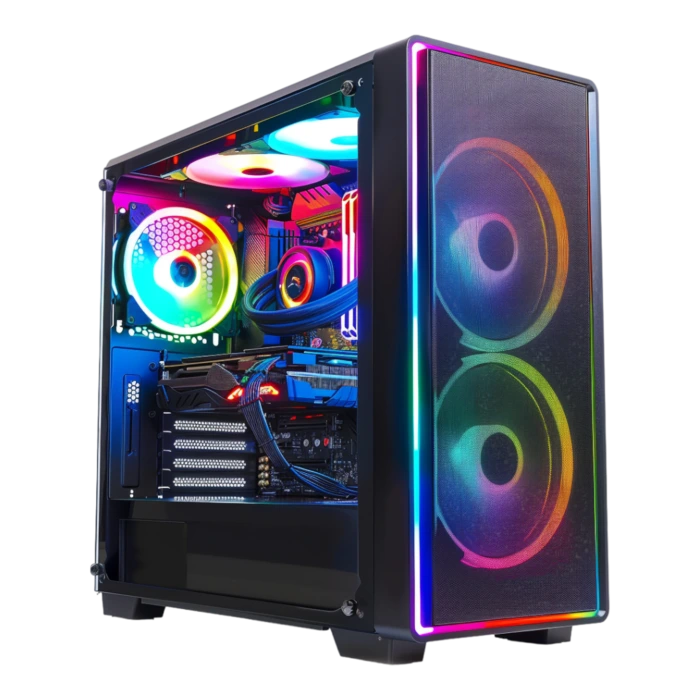
What PC do you need to play the best 2026 PC games?
Most popular 2026 games (Fortnite, CS2, Valorant) run well on a $450–$650 PC. For recent AAA (Cyberpunk 2077, Forza Horizon 6) at 1080p, budget $650–$875. For 1440p or 4K, plan $1,100–$1,625.
Is it better to buy games physically (Amazon) or digitally (Instant Gaming)?
Digital games via Instant Gaming are generally 30–70% cheaper than the publisher price. Physical Amazon versions are convenient if you want to resell or gift the game. Both options are shown on each game page.
Are the games on this list playable on a gaming laptop?
Yes, all games in this selection run on gaming laptops. Fortnite and CS2 perform well from a $650–$775 laptop budget. For demanding titles like Cyberpunk 2077, aim for at least a $1,300 laptop.
What are the best free PC games in 2026?
Top free-to-play picks in 2026 include Fortnite, Counter-Strike 2, Valorant, League of Legends, and Apex Legends. All appear in this ranking and play from about a $400 to $600 PC. For a dedicated free-to-play list with 28 official installs, open our Top free PC games 2026 guide from the Guides hub.
How often is this ranking updated?
The list is revised several times each quarter, after major releases or big patches. A game can move up or down if PC optimisation slips, servers struggle, or the digital key price drops for good — the last update date is shown at the top of the page.
Can one PC run every game in this ranking?
Yes, as long as you size the build for your most demanding titles, not just the lightest competitive games. The PC4Games comparator at the bottom of the page pre-fills this selection: set your budget (desktop or laptop) to get a build suited to your whole library.